Step 1. Go to the Admin > Form Builder page.

Activating the license
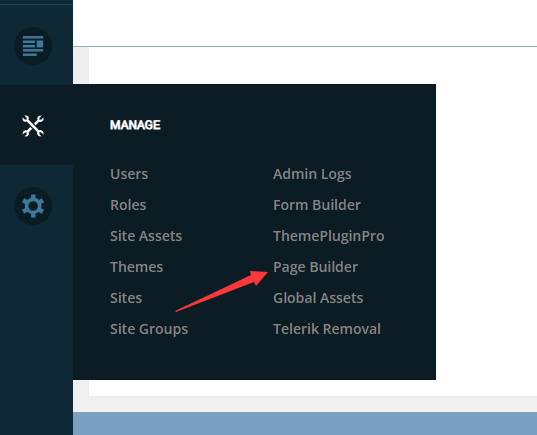
Step 2. Click the Manager button.
Step 3. Click the License tab on the left side of the page.
Step 4. Copy and save the Machine Key.
Step 5. Visit http://www.dnngo.net website and register an account.
Step 6. Send an email to [email protected] with your invoice ID, machine key (below), and your DNNgo username. We will generate an activation code for you. Please note: If your site is a demo site, your license will still be valid when you transfer your site to a live site.