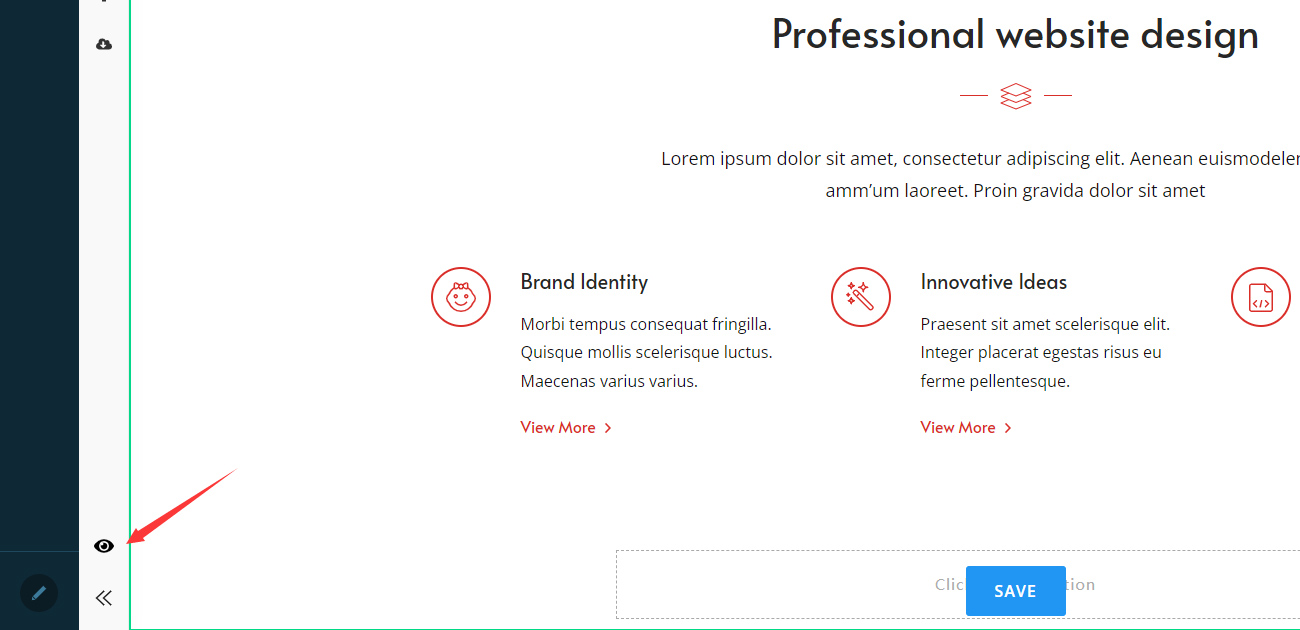
1. Log in to the website using a Super User account.

Creating content using module
Adding the PageBuilder Module to a Page
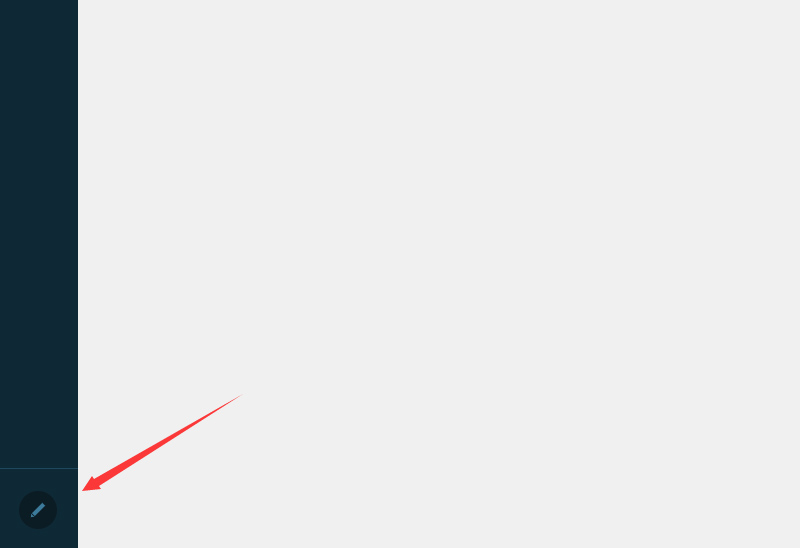
2. Click the Edit icon at the bottom left of the page to enter edit mode.
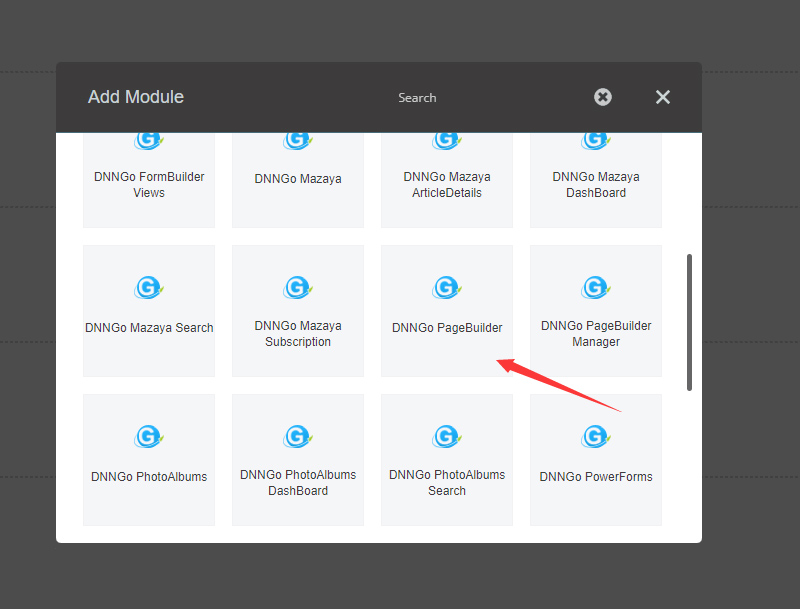
3. Click the Add button and add the PageBuilder module to the pane on the page.
Adding Page Content
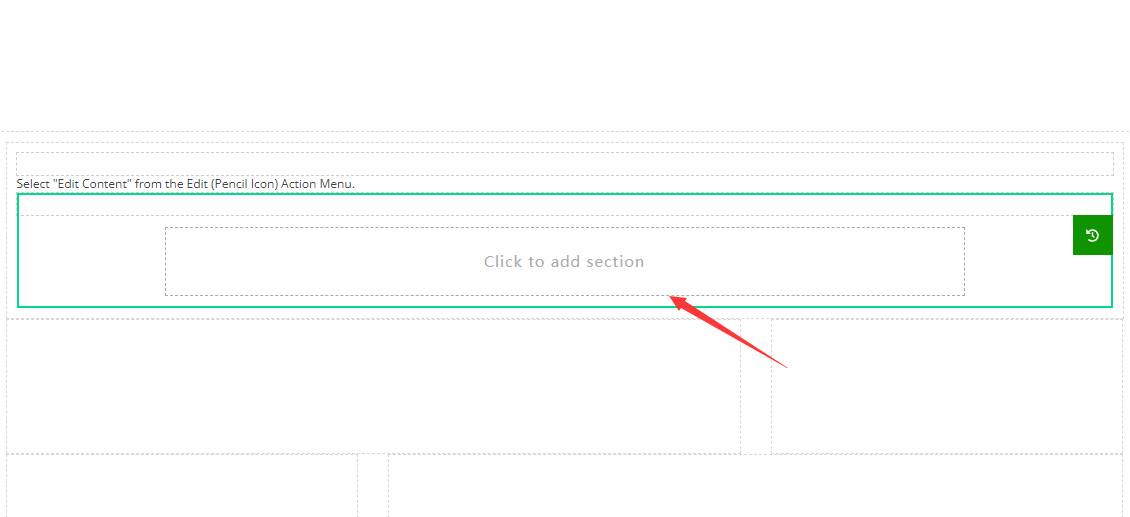
1. Click the Click to add section button within the module.
2. Select a preset section from the options on the left side of the page.
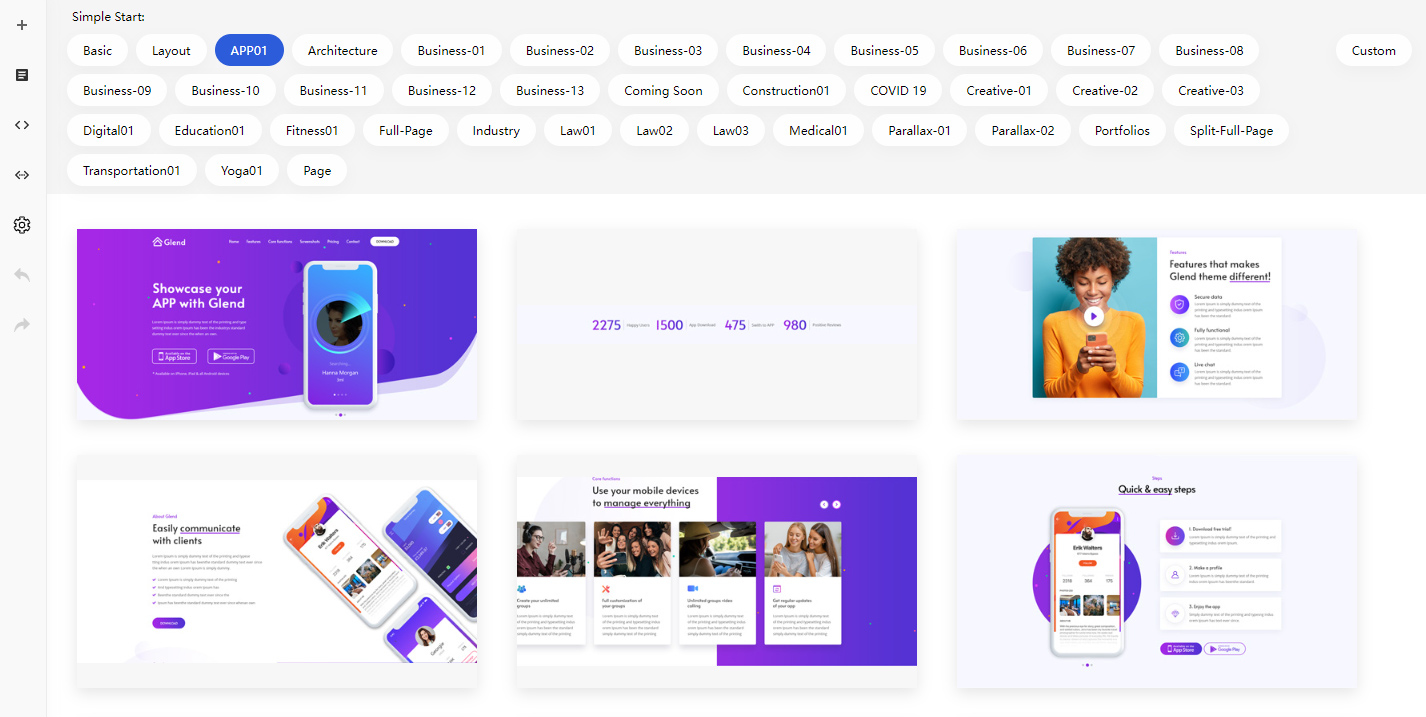
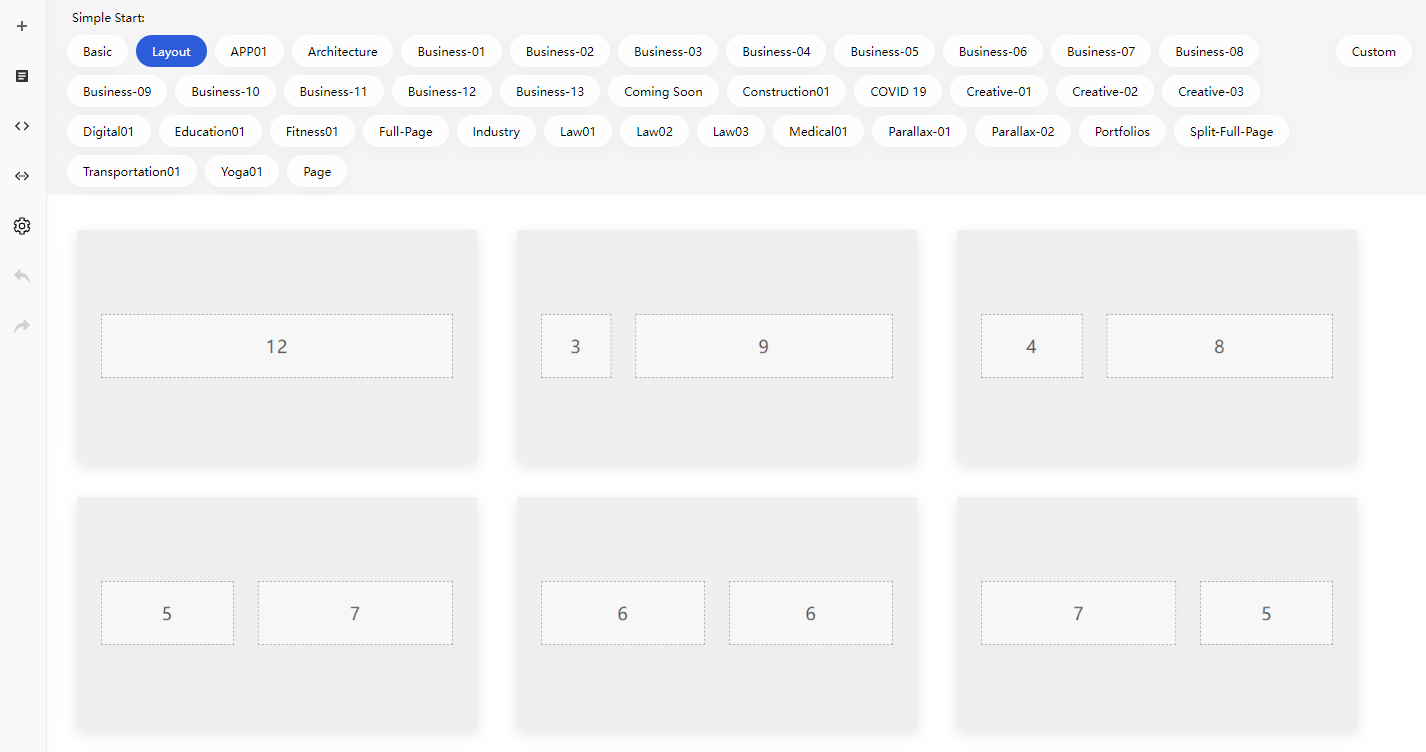
3. You can also add a blank section if you’d like to create a custom layout.
4. Click on any component on the page to see the editing toolbar. Use this toolbar to modify the text, images, or other content properties.
Saving and Previewing the Page
Save the page: Once you’ve finished editing, click the Save button to save your changes.
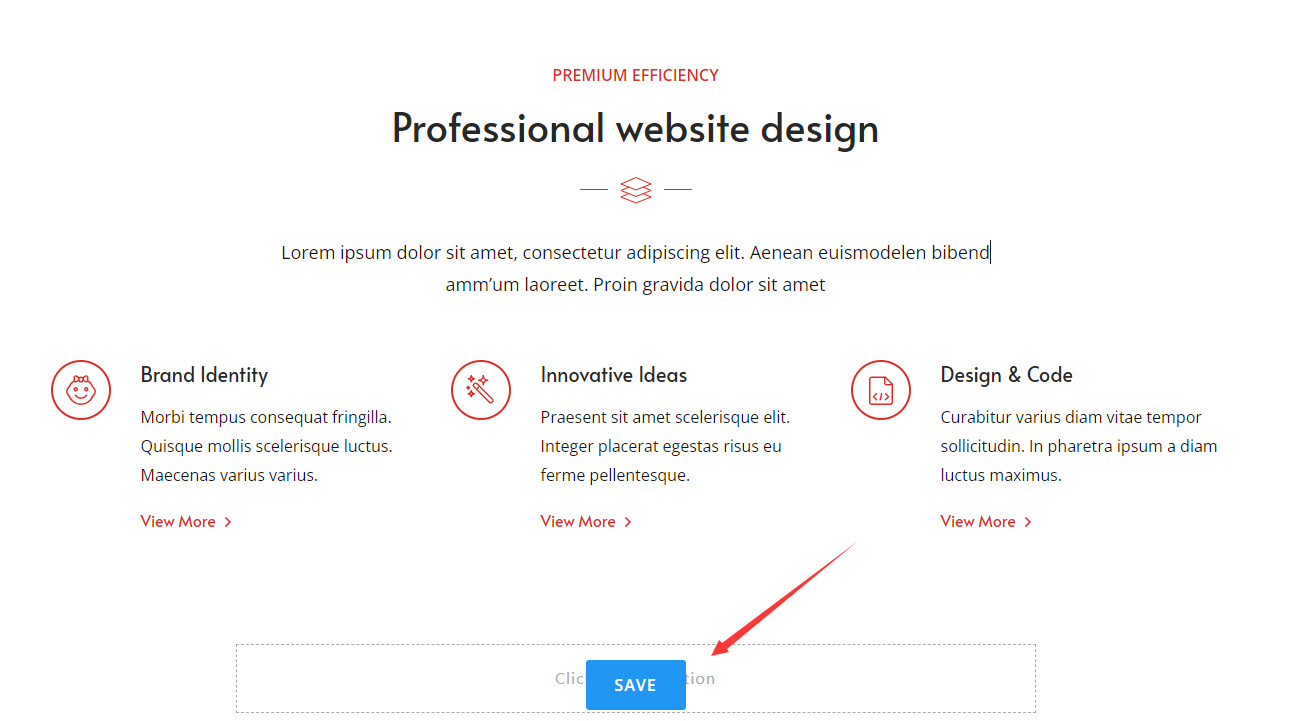
Preview the page: Click the Preview button to view how the page will look on the frontend.