
DNNGo MegaMenuAddon
MegaMenuAddon adds extra effects for the MegaMenu. It includes 4 effects:
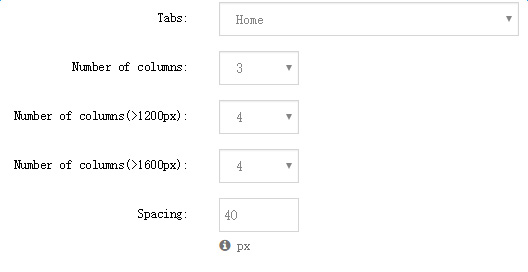
- MegaMenu Effect — creates a multi-column menu. Set the menu items to show in Effect Options, as in the image below:
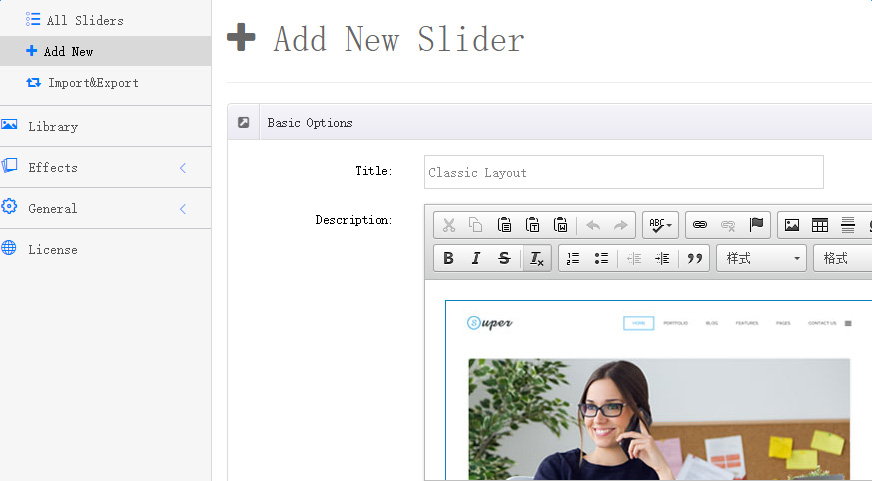
- Menu_tab / Menu_tab02 / Menu_tab03 — these three effects create tabs. Click Add New Slider to add a tab, as shown below:
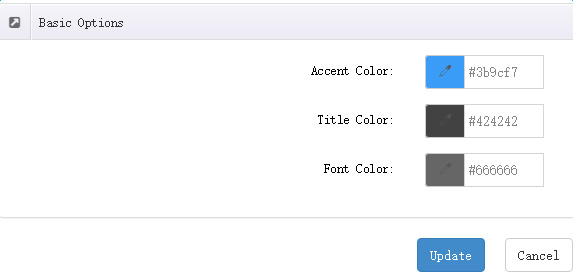
The text and border colors of the tabs can be set in Effects → Effect Options:
Steps
Add the DNNGo_MegaMenuAddon module to a pane of your MegaMenu (see Menus for MegaMenu configuration).
Click Manager → Effects → Effect List in the module and choose one of the effects.
Reference the module inside the MegaMenu.