
Menus (Standard / MegaMenu)
The skin offers two types of sub menus: the Standard Menu and the MegaMenu.
Standard Menu
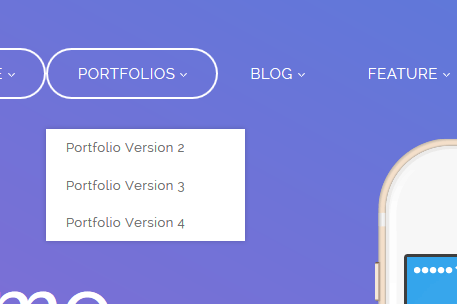
The Standard Menu is the default type — sub menus display in a single column, as shown below:
MegaMenu
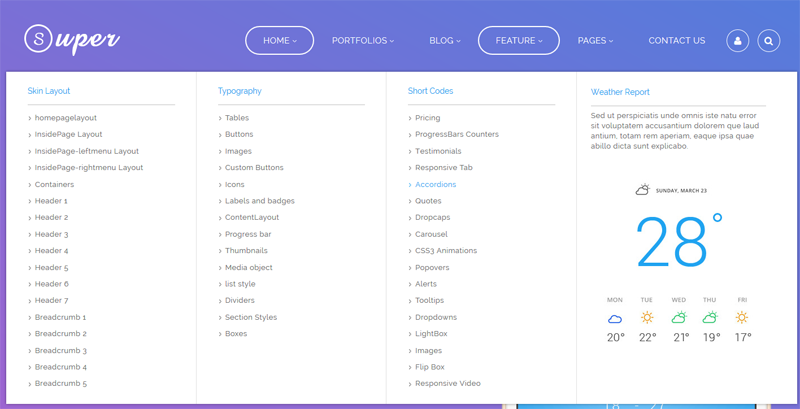
A MegaMenu displays sub menus in multiple columns and can also contain HTML modules or third-party modules, as shown below:
Click to preview the MegaMenu demo.
Configuring a MegaMenu
Click the pages nav in ThemePlugin.
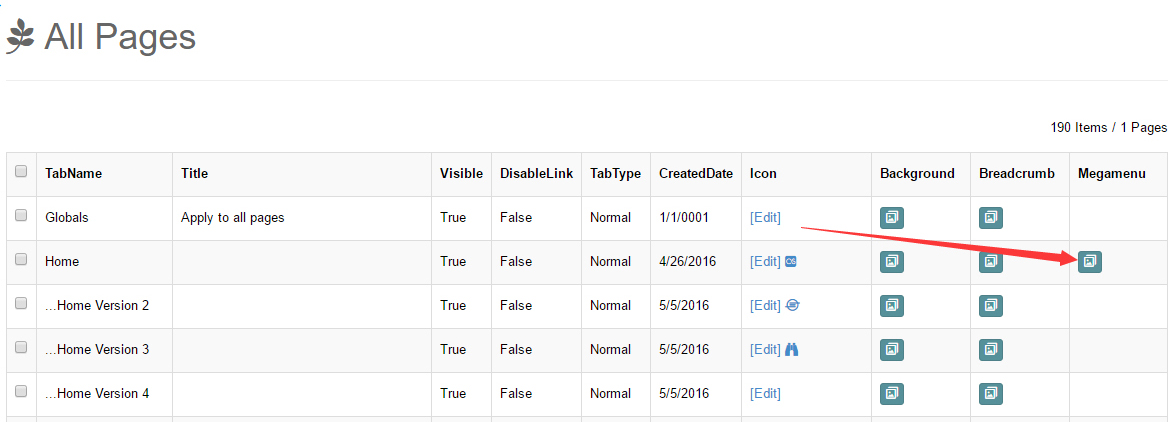
Click the Edit MegaMenu button. Note that MegaMenu can only be set for first-level menu items.
Set Tab Type to Mega menu.
Basic options:
- Mega Menu Width — the width of the drop-down panel. Auto: same width as the skin; Custom: a specific number;
- Mega Menu Position — the position of the drop-down panel. Left / Center / Right aligned with the parent menu item.
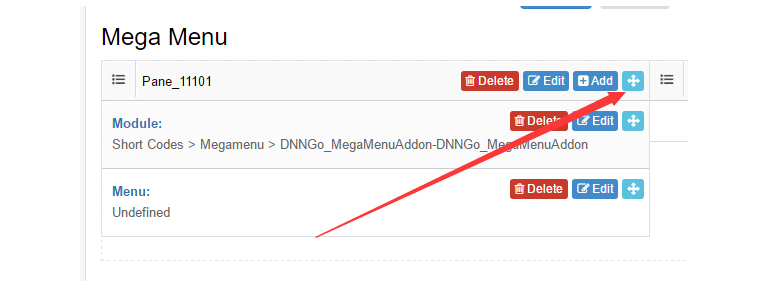
Click Add Pane to add any number of panes holding modules, HTML and menus. Each pane supports its own width, margin and border.
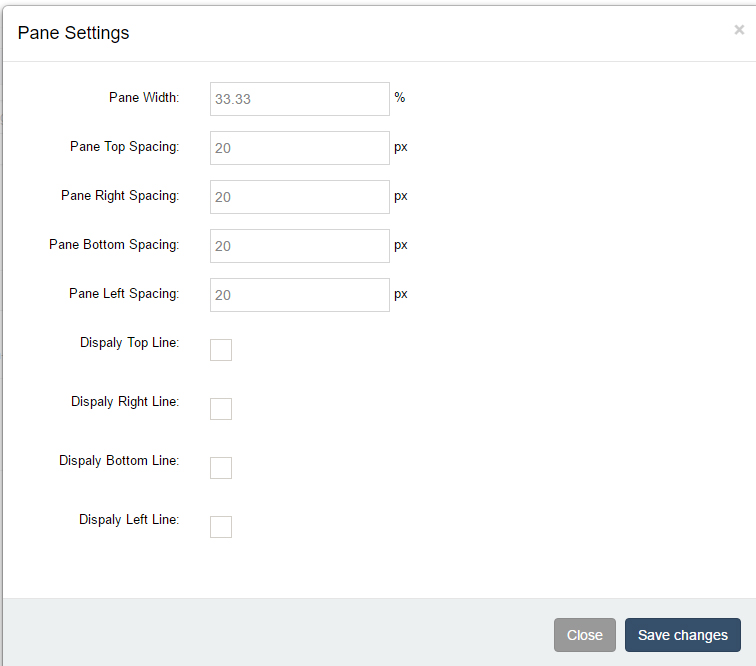
- When the widths of your panes add up to exactly 100, they will sit on one line.

Each pane accepts different kinds of controls:
- Menu — controls which menu items are shown;
- HTML — insert HTML code directly;
- Module — insert an HTML module or a third-party module (such as MegaMenuAddon).
Controls can be reordered by dragging.
MegaMenuAddon effects
The DNNGo_MegaMenuAddon module adds more effects to MegaMenu (multi-column menus, tabs and more) — see the MegaMenuAddon chapter.