Page Background
In Boxed Layout mode you can set a different background image for each DNN page; the background shows around the skin. Follow these steps:
In ThemePlugin, set Content Layout to Boxed Layout (the page background is not visible in Full Layout).
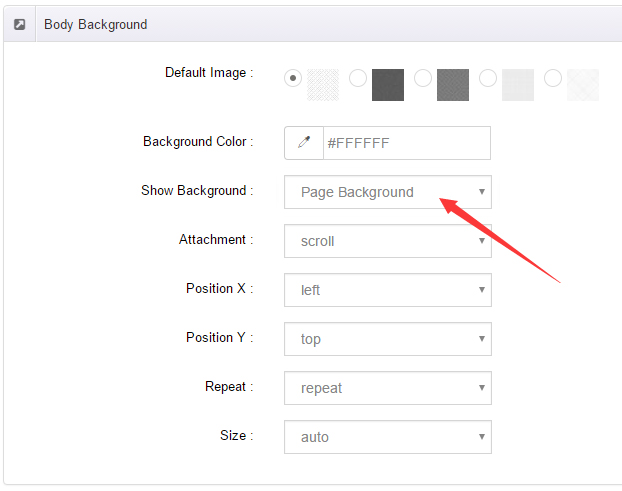
Choose Page Background in Option for Show bg and save the settings.
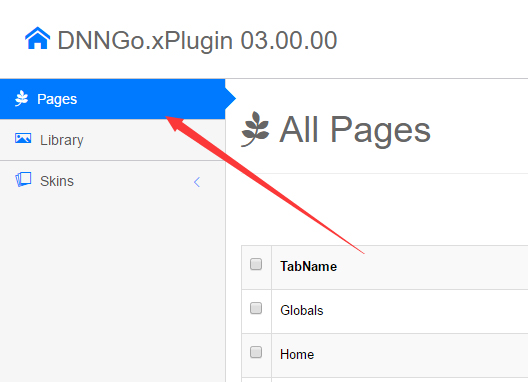
- Click the pages nav in ThemePlugin.
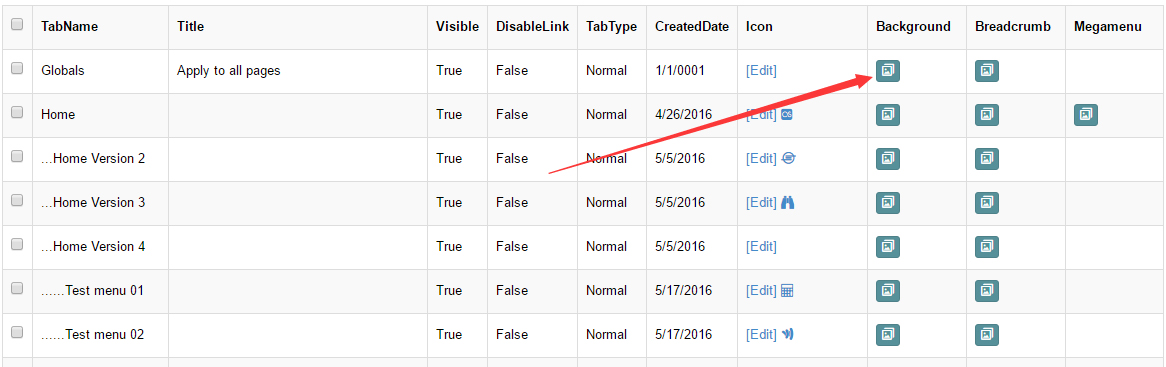
- To share one background across all pages, click the Edit Background icon in the Globals row.
- Upload one or more images. When two or more images are set, the background rotates as a slideshow.
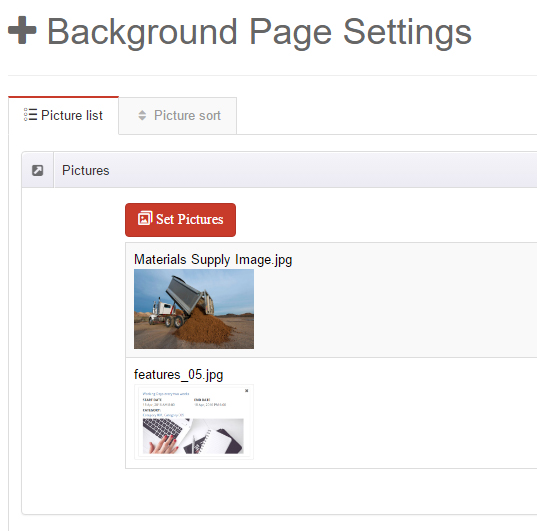
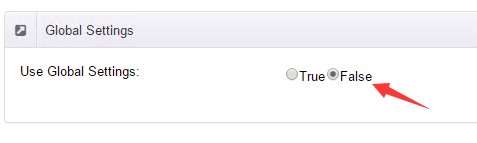
- You can also give each page its own background: set Use Global Settings to False for that page and upload a separate image.