
Page Title Layouts
Ten page title layouts
Choose a different Page Title style in the Page Title Layout section.
Click the links below to see each layout in action: Page Title 1, Page Title 2, Page Title 3, Page Title 4, Page Title 5, Page Title 6, Page Title 7, Page Title 8, Page Title 9, Page Title 10
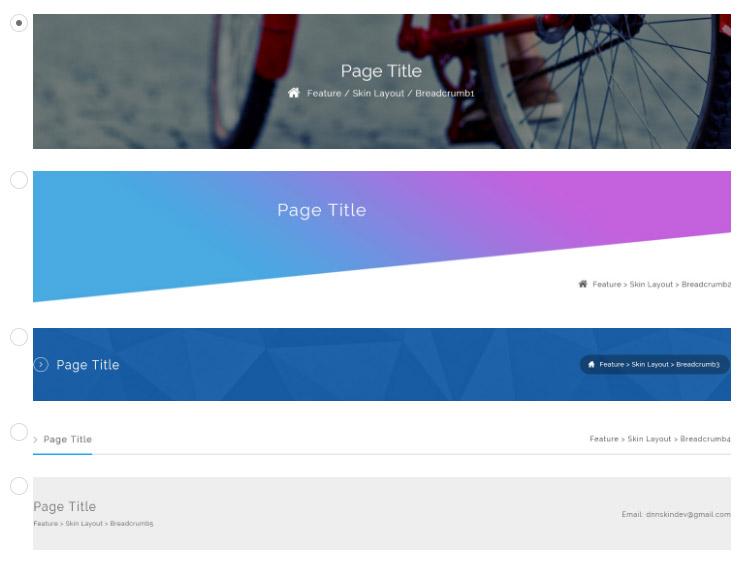
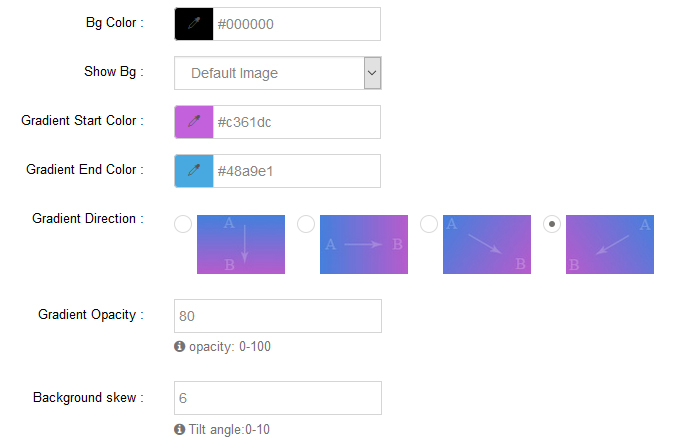
For each page title layout you can change the text color, background color and background image.
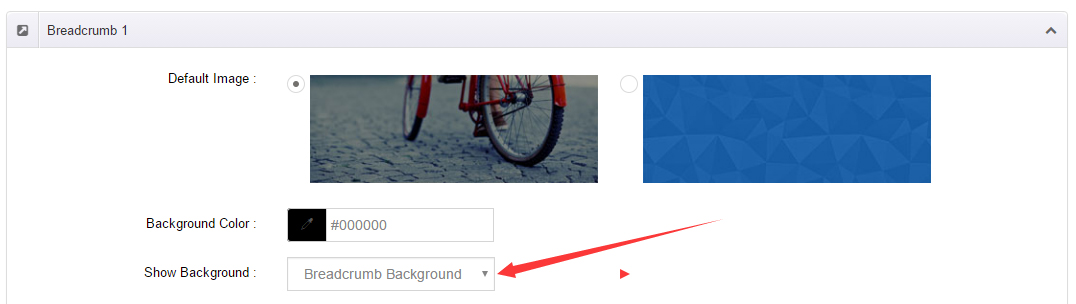
Setting a page title background image
- Choose Page Title Background in Option for Show bg and save the settings.
- The remaining steps are identical to Page Background: click the pages nav in ThemePlugin, set one image for all pages through Globals, or give each page its own background (slideshows supported).