
Google Map
You can create a Google Map easily by following these steps:
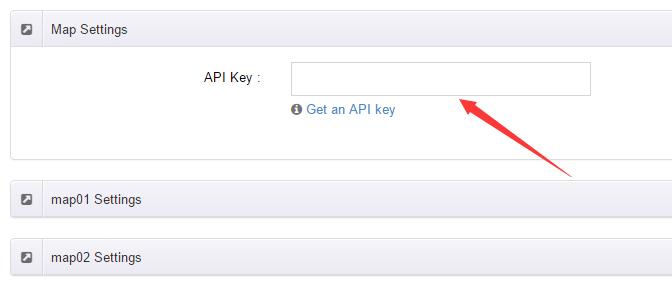
In ThemePlugin, open the Map Settings tab and fill in the Google Map API Key.
The API Key can be registered at https://developers.google.com/maps/documentation/javascript/get-api-key.
Place the code
<div id="gmap01"></div>into an HTML module.Fill in the options:
- Address — the location of the map, for example
Bear city, ny;
- Address — the location of the map, for example
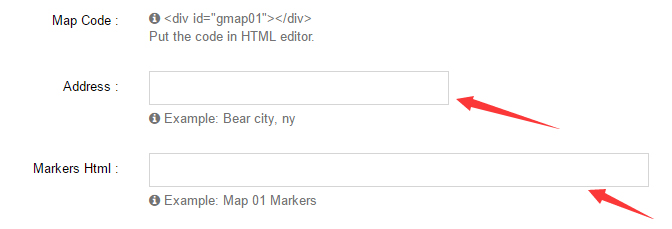
- Markers Html — the description of the marker, for example
hello word.