Effect Options
This is the main settings screen of the DashBoard module. The theme, data filters and effect options here control the effect you selected.
Theme
Choose the theme of the effect — some effects ship with several color themes.
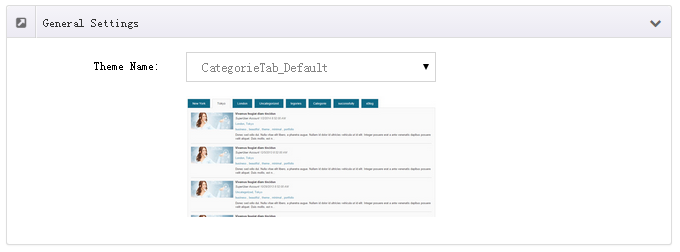
Data
Set the data source and filter conditions to display exactly what you need.
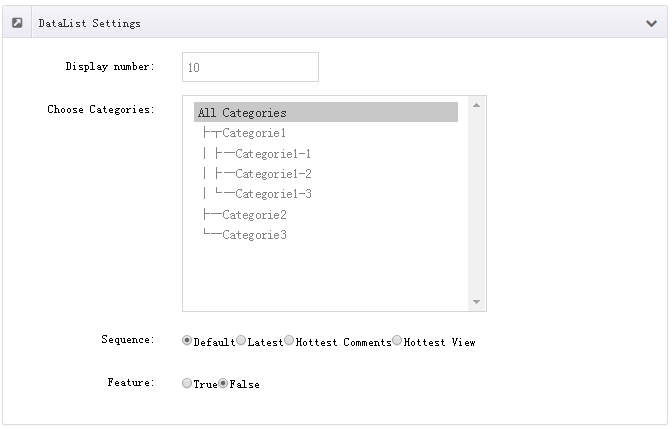
Common filter dimensions:
- Category — show only articles in the chosen categories
- Tag — show only articles carrying the chosen tags
- Featured — show only articles marked as Featured
- Count — number of articles to display
- Sorting — by publish time, sort value, etc.
Options
Set the detailed parameters of each effect, such as transition speed, display size and animation style.
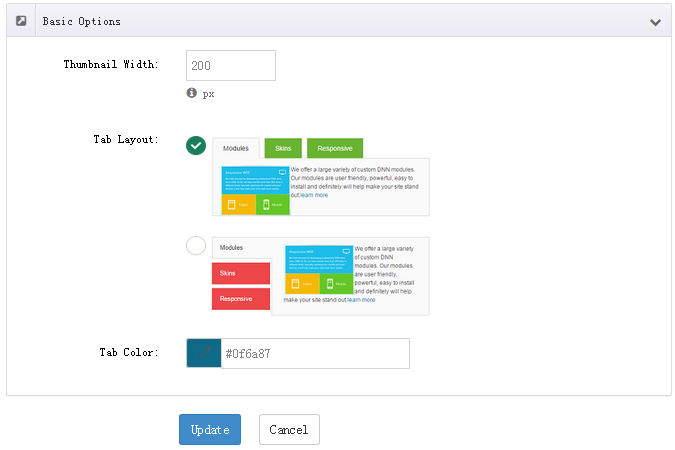
Parameters vary
Available parameters differ between effects — refer to the actual interface. Preview the front end after adjusting to confirm the result.