

Import a Page Template
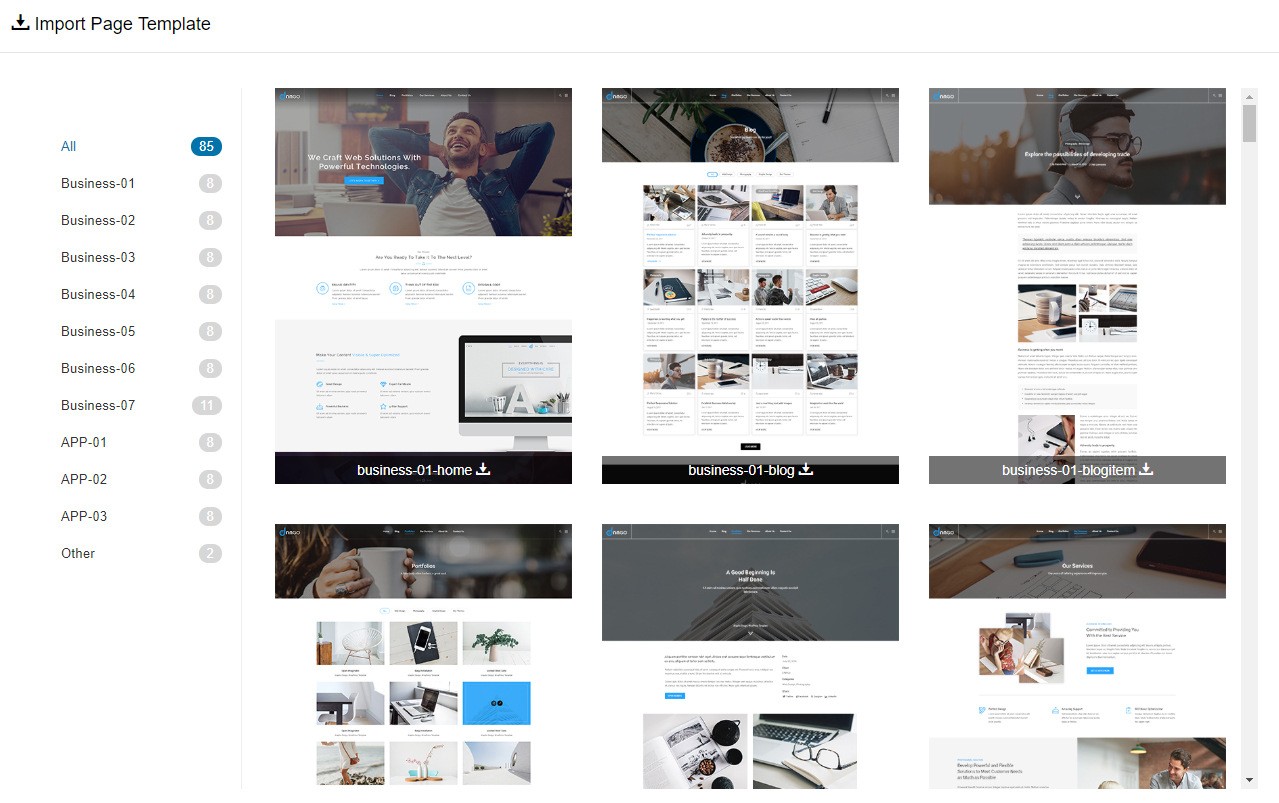
The theme ships with 100+ ready-made page templates covering the home pages and inner pages of the demo site: 16 About Us layouts, 12 Our Services, 7 Contact Us, plus FAQ, Our Team, Blog and Portfolio pages. Importing a template recreates the look of the demo page — then you simply swap in your own content.
Importing overwrites the page
Importing a template replaces all existing content and modules on that page. Make sure the page can be discarded before you import.
Method 1: from the page
Log in as a superuser
Open the page that needs the template
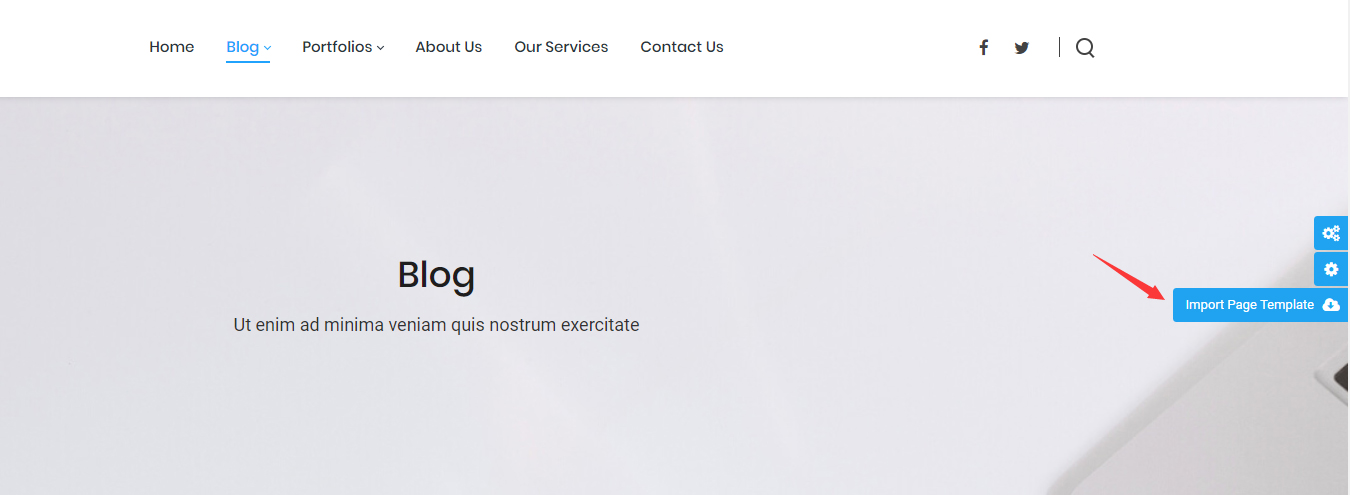
Click the Import Page Template icon on the right side of the page
Pick a template and confirm
WARNING
After the import, the current page content is overwritten.
Method 2: from the Pages list
Log in as a superuser
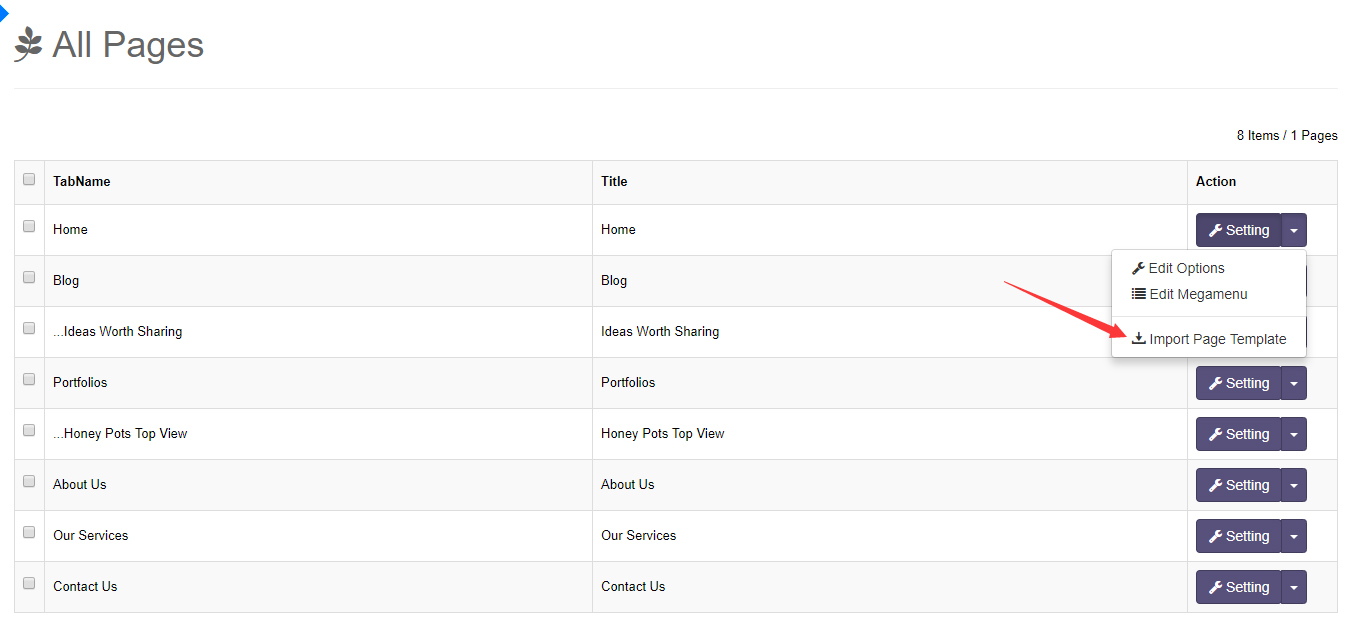
Go to ThemePluginPro > Pages
Find the page and click its Import Page Template
Pick a template and confirm
WARNING
After the import, the current page content is overwritten.