

Theme Plugin Pro
Theme Plugin Pro (DNNGo_ThemePluginPro) is the core module of the theme — it drives everything: page layouts, theme colors and typography, mega menus, page template imports and more. Every one of the 15+ industry home pages and 100+ inner pages on the demo site is built on it.
Shortcut Icons
Once the theme is applied correctly, three shortcut icons appear on the right side of the page.
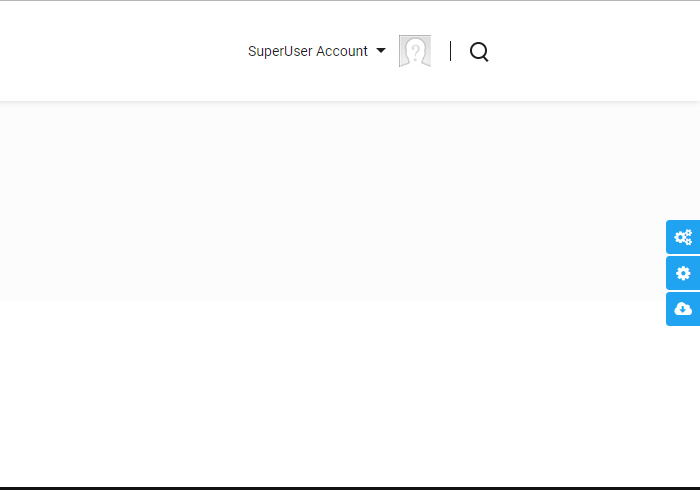
Theme Option
Opens the Theme Options page, where the site-wide styling is configured — text colors, sizes, fonts and so on. See Theme Options.
Page Option
Opens the Page Options page with per-page overrides. Every page on your site can use its own settings. See Page Options.
Import Page Template
Opens a window where you pick a page template to import. After the import, the page content matches the theme's demo exactly. See Import a Page Template.
Pages
The Pages screen lists every page in the site. You can give each page its own custom settings, import page templates, and set up mega menus for top-level pages.
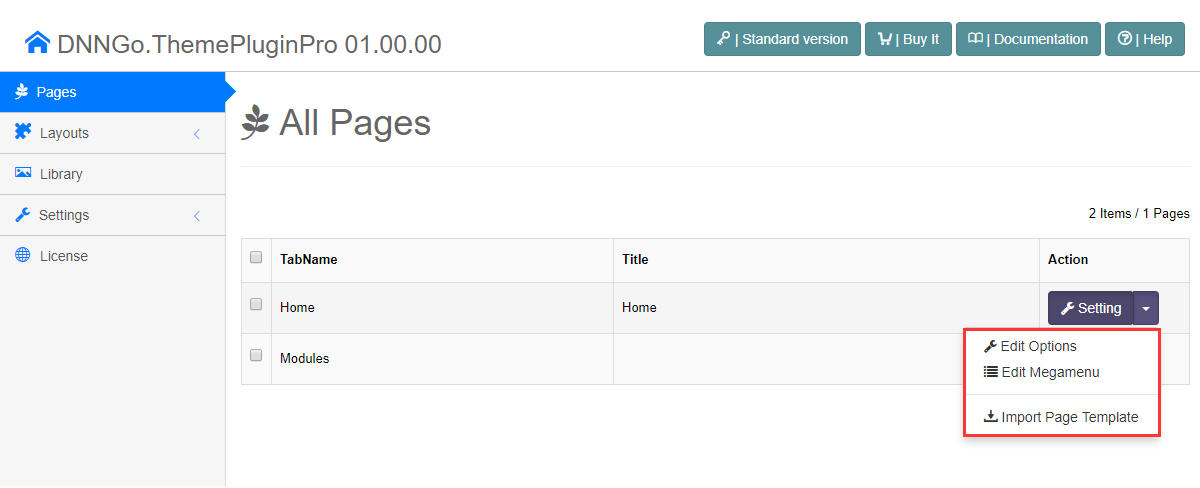
See Pages Overview.
Layouts
In a typical theme, layouts are hard-coded in ascx files and out of reach for most users. Here, an administrator can build page layouts by dragging and dropping — no coding knowledge required.
See Layout Overview.