
Page Options
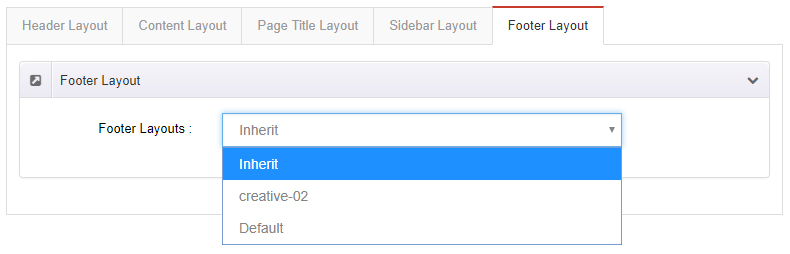
Page Options applies custom settings to the current page. Every page on your site can have its own.
Enable custom settings first
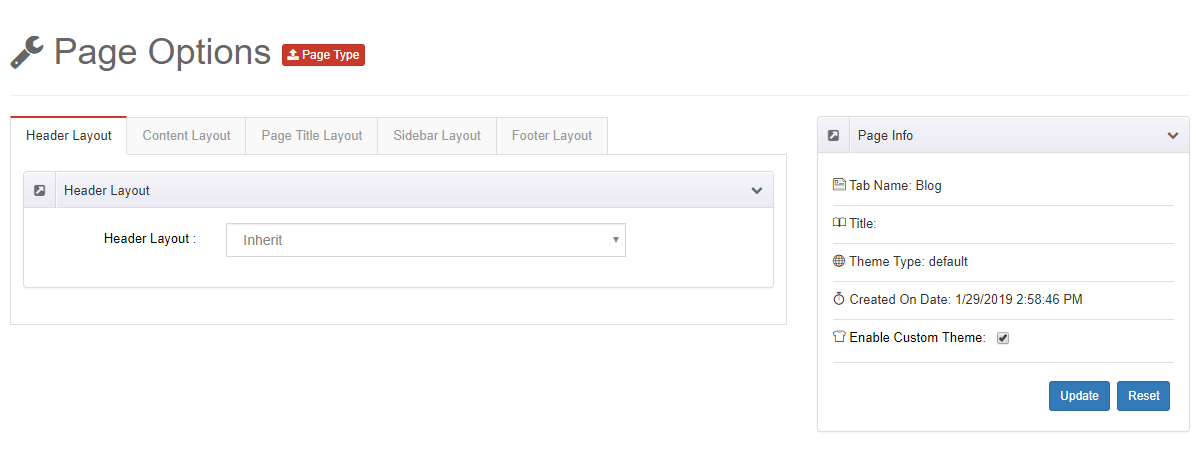
Check Enable Custom Theme — none of the settings on this page take effect until you do.
Header Layout
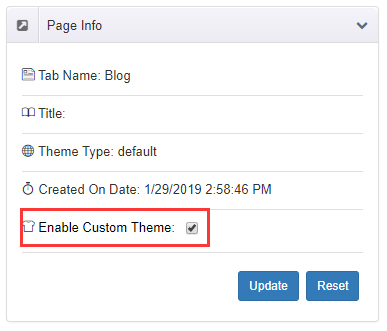
Choose a header layout for this page only. Set it to Inherit to follow the global Theme Options.
Content Layout
Style the body content area of this page individually.
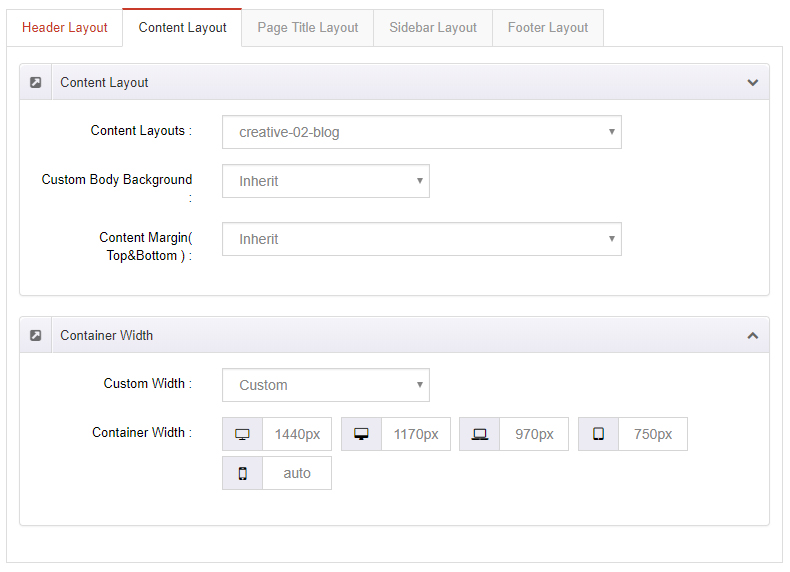
| Setting | Description |
|---|---|
| Content Layouts | The content layout of the page. Inherit follows Theme Options |
| Custom Body Background | Background color or image of the content area |
| Content Margin (Top & Bottom) | Top and bottom margins of the content area |
| Custom Width | Width of the content area |
Page Title Layout
Style the page title area of this page individually.
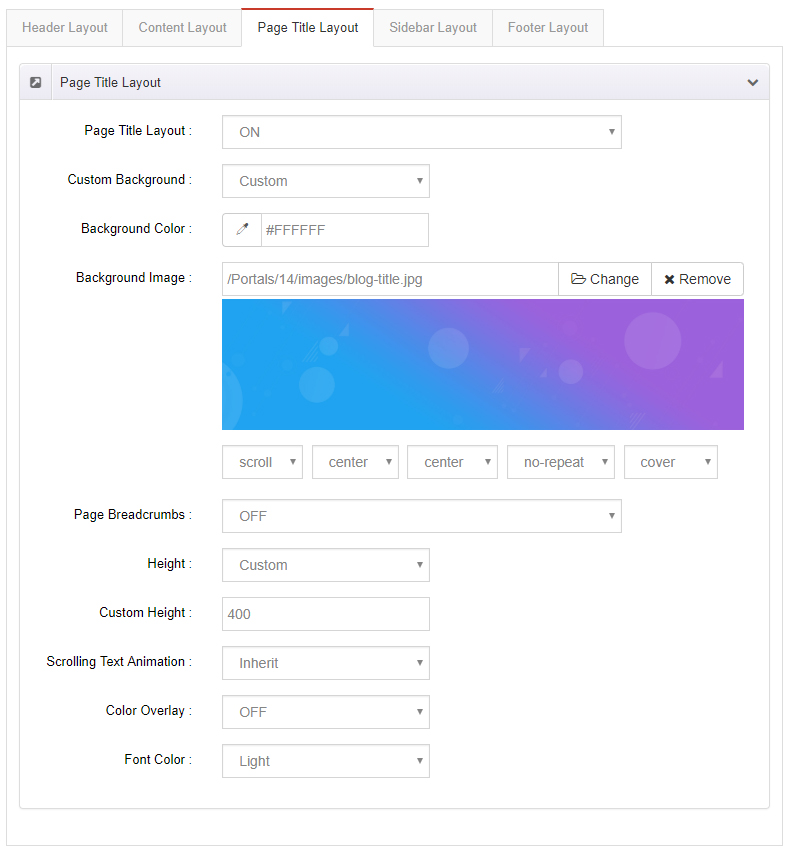
| Setting | Description |
|---|---|
| Page Title Layout | Show or hide the page title |
| Custom Background | Background color or image of the page title area |
| Page Breadcrumbs | Show or hide the breadcrumb area |
| Height | Height of the area. Custom Height takes an exact value; Full Height matches the browser window |
| Scrolling Text Animation | Enable the scrolling text animation |
| Color Overlay | Add a shade layer over the page title background |
| Font Color | Text color of the page title area |
Sidebar Layout
| Setting | Description |
|---|---|
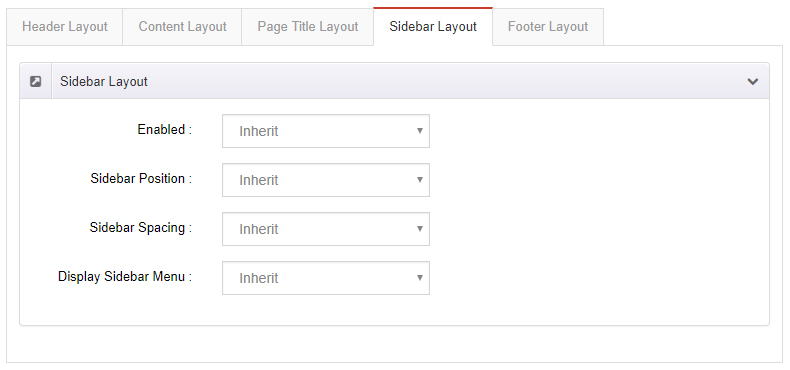
| Enabled | Show the sidebar area |
| Sidebar Position | Sidebar on the left or right of the page |
| Sidebar Spacing | Spacing between the sidebar and the content |
| Display Sidebar Menu | Show the sidebar menu |
Footer Layout
| Setting | Description |
|---|---|
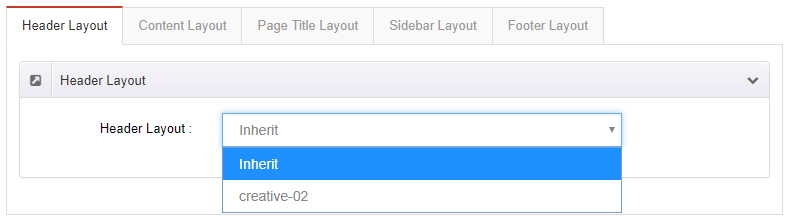
| Footer Layouts | Choose a footer layout for this page only |