

Footer Layouts
The theme includes every footer layout used on the demo site. Edit them, or build your own.
Control Panel Area
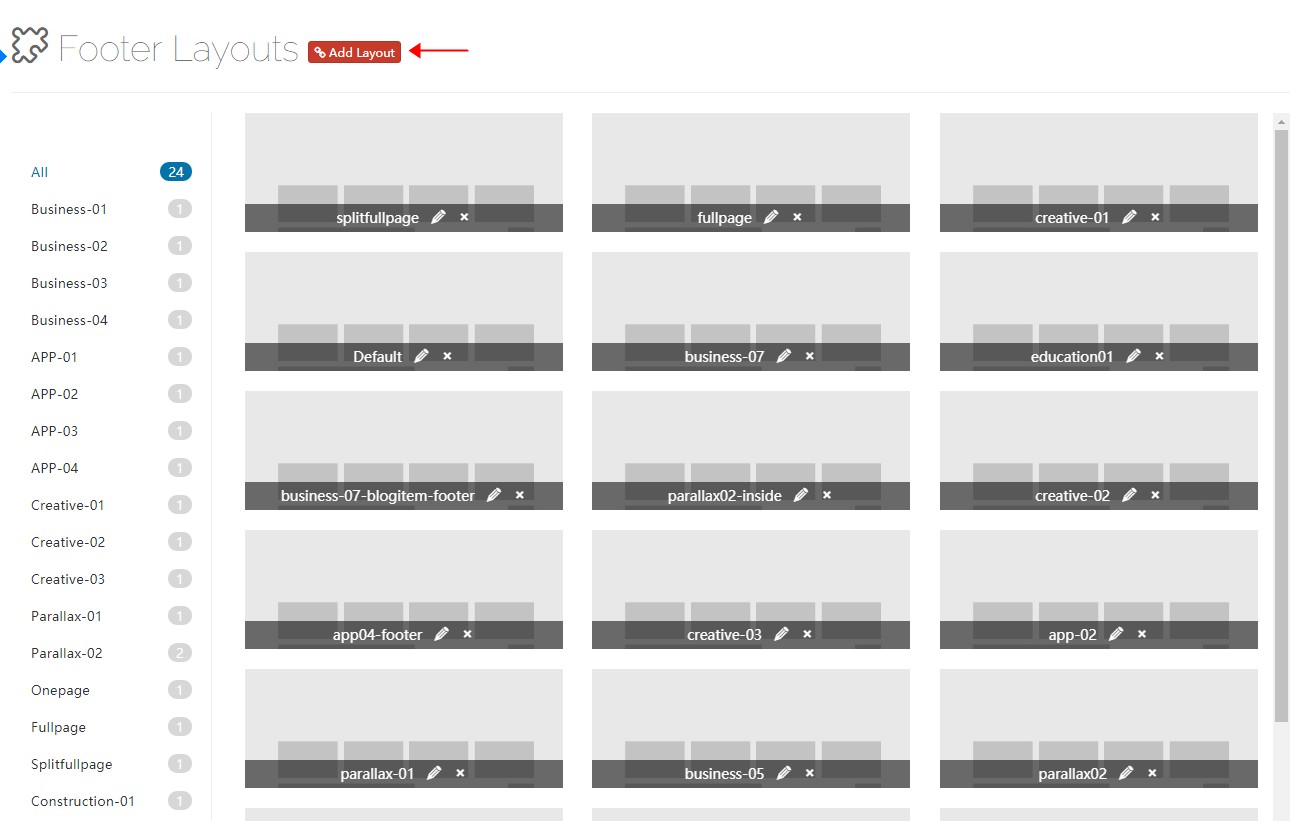
Click Add Layout to open the footer layout control panel. It contains several default layouts you can modify or delete — remember to save when you are done.
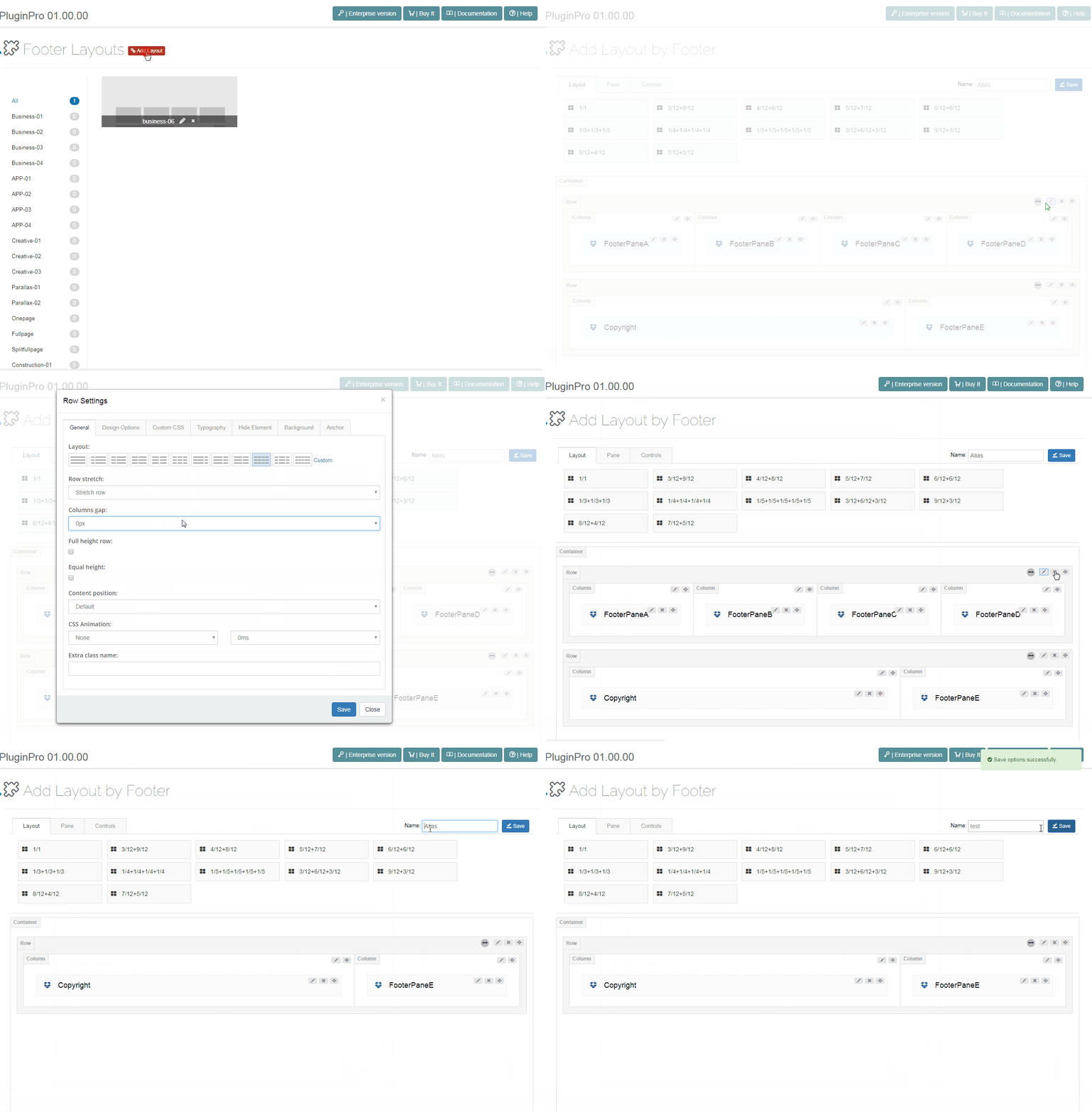
Pane & Layout
Just like in Content Layout, you build custom pane layouts.
Controls
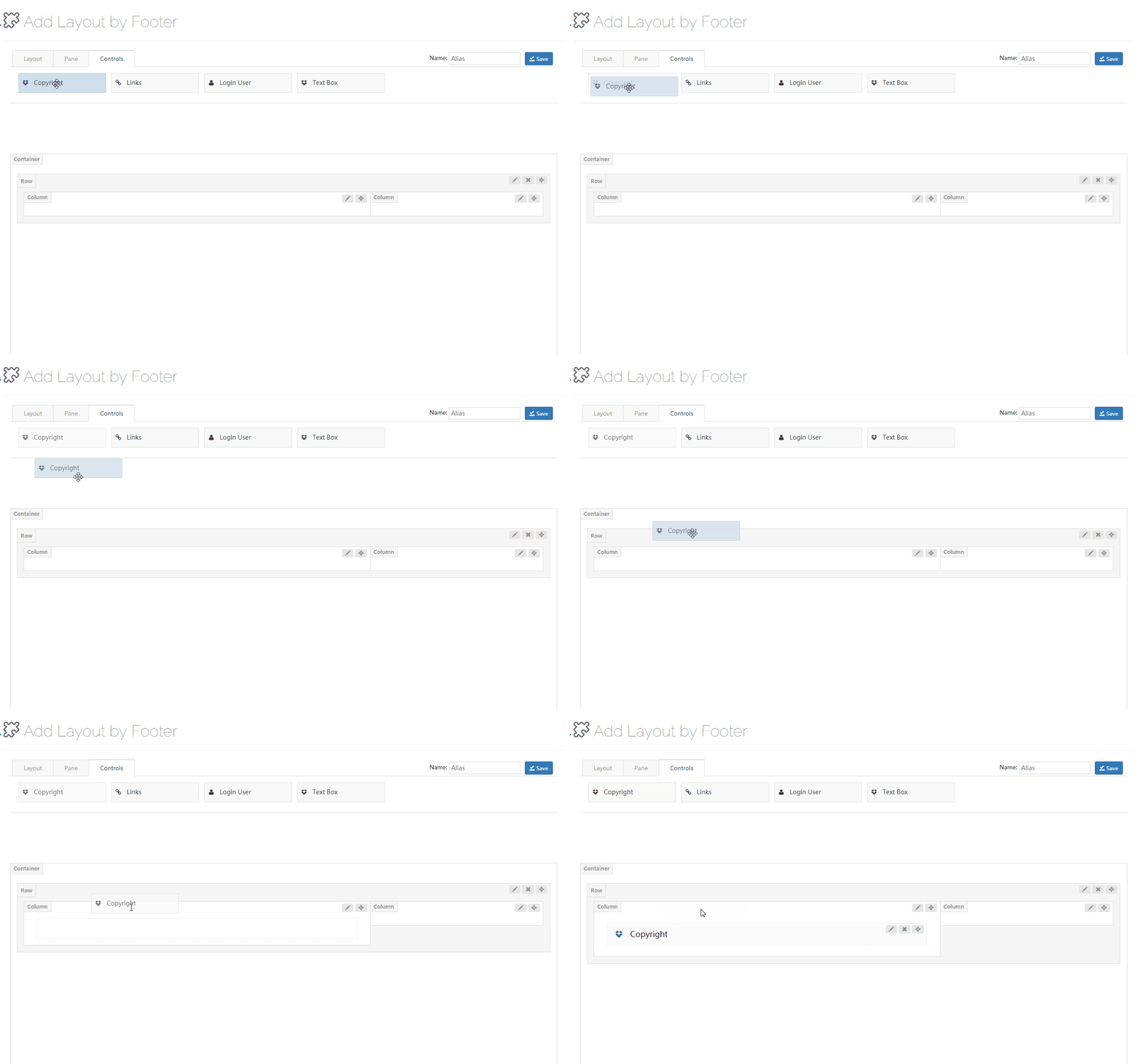
Controls are the custom modules of the theme — drag them wherever you need them.
Copyright
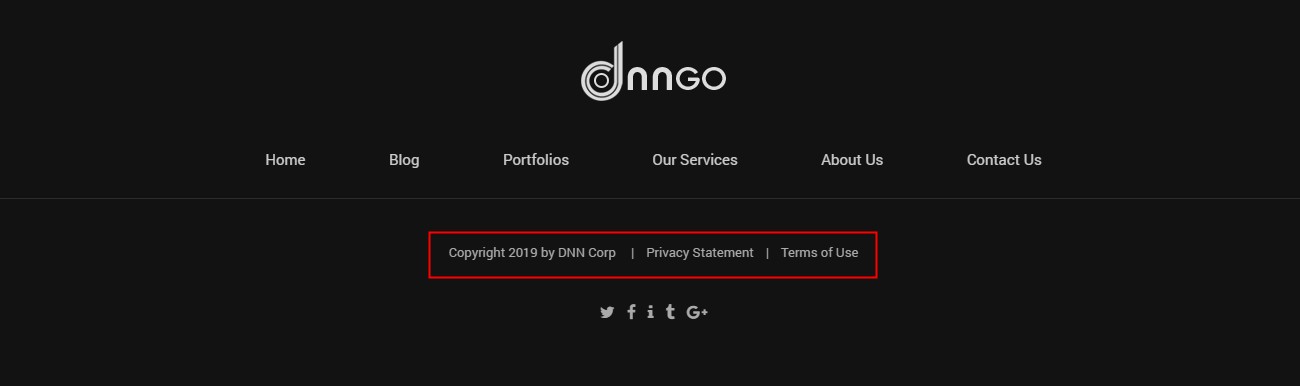
The Copyright control shows the copyright notice, privacy statement and terms of use in the footer.
General
| Setting | Description |
|---|---|
| Spacing | Left and right spacing |
| Typography | Text style |
| Item Hover Font Color | Link color on hover |
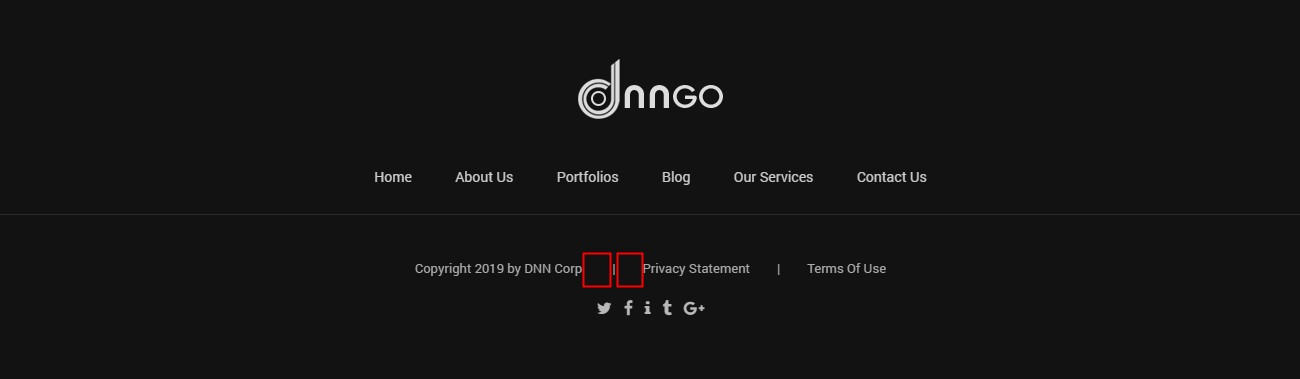
Copyright
| Setting | Description |
|---|---|
| Active Copyright | Enable the copyright notice |
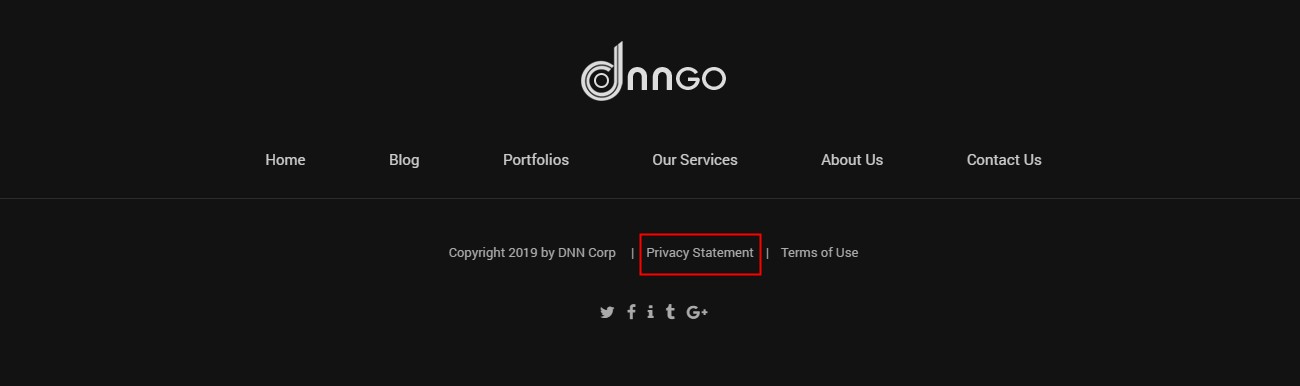
Privacy Statement
| Setting | Description |
|---|---|
| Active Privacy Statement | Enable the privacy statement |
| Text | The displayed text |
| Custom Url | The link URL |
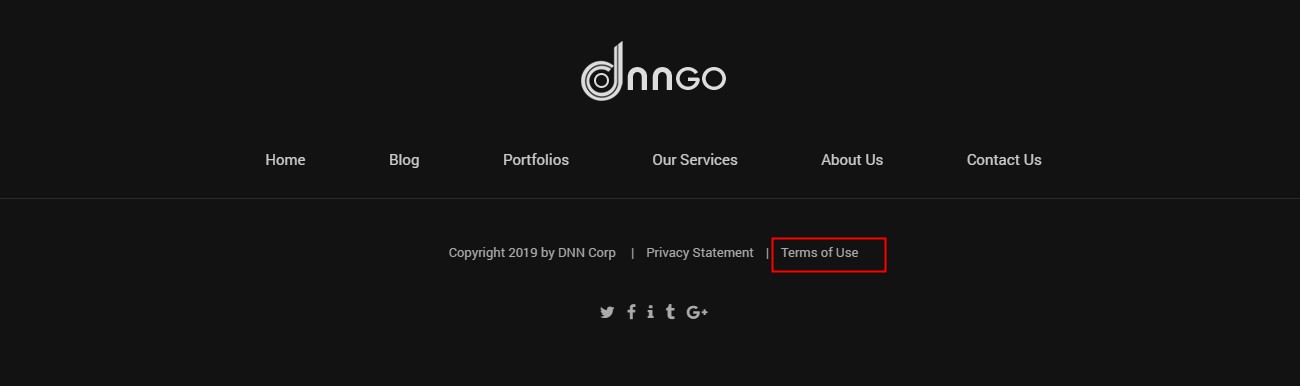
Terms Of Use
| Setting | Description |
|---|---|
| Active Terms Of Use | Enable the terms of use |
| Custom Text | The displayed text |
| Custom Url | The link URL |
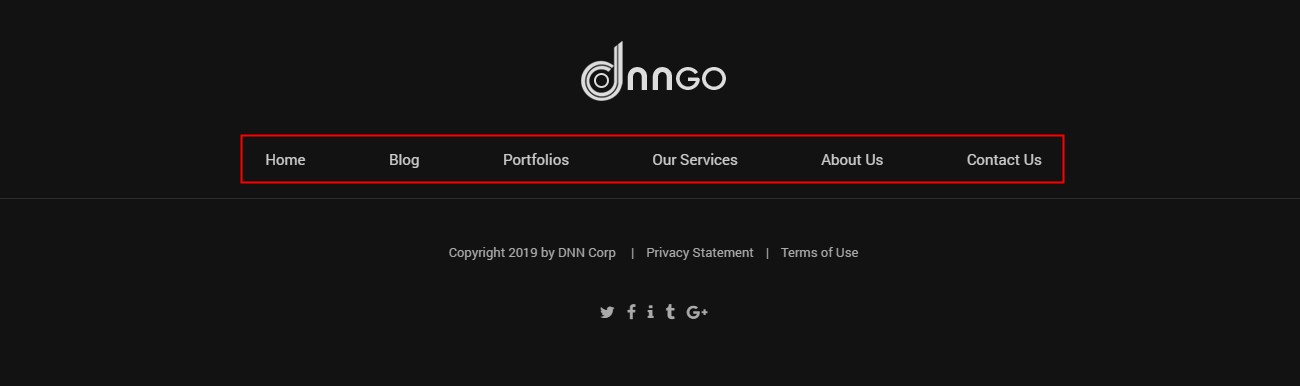
Links
The Links control shows the first-level menus in the footer.
General
| Setting | Description |
|---|---|
| Item Spacing | Left and right spacing between items |
| Typography | Text style |
| Item Hover Font Color | Text color on hover |

Design Options
Padding, margin, borders, background color and background image of the menu.
Login And User
The Login And User control shows the login and register links in the footer.

| Setting | Description |
|---|---|
| Typography | Text style |
| Item Hover Font Color | Text color on hover |
| Active User | Enable the register link |
| Active Login | Enable the login link |