
Add Form to Page
The front-end display of a form is added through the Content Builder module.
Step 1: Add a Form Section
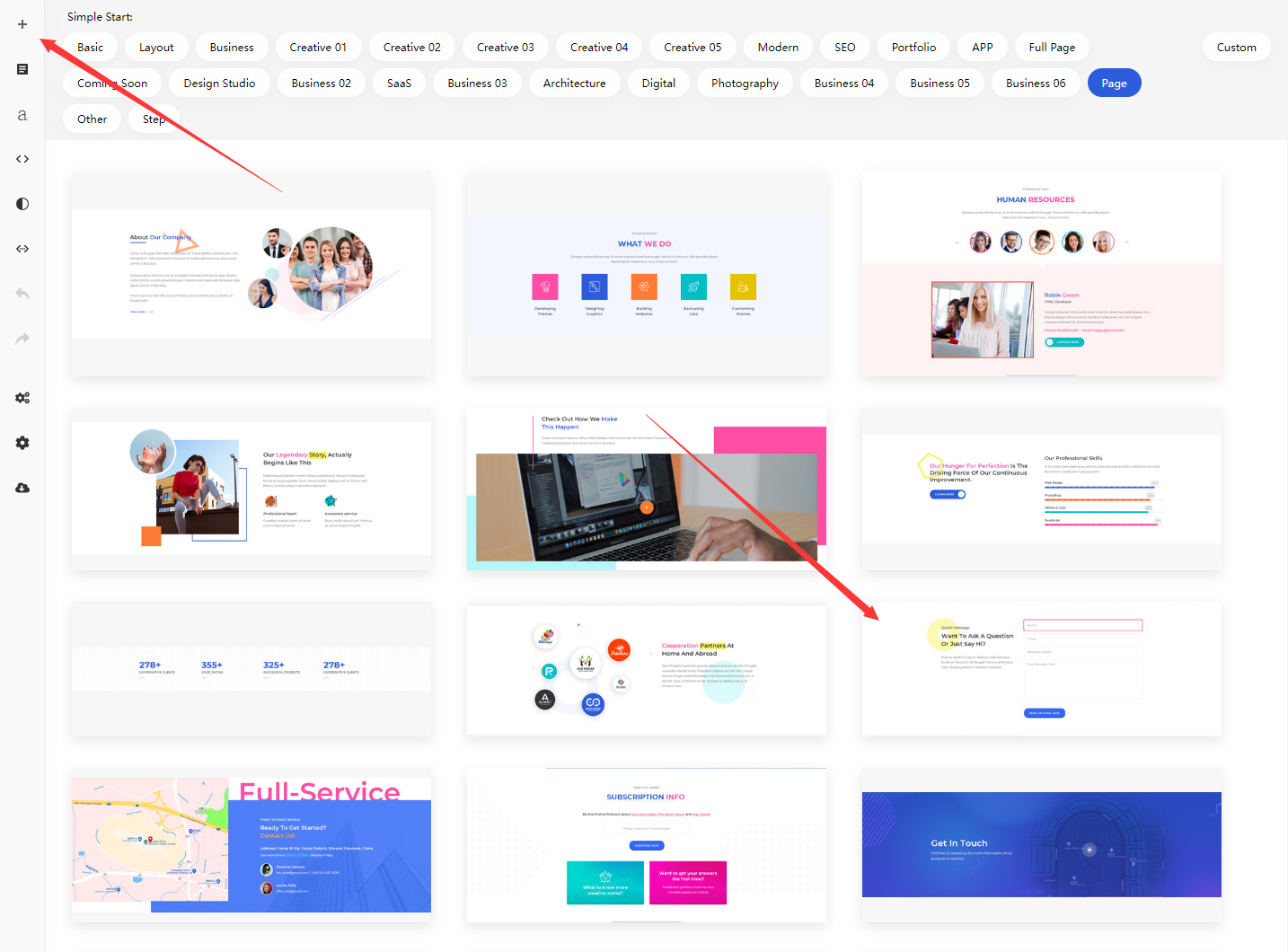
Add sections with a form to your page through the Content Builder module, as shown below:
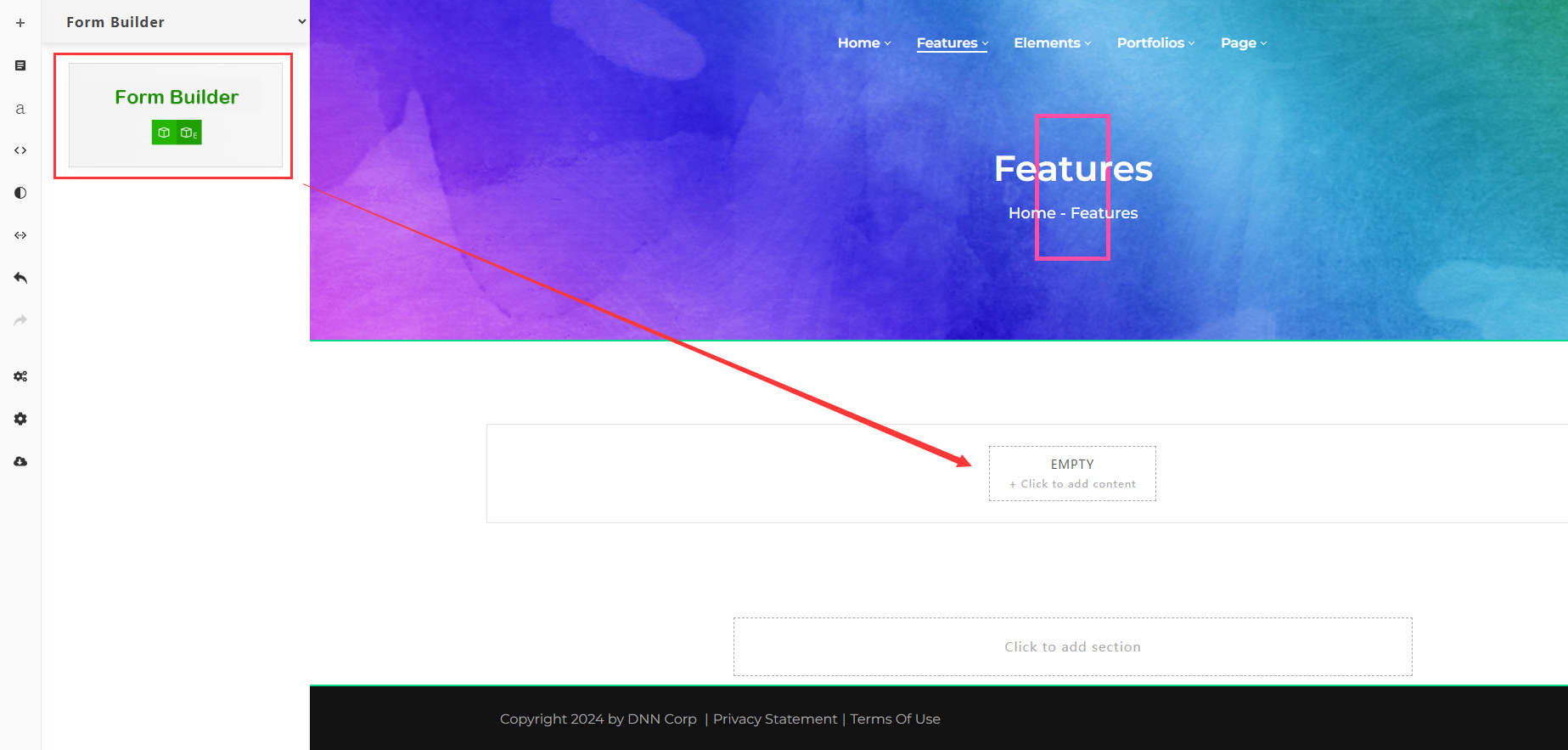
Or add a Form Builder content block for your page:
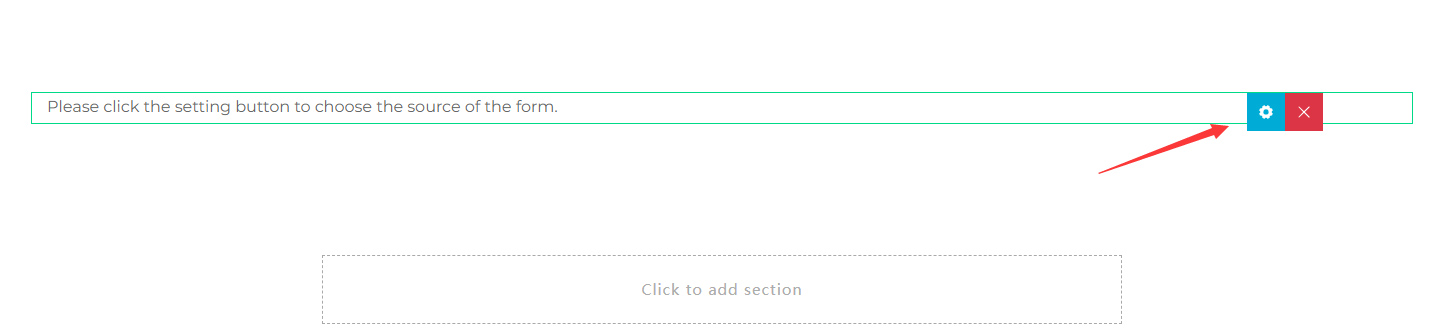
Step 2: Set the Form Source
After these steps the form still won't appear — you also need to set the form's source (as shown in the screenshot below):
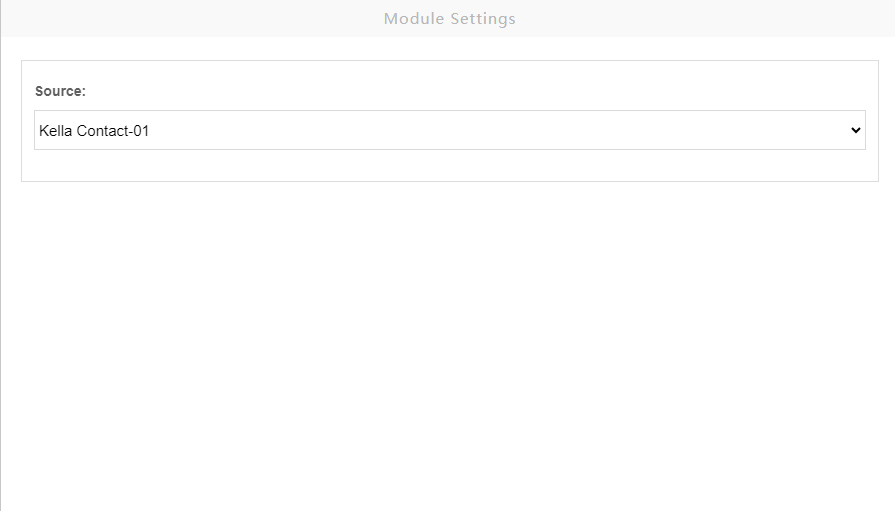
The Source list shows all forms on the site:
Step 3: Save and View
Select a form and save it — the form will be displayed after refreshing the page.
Email notifications
To receive form notification emails, configure your site's SMTP server first — see How to: Set Up Forms.