
Introduction
The Theme Plugin Pro module is an important part of the theme. You can use the module to create page layouts, change theme colors and text styles, set up Mega Menus and more.
Shortcut Icons
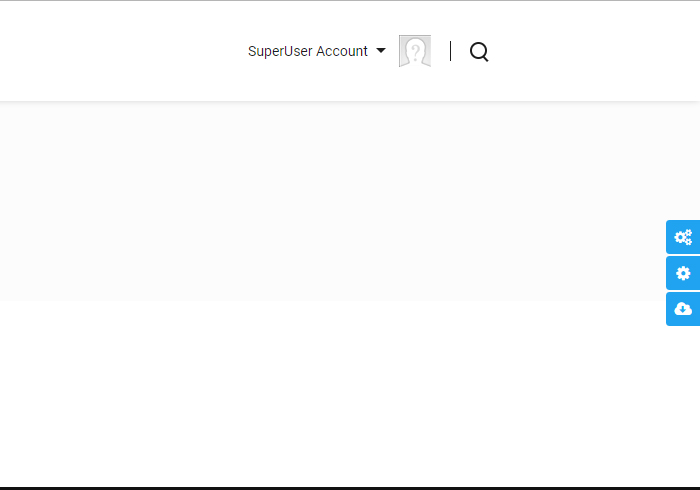
After applying the skin correctly, you will find 3 icons on the right of the page.
Theme Option
Clicking the Theme Option icon goes to the Theme Option page, where you set the theme style — text color, size, font style and so on. See Theme Options.
Page Option
Clicking the Page Option icon goes to the Page Options page, where you can apply custom settings to the current page. Every page of your site can use different custom settings. See Page Options.
Import Page Template
Clicking the Import Page Template icon pops up a window where you choose a page template to import. After the import is done, the page content will be exactly the same as the demo page of the theme. See Import Page Template.
Pages
In the Pages setting page, all pages of the current site are listed. You can apply custom settings to every page separately, import page templates for pages, and set Mega Menus for 1st level pages.
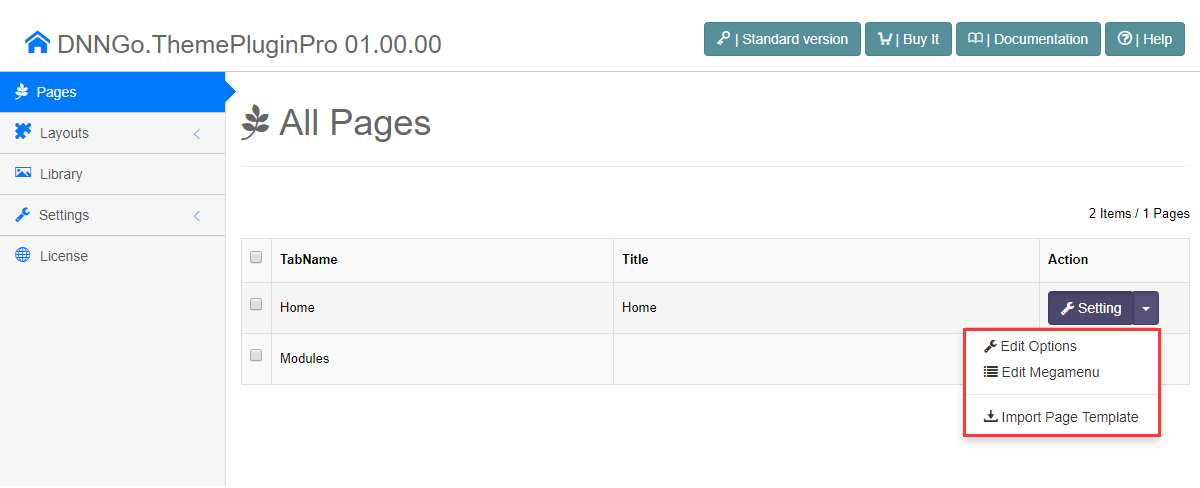
See Pages Overview.
Layouts
In other general themes, theme layouts are pre-built in ascx files and general users can hardly change them. In this theme, the administrator can easily set the page layout by dragging and dropping — even without any coding knowledge.
See Layout Overview.
Section Overview
| Section | Content |
|---|---|
| Pages | Site page management and per-page settings |
| Page Options | Custom settings for a single page |
| Import Page Template | 100+ pre-built page templates |
| Mega Menu | Multi-column drop-down menus and custom mega menus |
| Layout Overview | The Header / Content / Footer layout areas |
| Header Layouts | Header layouts and 10 pre-built controls |
| Content Layouts | Pane structures of the content area |
| Footer Layouts | Footer layouts and controls |
| Theme Options | Global appearance settings for the whole site |
| Global Settings | Fonts, media library, compression and other global options |