
Footer Layouts
This theme includes all the footer layouts used on the demo site. You can edit them, and also create your own layouts.
Cache reminder
Since browser cache exists, your page probably won't display the setting result properly after saving. Press Ctrl + F5 to refresh the page.
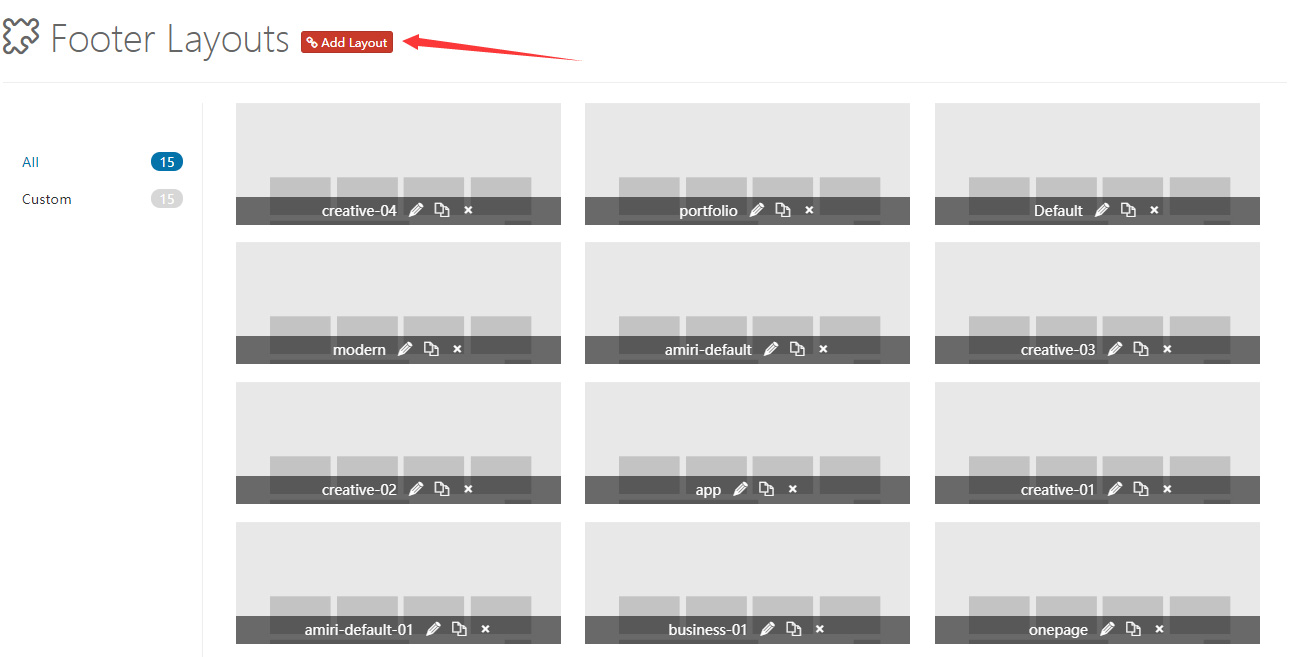
Control Panel Area
Clicking Add Layout goes to the control panel area of the footer layout. It includes some default layouts — you can change and delete them, but don't forget to save at the end.
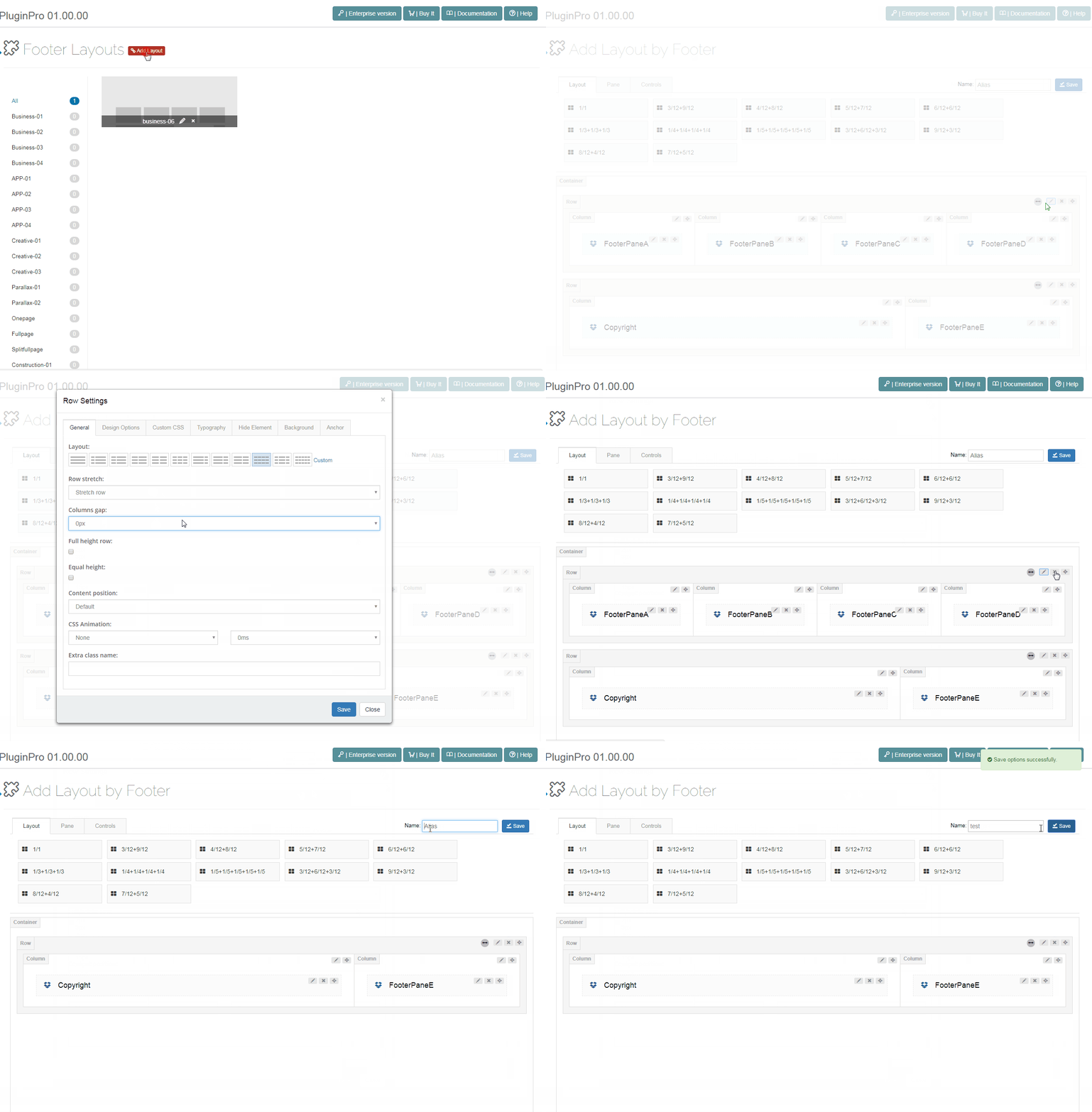
Pane & Layout
Like the Content Layout, you can create custom pane layouts.
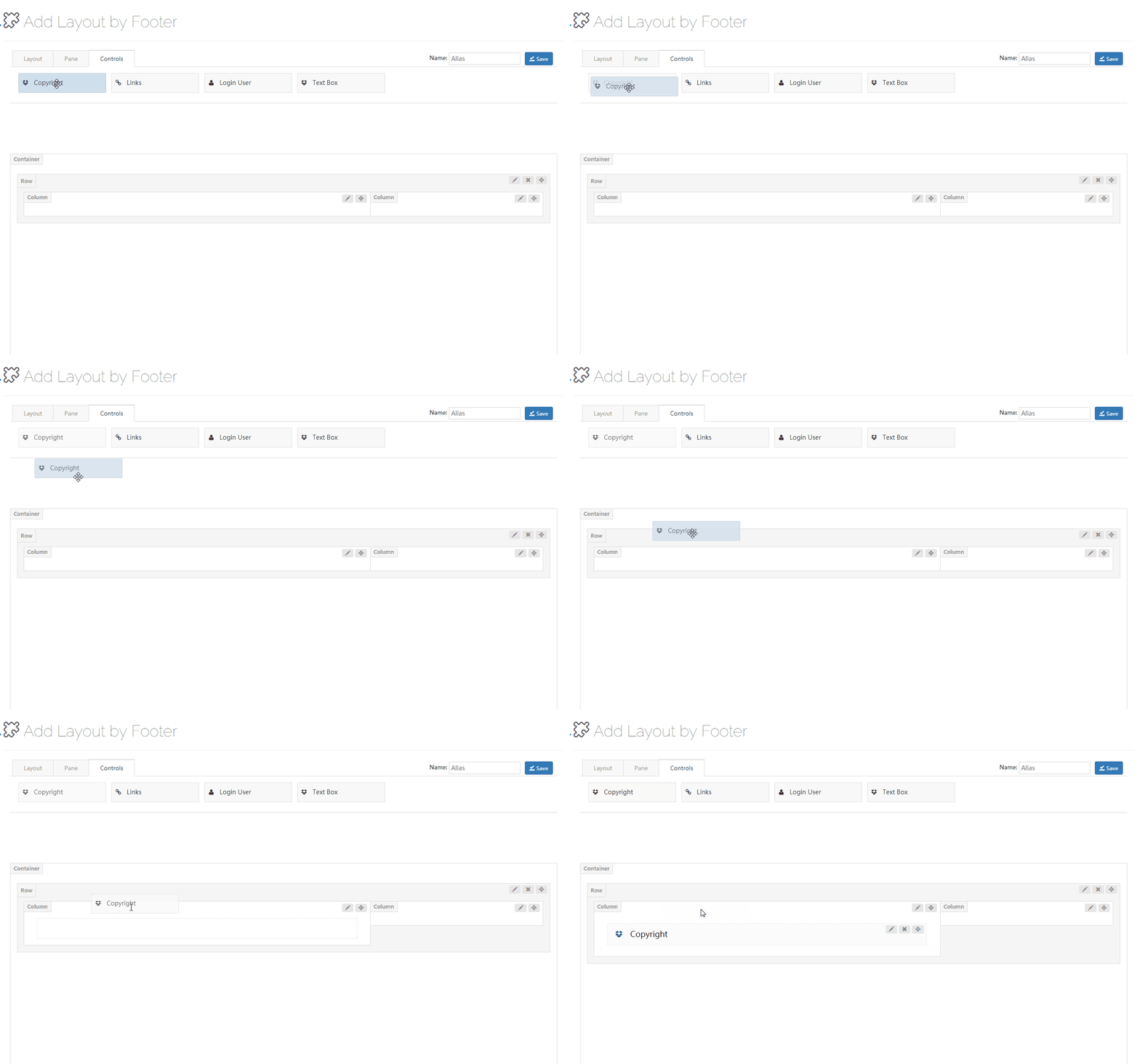
Controls
The controls are custom-built modules — you can drag them wherever you want.
Copyright
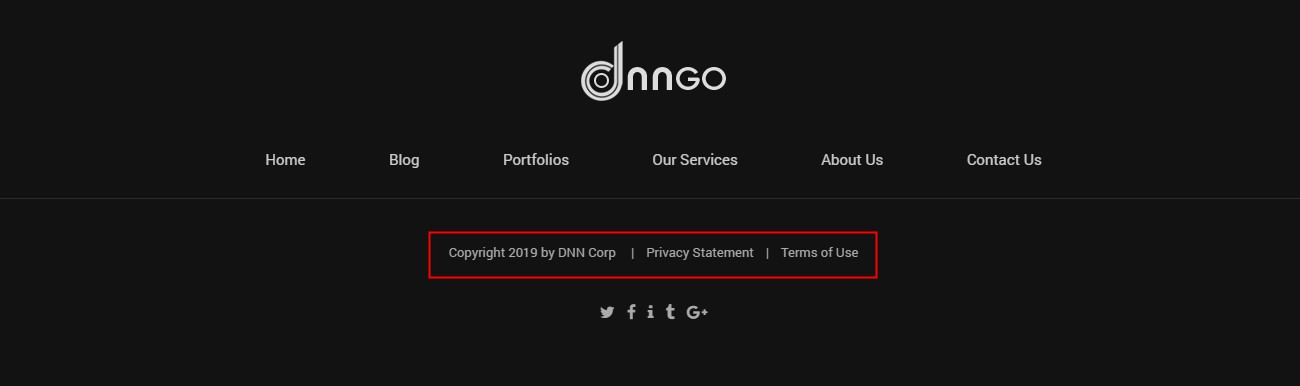
With the Copyright control, you can display the copyright, privacy statement, and terms of use.
General
- Spacing — set the left and right spacing

- Typography — set the text style
- Item Hover Font Color — set the text link color on hover
Copyright
- Active Copyright — set whether to enable the copyright
Privacy Statement
- Active Privacy Statement — set whether to enable the Privacy Statement
- Text — set the displayed text content
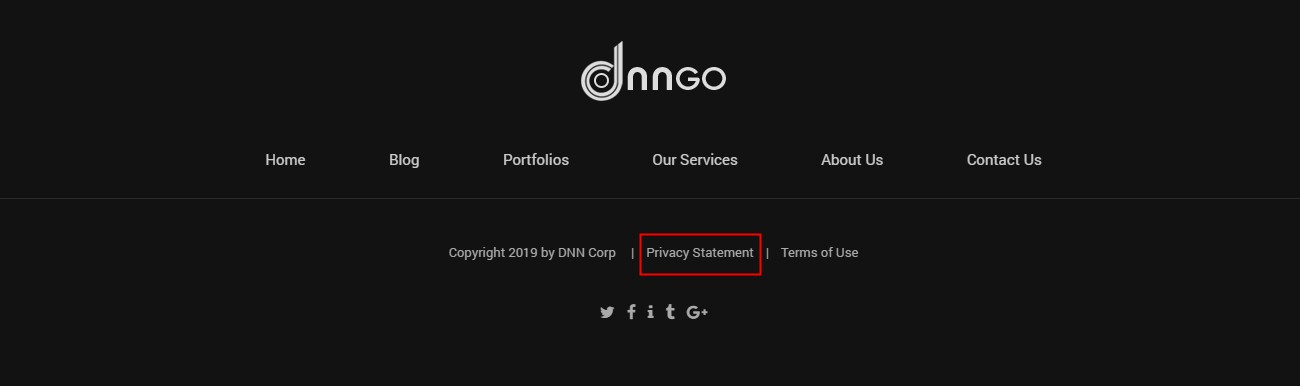
- Custom Url — set the URL of the link
Terms Of Use
- Active Terms Of Use — set whether to enable the Terms Of Use
- Custom Text — set the displayed text content
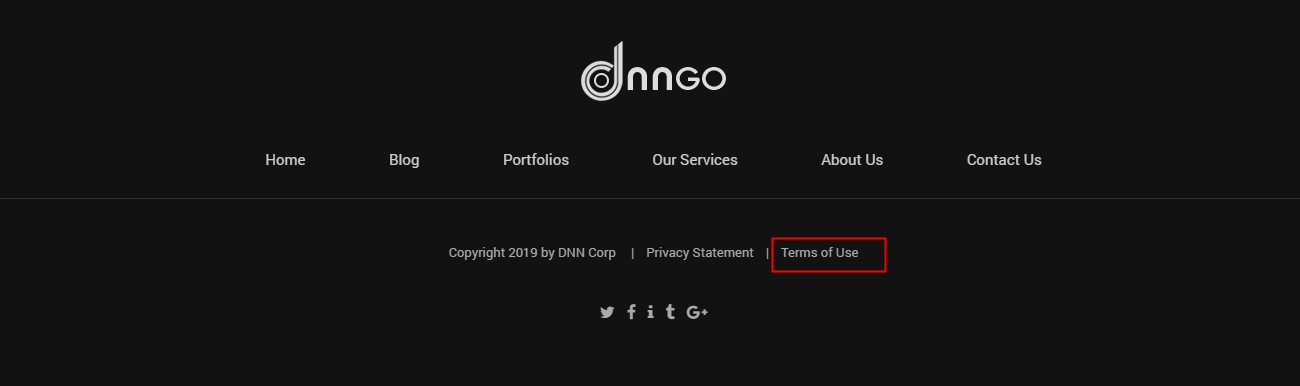
- Custom Url — set the URL of the link
Links
With the Links control, you can display the 1st level menus in the footer.
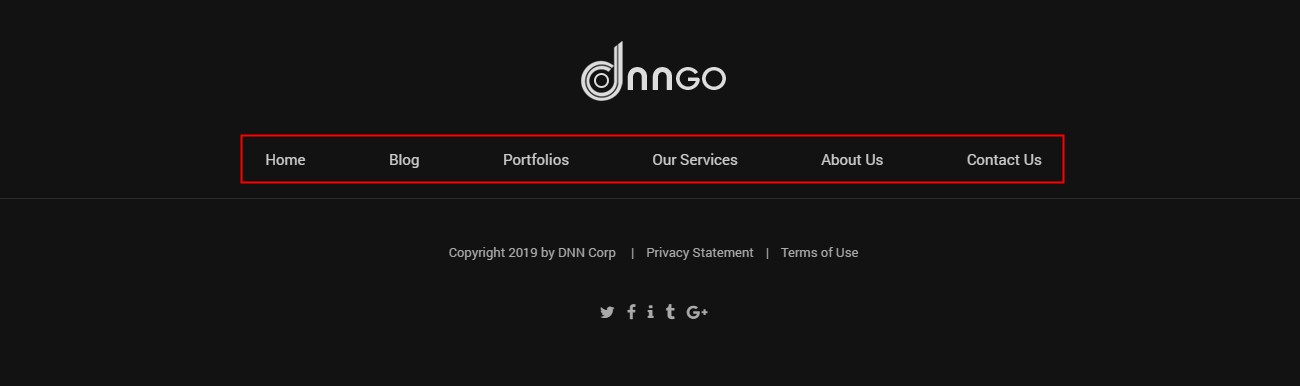
General
- Item Spacing — set the left and right space between items

- Typography — set the text style
- Item Hover Font Color — set the text color on hover
Login And User
With the Login And User control, you can display the login and register links in the footer.

- Typography — set the text style
- Item Hover Font Color — set the text color on hover
- Active User — set whether to activate the register link
- Active Login — set whether to activate the login link