
How to Set Fixed Elements
With Fixed Elements, image elements will move up and down when you scroll down the page, creating a dynamic visual effect.
Adding Fixed Elements
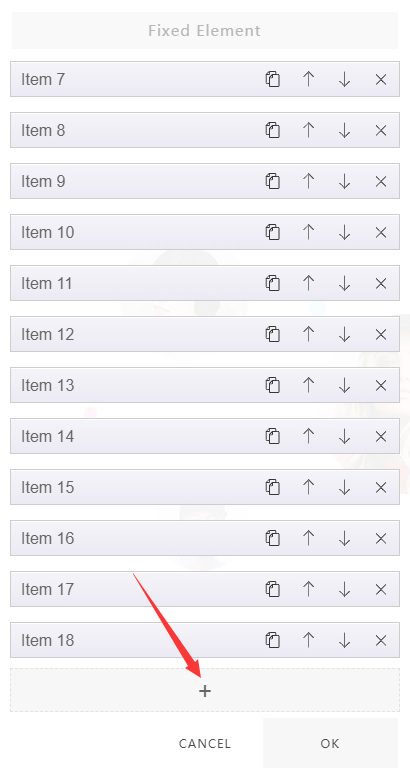
- Click the Fixed Element button on the right of the section

- Click the add icon
- Add images
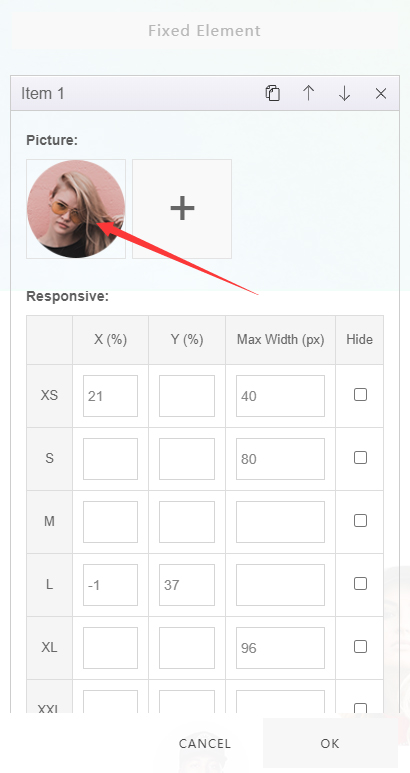
Set the Position of Fixed Elements
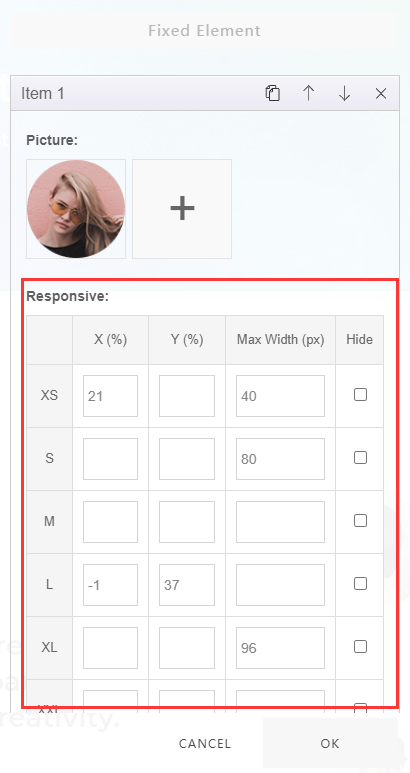
Set the position of fixed elements in the Responsive tab:
| Option | Description |
|---|---|
| X (%) | Set the horizontal position of the element |
| Y (%) | Set the vertical position of the element |
| Max Width (px) | Set the maximum width of the element |
| Hide (px) | Set to hide the element |
| XS / S / M / L / XL / XXL | Set responsiveness — for example, the display position of the element on different devices |
Add Animations
Two animation types are available:
| Animation | Description |
|---|---|
| Parallax Scroll | Parallax scrolling animation |
| Mouse Follow | Mouse-following animation |