
Using DNN Modules in Content Builder
In addition to the preset content blocks, you can add any DNN module (including third-party modules) to Content Builder, making the module content part of the page layout.
Steps:
- Log in to your site as a superuser
- Add the Content Builder module to a Pane
- Click the Click to add section button
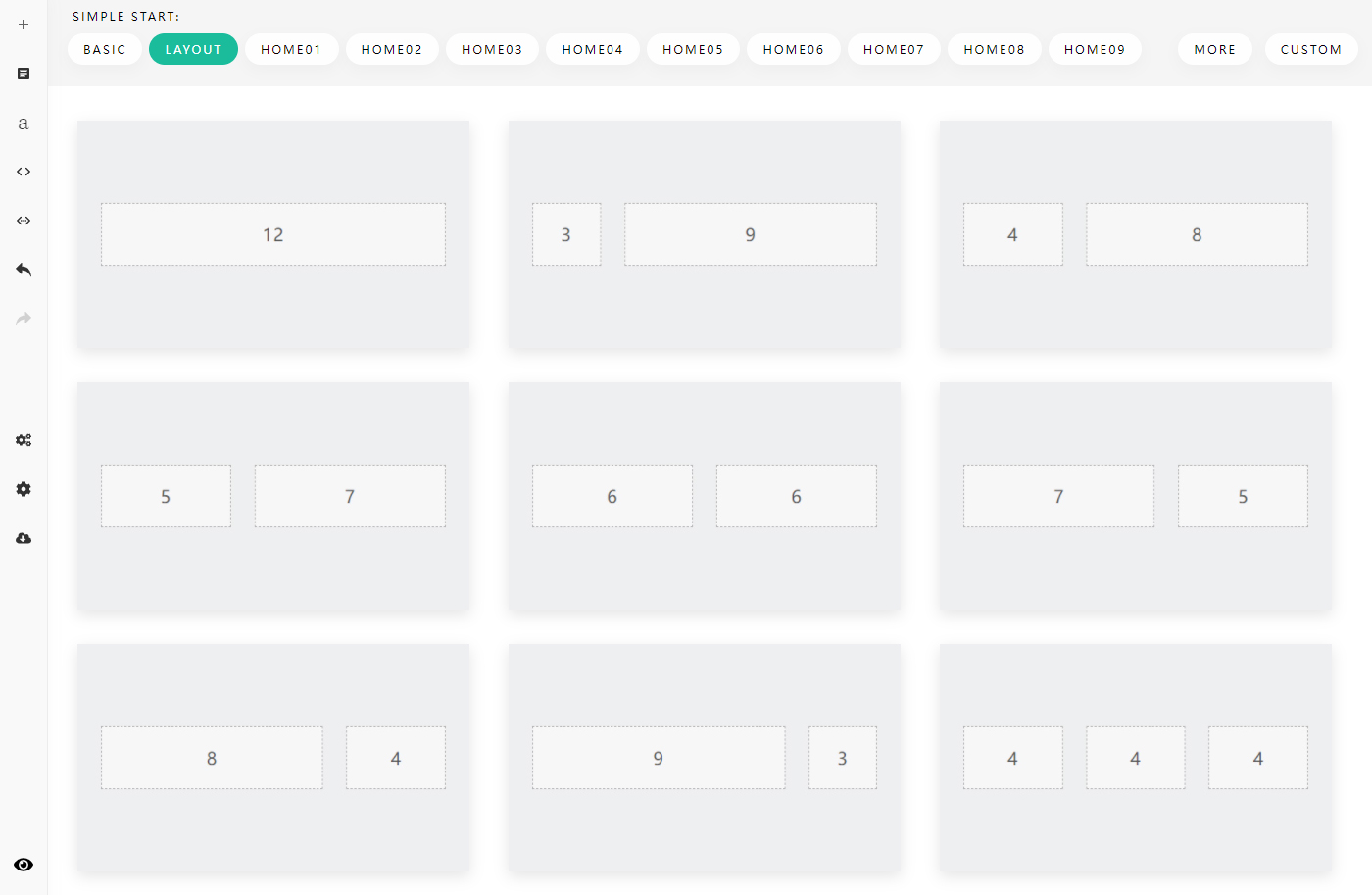
- Select a layout

- Click the Click to add content button
- Select Add Module
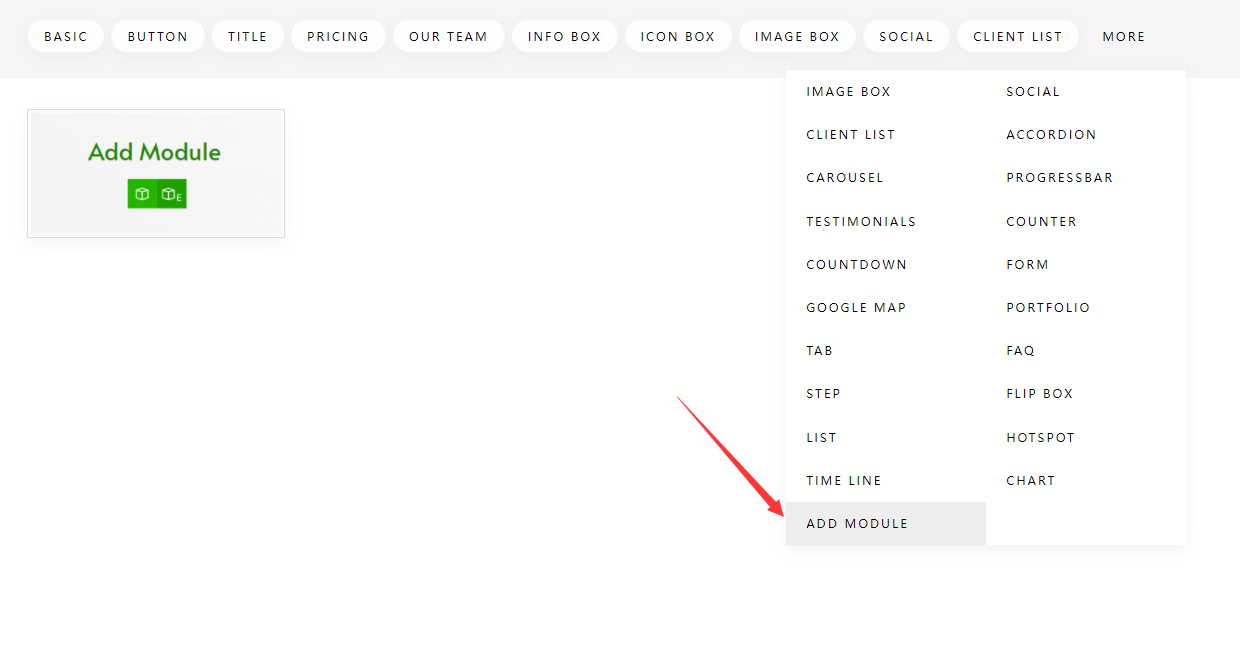
There are two ways to add a module:
- Add Module: adds a new module to Content Builder
- Add Existing Module: moves an existing module on the page into Content Builder

Refresh after saving
After adding a module, you need to save the settings first, and then refresh the page to see the module content.