
DNNGo ThemePlugin Pro
DNNGo ThemePlugin Pro is the core plugin module of the Minis theme. All of the theme's layout, appearance, menu, and other settings are configured here.
ThemePluginPro divides a page into three areas: Header, Content, and Footer. You can create a custom layout for each area, then select it in Page Options and Theme Options.
Feature Overview
| Feature | Description |
|---|---|
| Pages | Lists all pages of the site, lets you configure each page individually, import page templates, and set a Mega Menu for top-level pages |
| Layout — Header | Creates the page header area, with 10 built-in preset controls such as Logo, menu, and search |
| Layout — Content | Creates the Pane structure of the page content area |
| Layout — Footer | Creates the Pane structure of the page footer area |
| Theme Options | Global settings for the site's appearance |
| Global Settings | Site-level settings such as fonts, image compression, and plugin icons |
The Three Layout Areas
Header Layout

Create the page's header section in the Header layout. The theme includes 10 built-in preset controls (login, Logo, search, menu, etc.) that you can drag and drop into the header area. See Header Layouts for details.
Content Layout
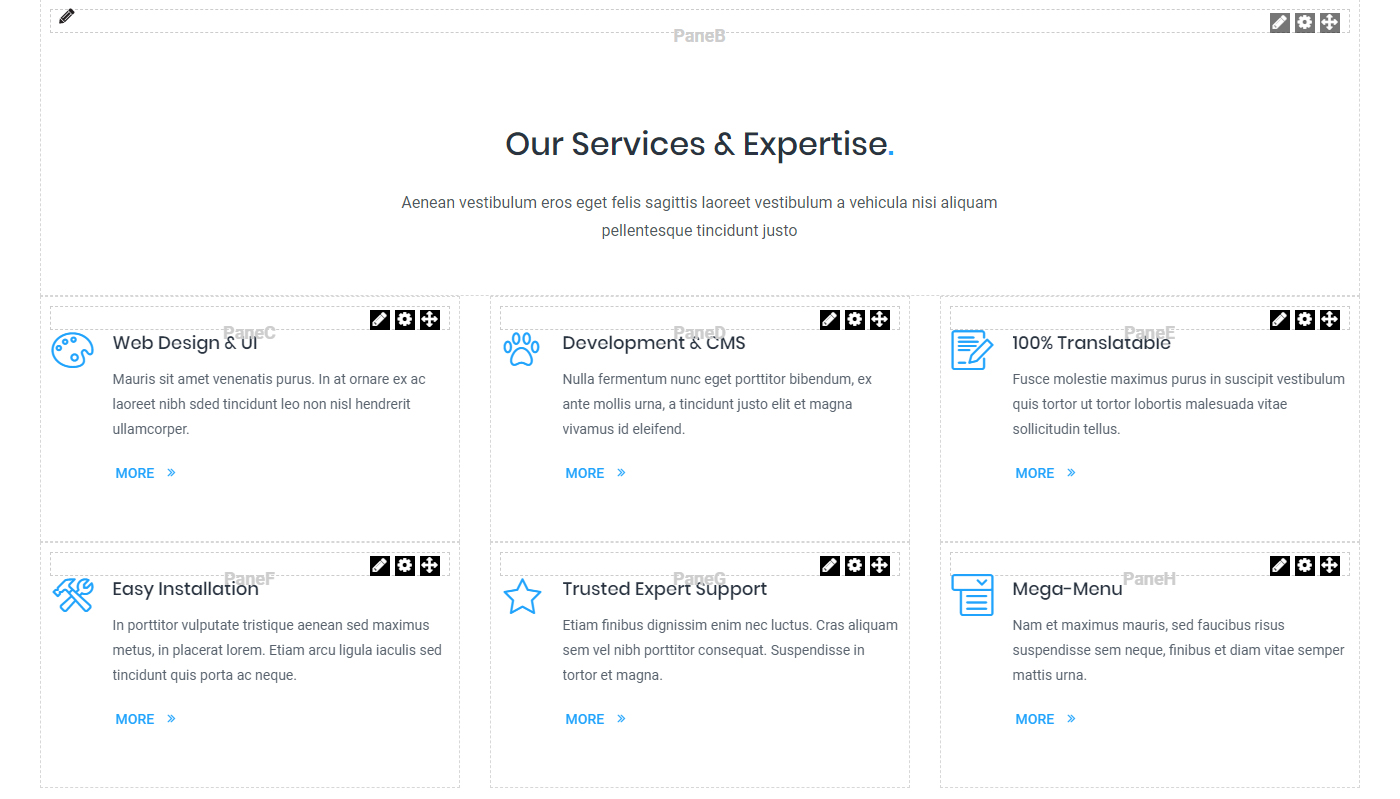
Create the Pane structure of the page content area in the Content layout. See Content Layouts for details.
Footer Layout
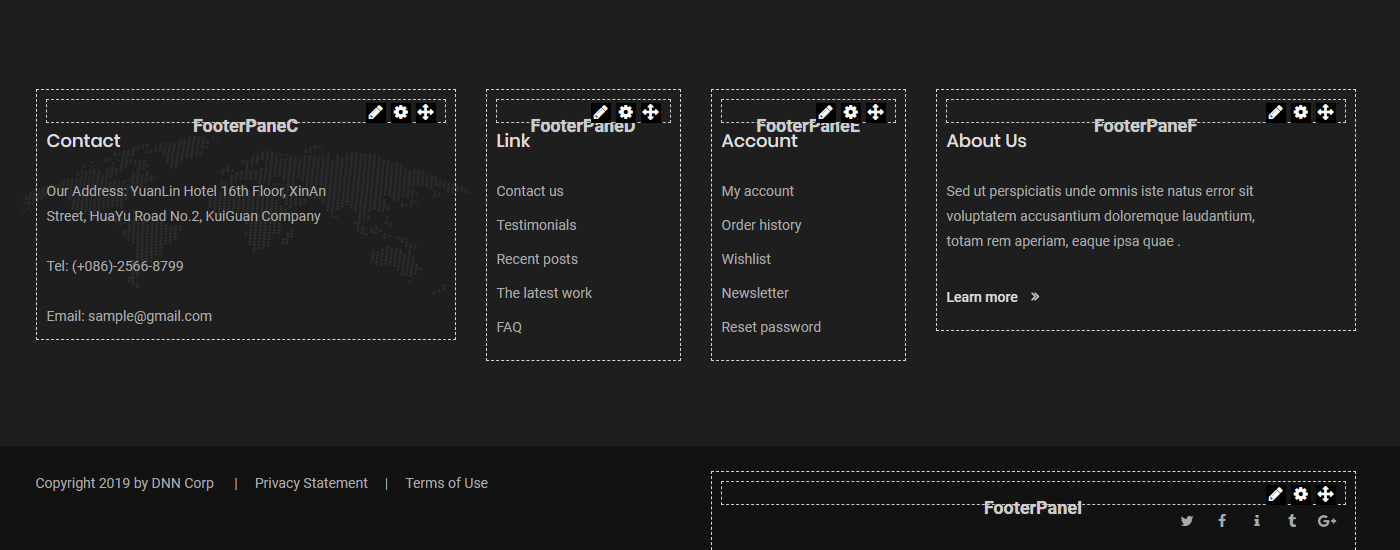
Create the Pane structure of the page footer area in the Footer layout. See Footer Layouts for details.
Next Steps
- Pages Overview — Manage site pages
- Theme Options — Global appearance settings
- Global Settings — Site-level feature settings