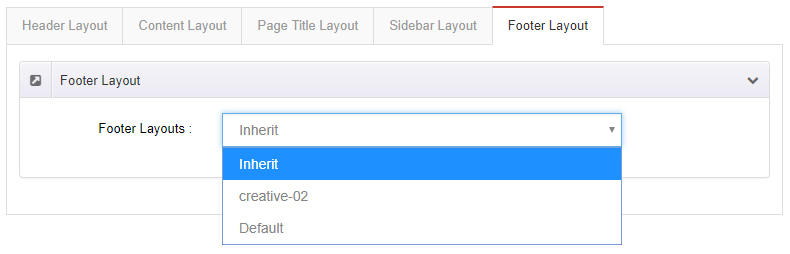
Page Options
With Page Options (Edit Options), you can apply custom settings to the current page. Each page can have its own settings.
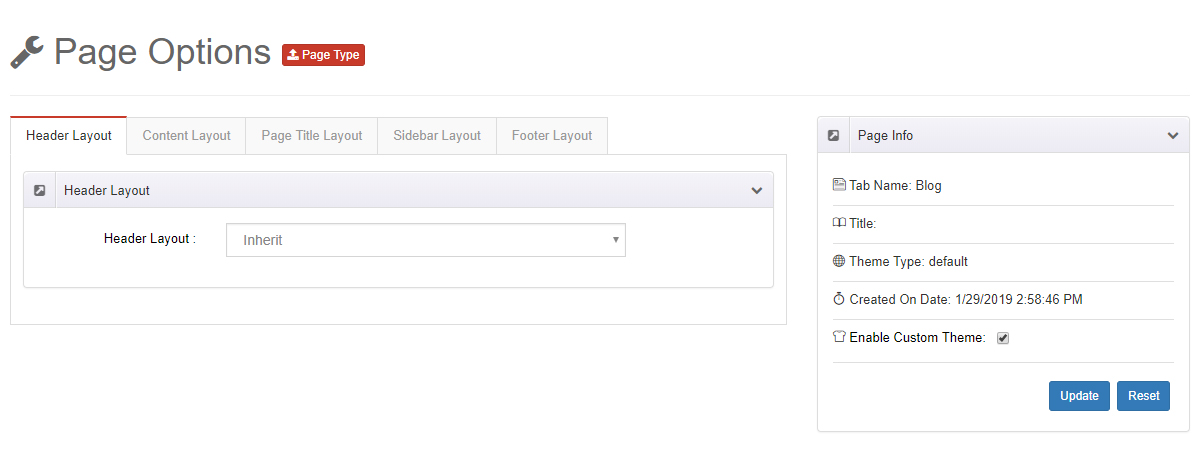
Enable custom settings first
Select Enable Custom Theme for the custom settings on this page to take effect.
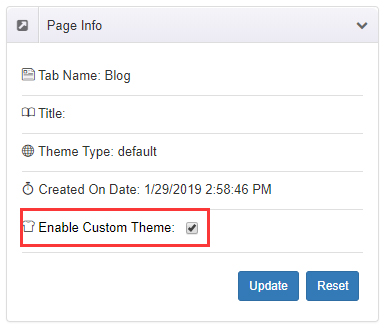
Relationship with Theme Options
The values set here are overrides for the current page. If Inherit is selected, the site-wide defaults from Theme Options are used.
Header Layout
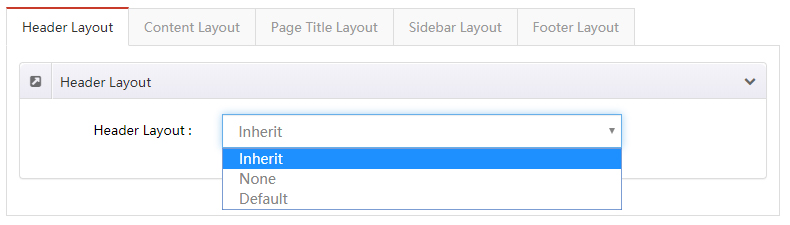
Set a separate header layout for the current page:
- Select Inherit: use the site-wide setting from Theme Options
- Select None: hide the entire header area
Content Layout
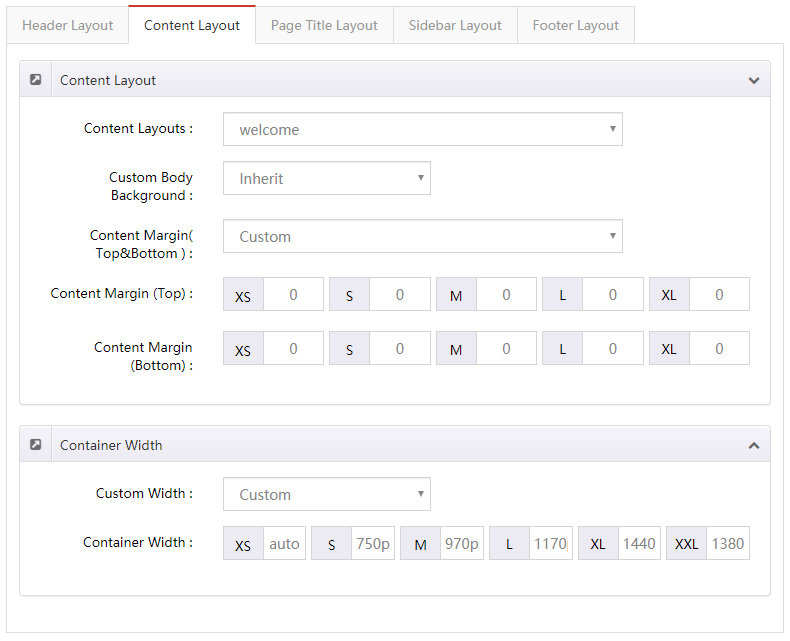
Apply separate styles to the page body content area.
| Setting | Description |
|---|---|
| Content Layouts | The content layout of the page. When Inherit is selected, the Theme Options setting is used |
| Custom Body Background | The background color or background image of the content area |
| Content Margin (Top & Bottom) | The top and bottom margins of the content area |
| Custom Width | The width of the content area |
Page Title Layout
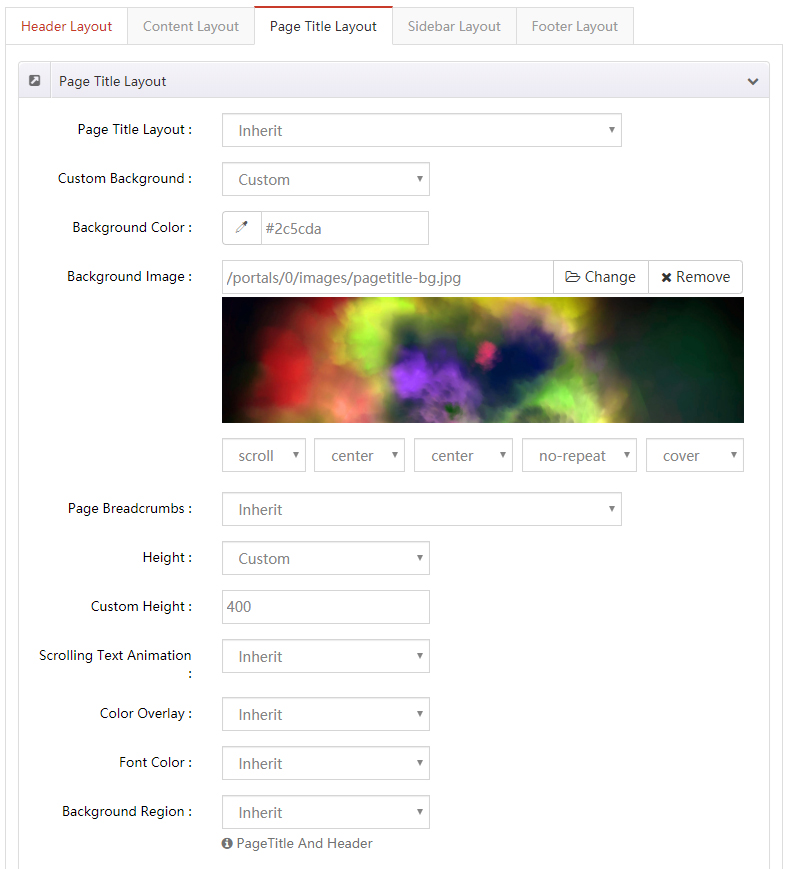
Apply separate styles to the page title area.
| Setting | Description |
|---|---|
| Page Title Layout | Show or hide the page title |
| Custom Background | The background color or background image of the page title area |
| Page Breadcrumbs | Show or hide the breadcrumbs area |
| Height | The height of the page title area: Custom Height (a custom value) or Full Height (the same height as the browser window) |
| Scrolling Text Animation | Whether to enable the scrolling text animation |
| Color Overlay | Adds an overlay over the page title background |
| Font Color | The text color of the page title area |
Sidebar Layout
| Setting | Description |
|---|---|
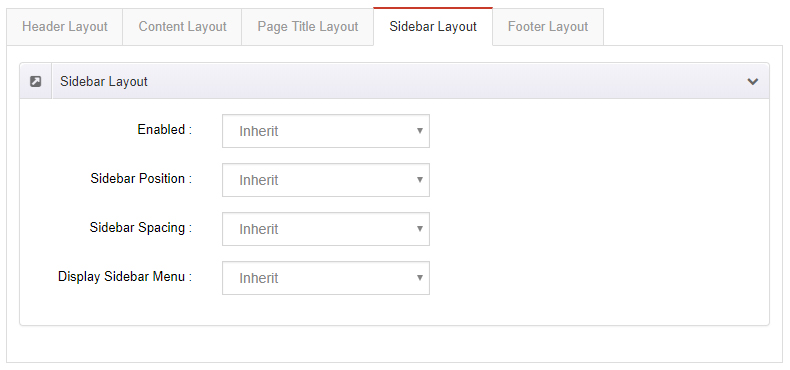
| Enabled | Whether to show the sidebar area |
| Sidebar Position | Show the sidebar on the left or right side of the page |
| Sidebar Spacing | The spacing between the sidebar and the content |
| Display Sidebar Menu | Whether to show the sidebar menu |
Footer Layout
Set a separate footer layout for the current page.