
How to Set Up Bypass Blocks
Bypass blocks are mechanisms that skip over repeated material on a web page. They matter for keyboard users: they allow the user to jump past repeated sections and go straight to the content they are looking for.
The bypass blocks sit in the top-left corner of the page — press Tab to reach them.
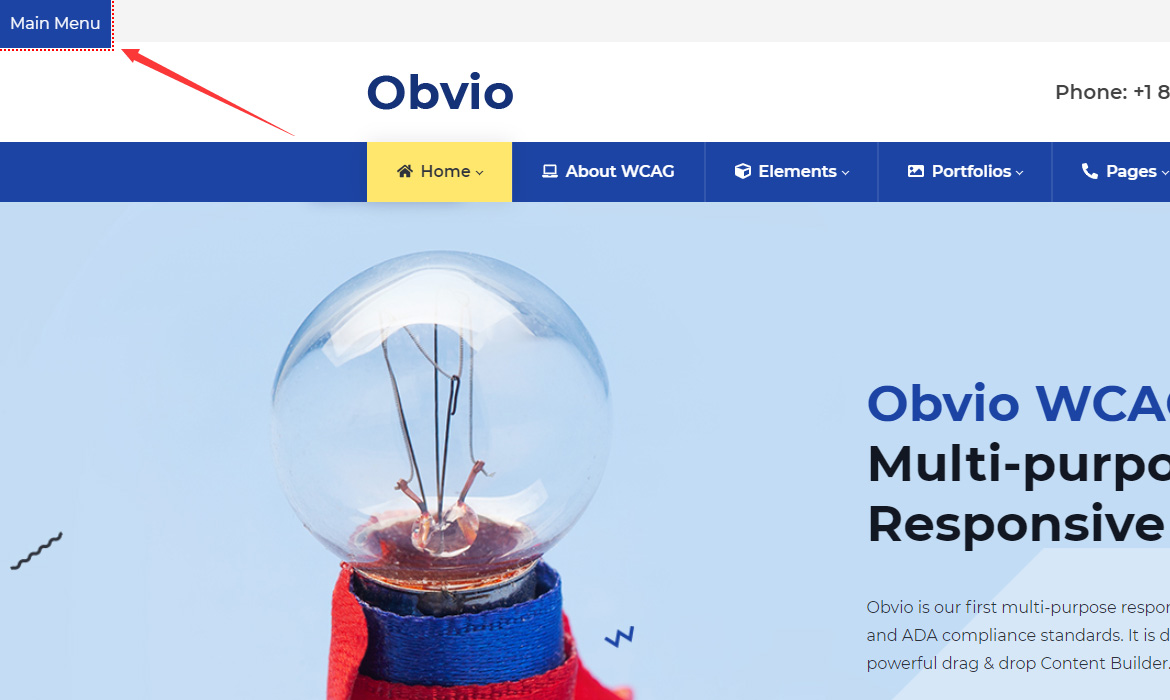
Main Menu
Clicking the Main Menu button moves the focus to the menu area. The button's text can be changed under Theme Options > Accessibility.
Add more quick links
Besides Main Menu, you can add more quick links:
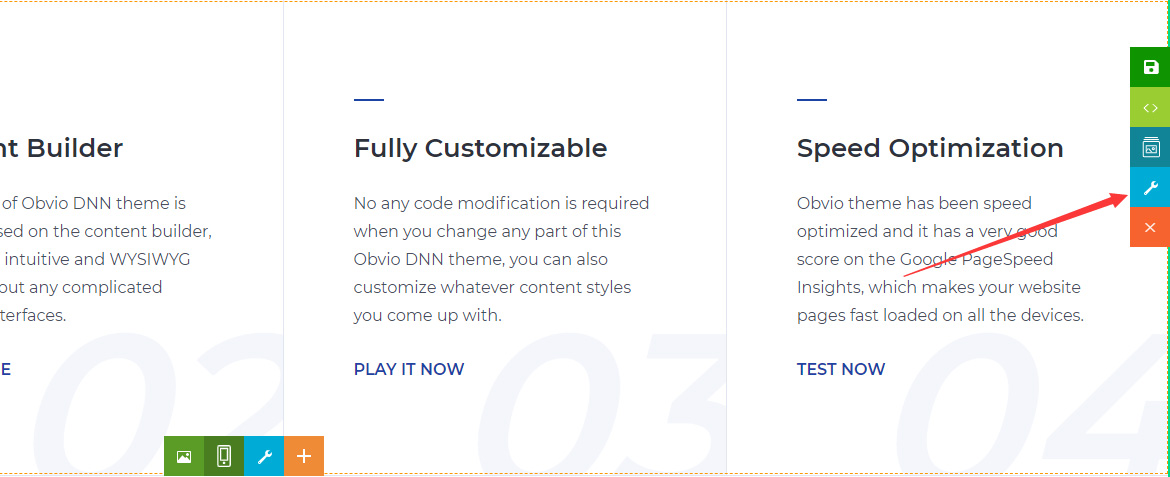
- Click the section's settings icon.
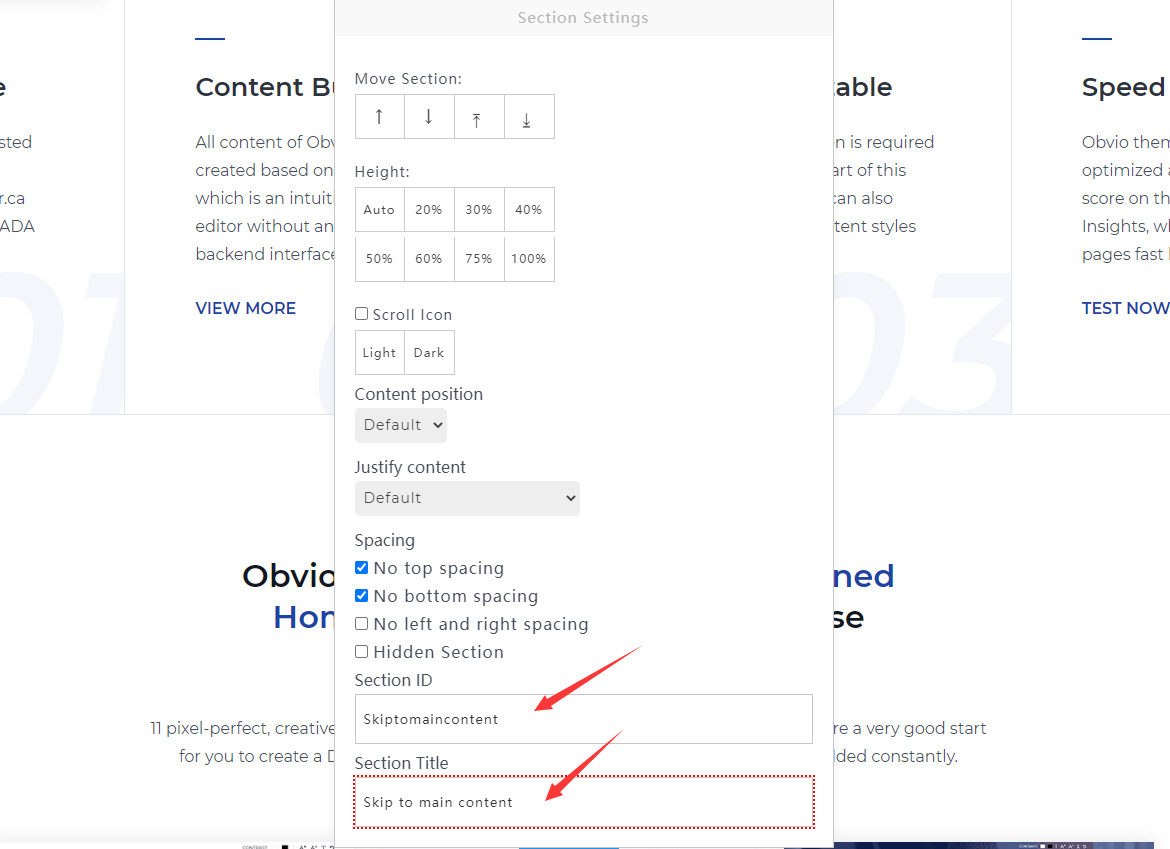
- Fill in the Section ID, and the button text in Section Title.
- Click Save.