
Theme Plugin Pro Introduction
Theme Plugin Pro (DNNGo ThemePluginPro) is the core module that powers the Glend theme. Use it to build page layouts, change theme colors and typography, set up mega menus, and more — the theme cannot work without it.
Shortcut Icons
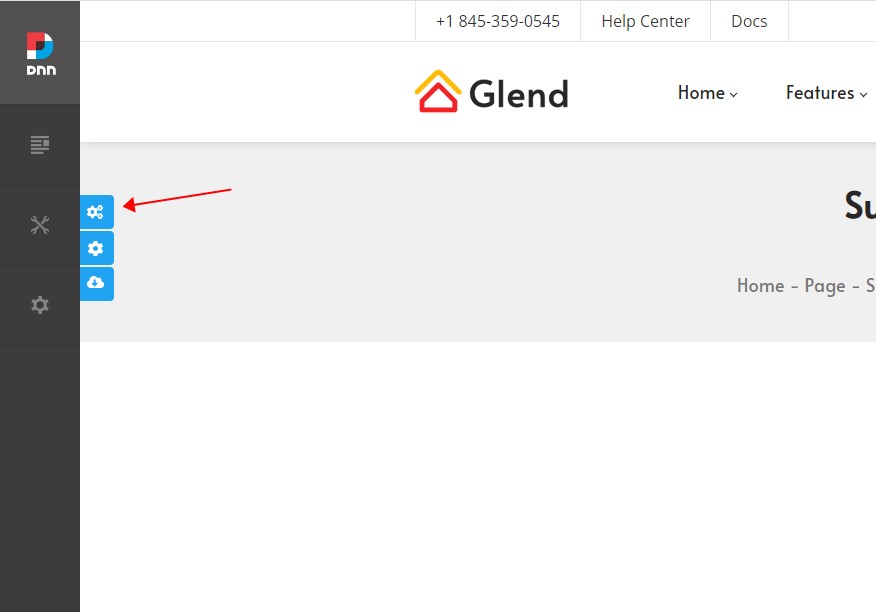
Once the theme is applied and you are logged in to the admin back end, three shortcut icons appear on the right side of the page:
| Icon | Function |
|---|---|
| Theme Option | Opens the theme settings page to configure site-wide text colors, sizes, fonts, and more |
| Page Option | Opens the page options page for per-page settings — every page on your site can use its own custom settings |
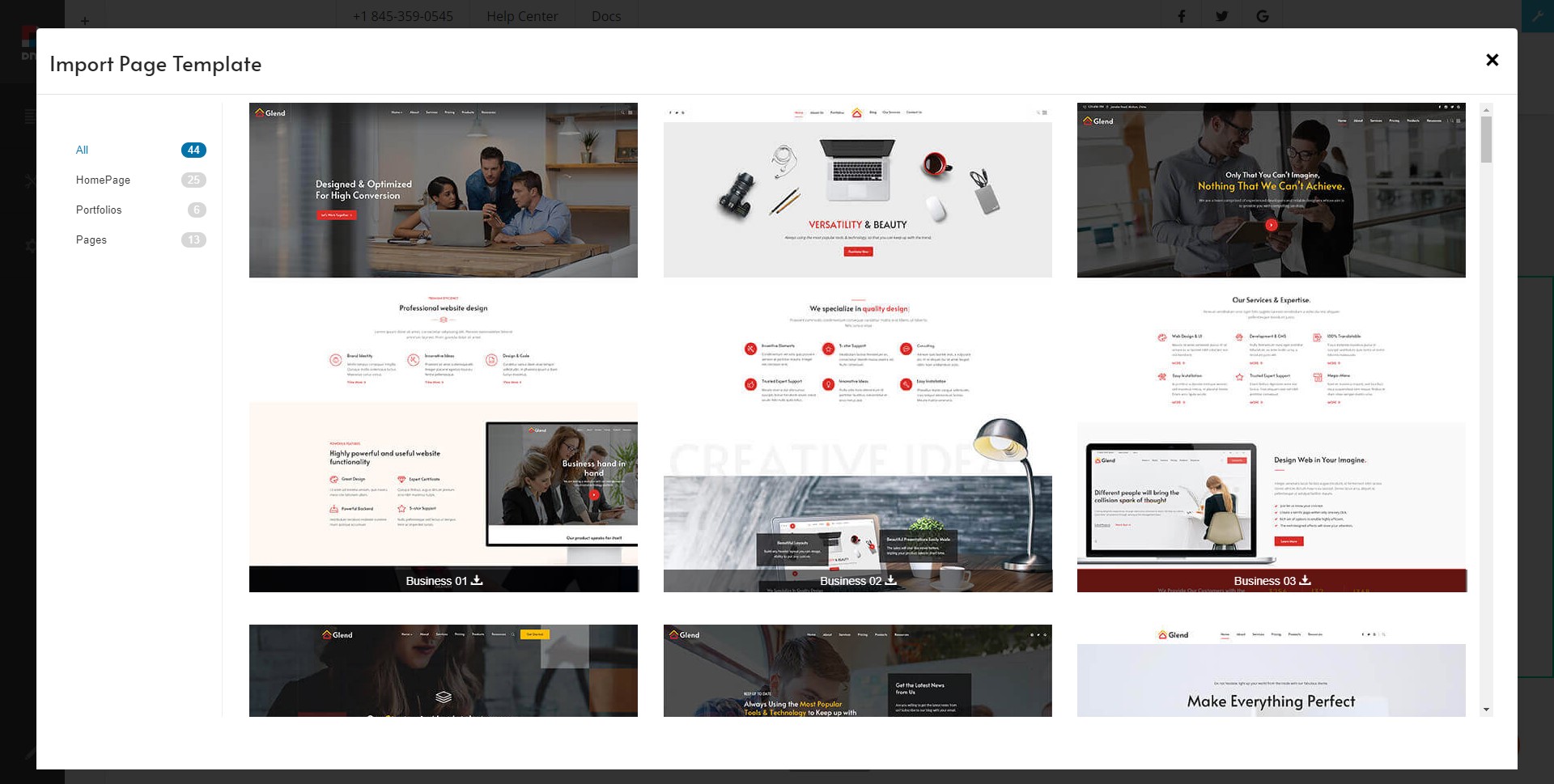
| Import Page Template | Opens the template picker. After importing, the page content matches the theme demo exactly |
Structure
The Theme Plugin Pro admin area is organized into two sections:
| Section | Description |
|---|---|
| Pages | Lists every page in the site. Configure each page individually, import page templates, and set mega menus for first-level pages |
| Layout | Every page is divided into Header, Content, and Footer areas — create custom layouts for each one |
Unlike traditional themes
In a typical theme, layouts are hard-coded in ascx files that ordinary users can barely change. With Glend and Theme Plugin Pro, an administrator can freely assemble page layouts by dragging and dropping — no coding knowledge required.
Layout
Theme Plugin Pro divides a page into three areas: Header, Content, and Footer. You can create a custom layout for each area separately, then choose where to use them in Page Options and Theme Options.
Header Layout
Build the header area of your pages here. The theme includes 10 pre-built controls — login, logo, search, menu, and more — that you drag into the header area.

Content Layout
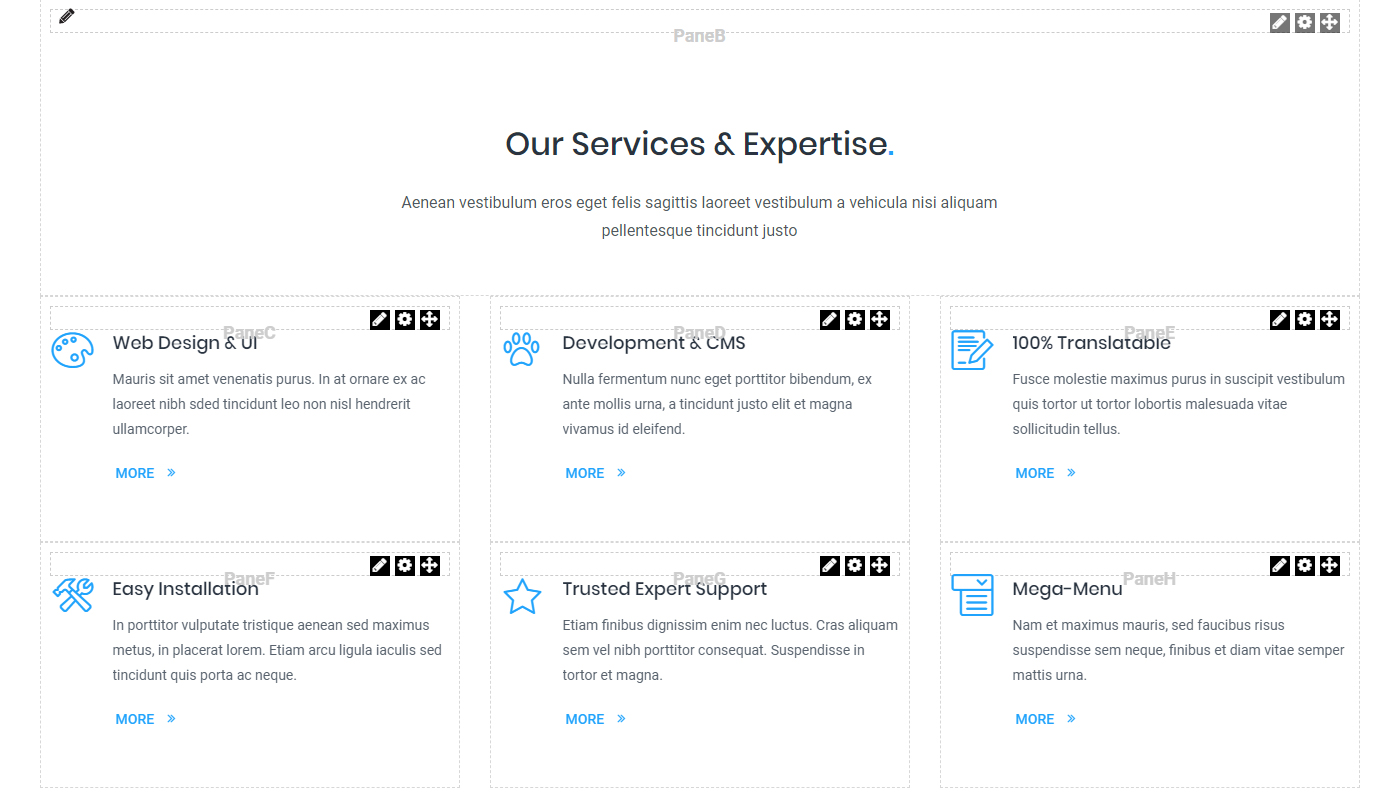
Build the pane structure of the content area here.
Footer Layout
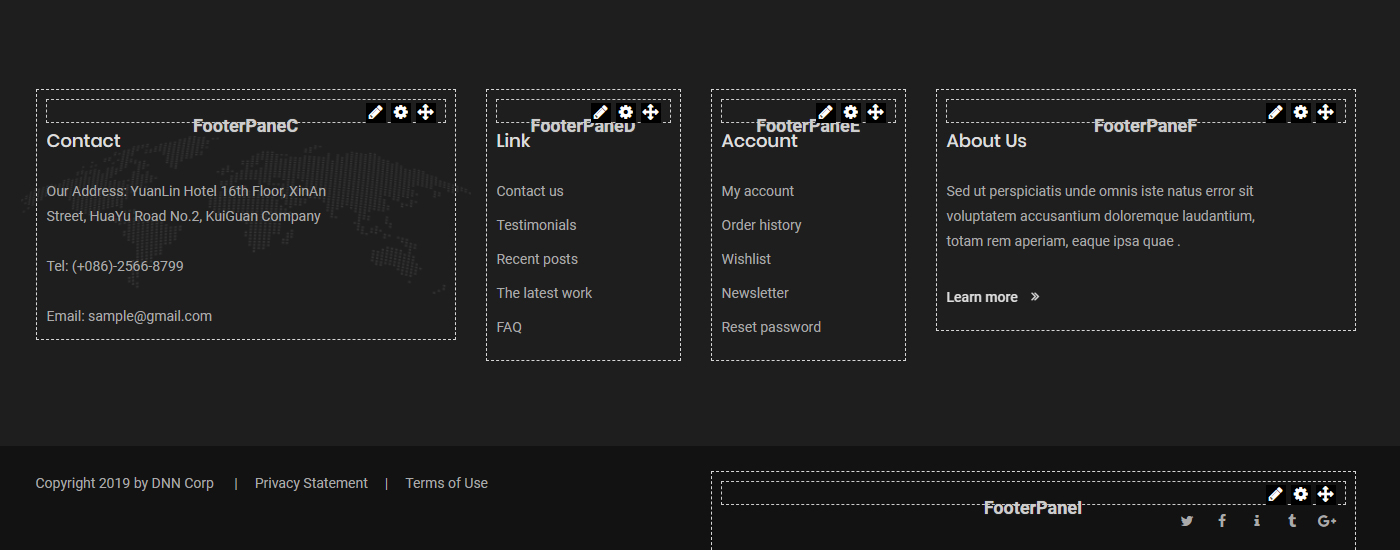
Build the pane structure of the footer area here.
Next Steps
- Pages Overview — page management
- Edit Options — per-page settings
- Mega Menu — mega drop-down menus
- Import Page Templates — recreate the demo site in one click
- Header / Content / Footer Layouts — the layout editors
- Theme Options — site-wide theme settings
- Global Settings — global configuration