
Content Builder Introduction
Content Builder is the visual page editor bundled with the Glend theme — powerful, intuitive, and minimal to learn. Select and drag to build beautiful pages, with no code required and a true what-you-see-is-what-you-get experience.
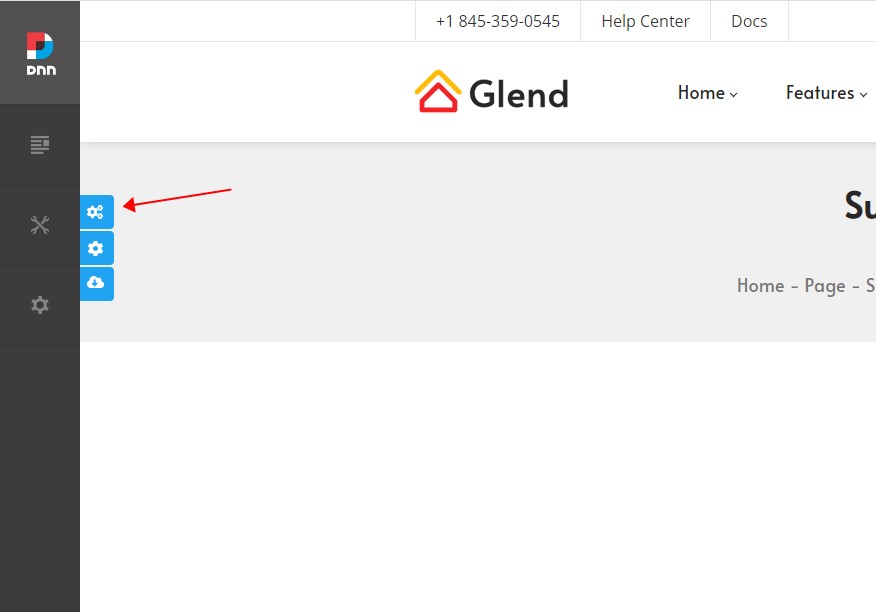
Upload the Resource Files
The Content Builder module ships with a large number of resource files and preset templates, which must be uploaded to your server via FTP before it can be used.
Find the ContentBuilder folder in the download package and upload it via FTP to your site's Portals/_default directory. There are many files, so the upload takes a while — please be patient. Once it finishes, the Content Builder module is ready to use.
Feature Overview
| Feature | Description | Section |
|---|---|---|
| Quick Start | Add the module and insert section areas | Quick Start |
| Add Content Blocks | 180 predefined content blocks | Add Content Blocks |
| Text Editor | A full-featured WYSIWYG editor | Text Editor |
| Insert Icons Quickly | Font Awesome 5, Linearicons, and animated icons | Insert Icons Quickly |
| Crop Images | Crop images right inside the editor | Crop Images |
| Section Settings | Detailed settings for each section | Section Settings |
| Box Settings | Background images, content width, text colors, and more | Box Settings |
| Column Layout | Freely combine multi-column layouts | Column Layout |
| Lightbox | Image, video, map, and HTML lightboxes with grouping | Lightbox |
| Save Sections | Save page content as reusable sections | Save Sections |
| Page Templates | 54 preset page templates — recreate the demo site with one click | Page Templates |
Fastest way to build a site
Import a page template first to replicate the demo site, then refine it with content blocks and section editing.