
Import Page Templates
The theme includes more than 50 preset page templates (see the Page Templates list). Importing one is the fastest way to make a page look exactly like the demo.
Importing overwrites the page
Once a template is imported, all existing content and modules on the page are replaced. Back up anything important first.
Steps
- Log in as a superuser.
- Go to the page that needs the template.
- Add the DNNGo ContentBuilder module to a pane on the page.
- Click the Import icon on the left side of the page.
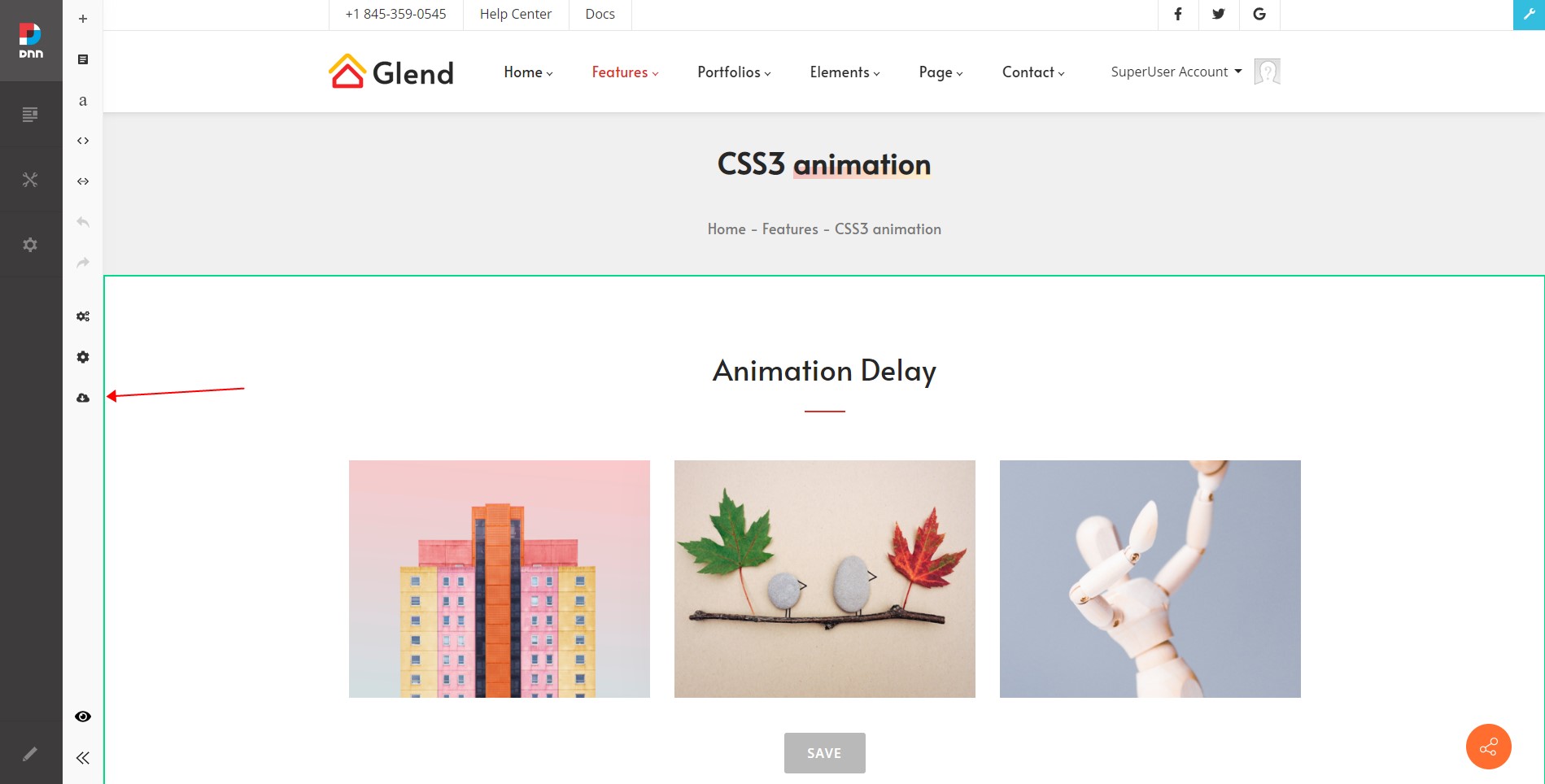
- Pick a page template from the pop-up list and confirm.
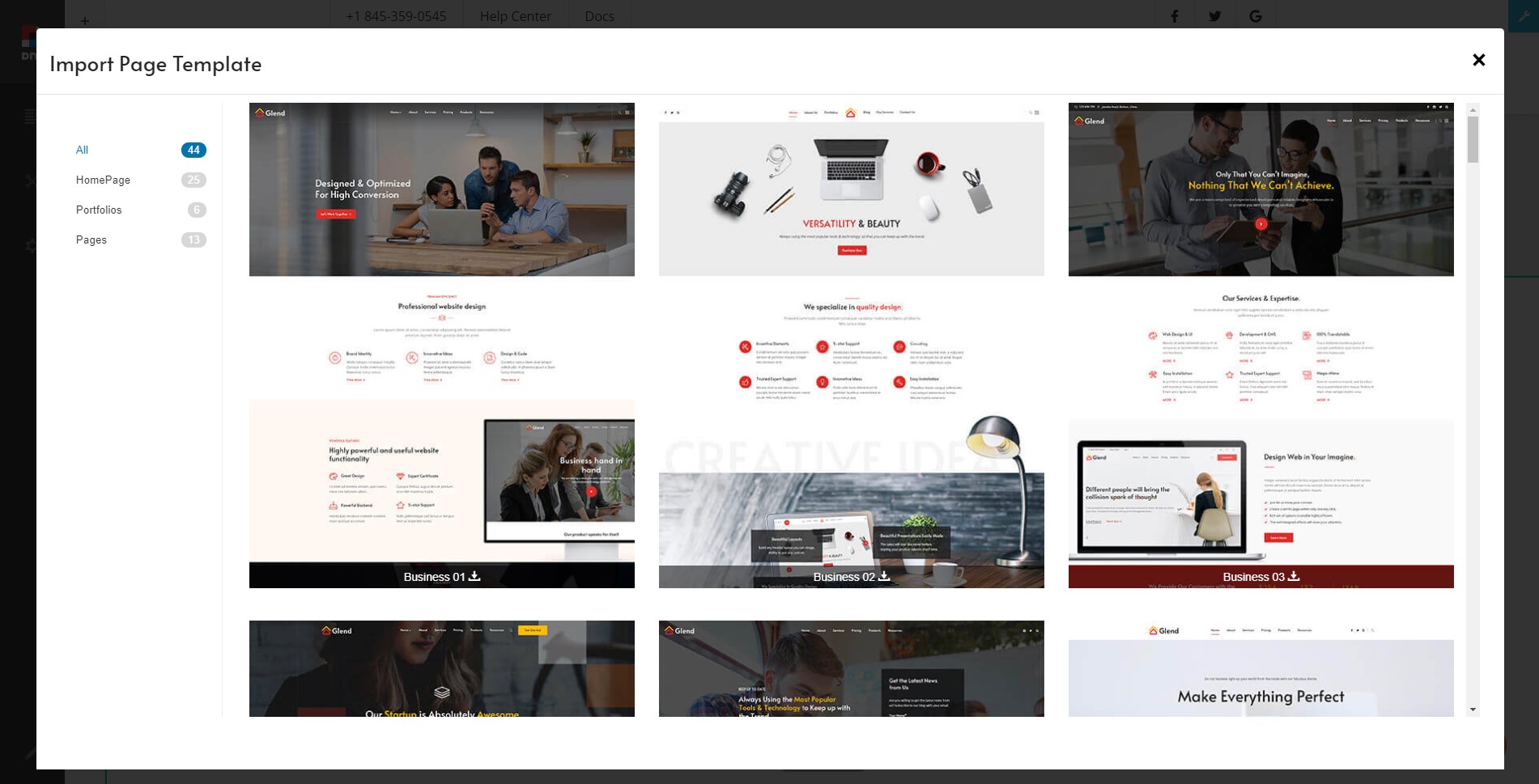
The page now uses the template's layout and content — edit it further as you like.
Other entry points
You can also click Import Page Template in the Pages list, or use the Import Page Template shortcut icon on the right side of the page.