
Theme Options
On this settings page you configure the appearance of the entire site. It is organized into tabs: Layout, Design, Loading Style, Fixed Widget, Page Title, Breadcrumbs, Sidebar, Footer, Plugins, and Custom Code.
Theme Options vs. Page Options
Settings here are the site-wide defaults. To style one page differently, override them in that page's Edit Options.
Browser cache
Saved changes may not show immediately because of browser caching. Press Ctrl + F5 to force a refresh.
Layout
Layout Setting
Choose the layouts for the Header, Content, and Footer areas of your site. These layouts are created under Theme Plugin Pro > Layout:
| Setting | Description |
|---|---|
| Header Layout | The site's header layout — also created under ThemePluginPro > Layout > Header Layout |
| Content Layouts | The site's content layout — also created under ThemePluginPro > Layout > Content Layout |
| Footer Layout | The site's footer layout — also created under ThemePluginPro > Layout > Footer Layout |
Container Setting
| Setting | Description |
|---|---|
| Container Layout | Display mode of the theme: Boxed or Wide |
| Content Margin | Spacing around the content area |
| Container Width | Width of the content area — responsive values per resolution are supported |
Design
Body Background
Set a background color or image for the whole theme.
Content Style
Set the text color, size, and more for the content area.
H1 – H6 Style
Set the text color, size, and more for headings 1–6.
Button Color
Set button colors.
Loading Style
The loading animation shown while the page loads.
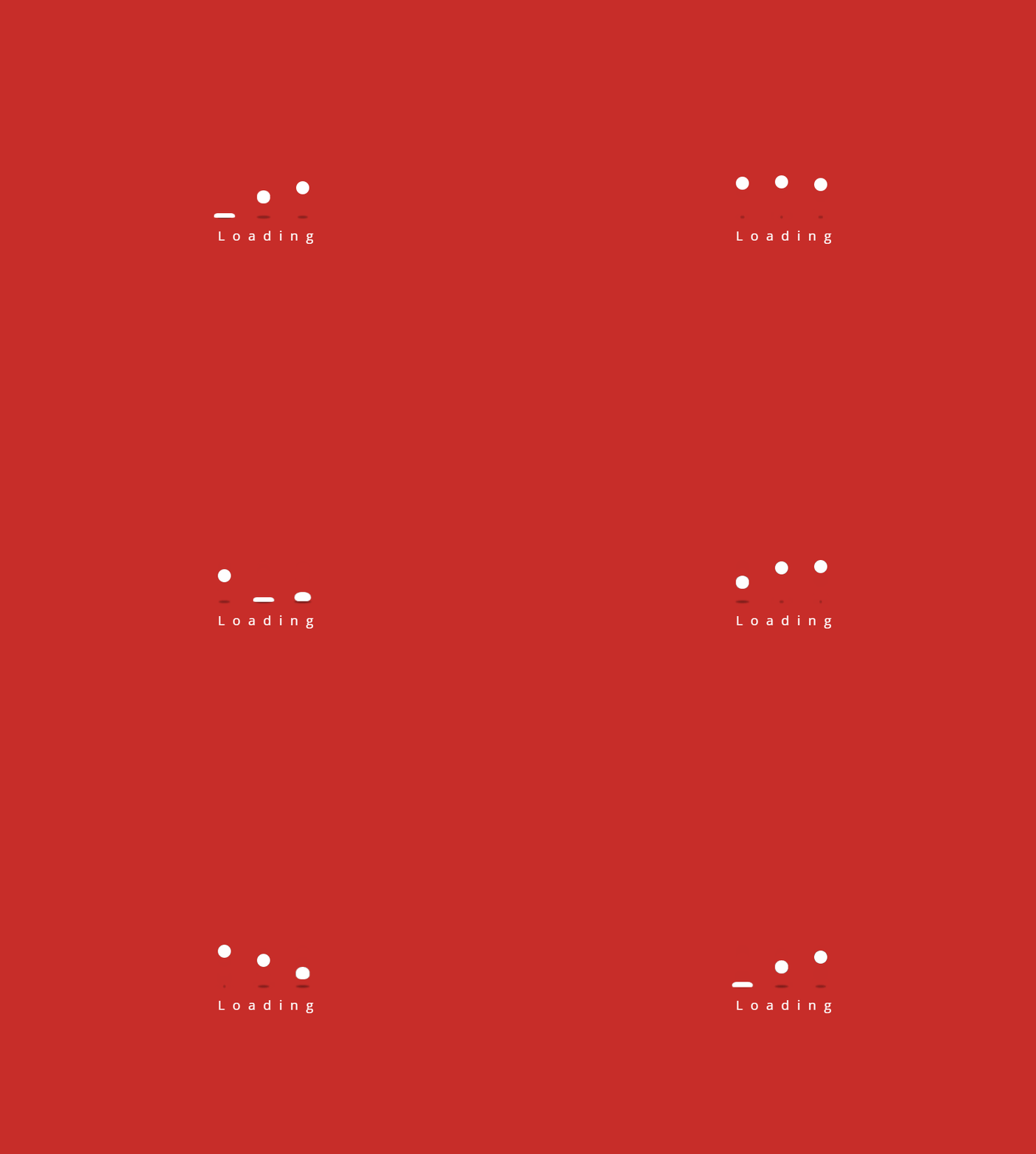
| Setting | Description |
|---|---|
| Enabled | Enable the loading animation |
| Background Color | Background color of the loader |
| Color | Color of the circles |
| Loading Text | Text shown while loading |
Fixed Widget
The fixed widget appears in the bottom-right corner of the page.
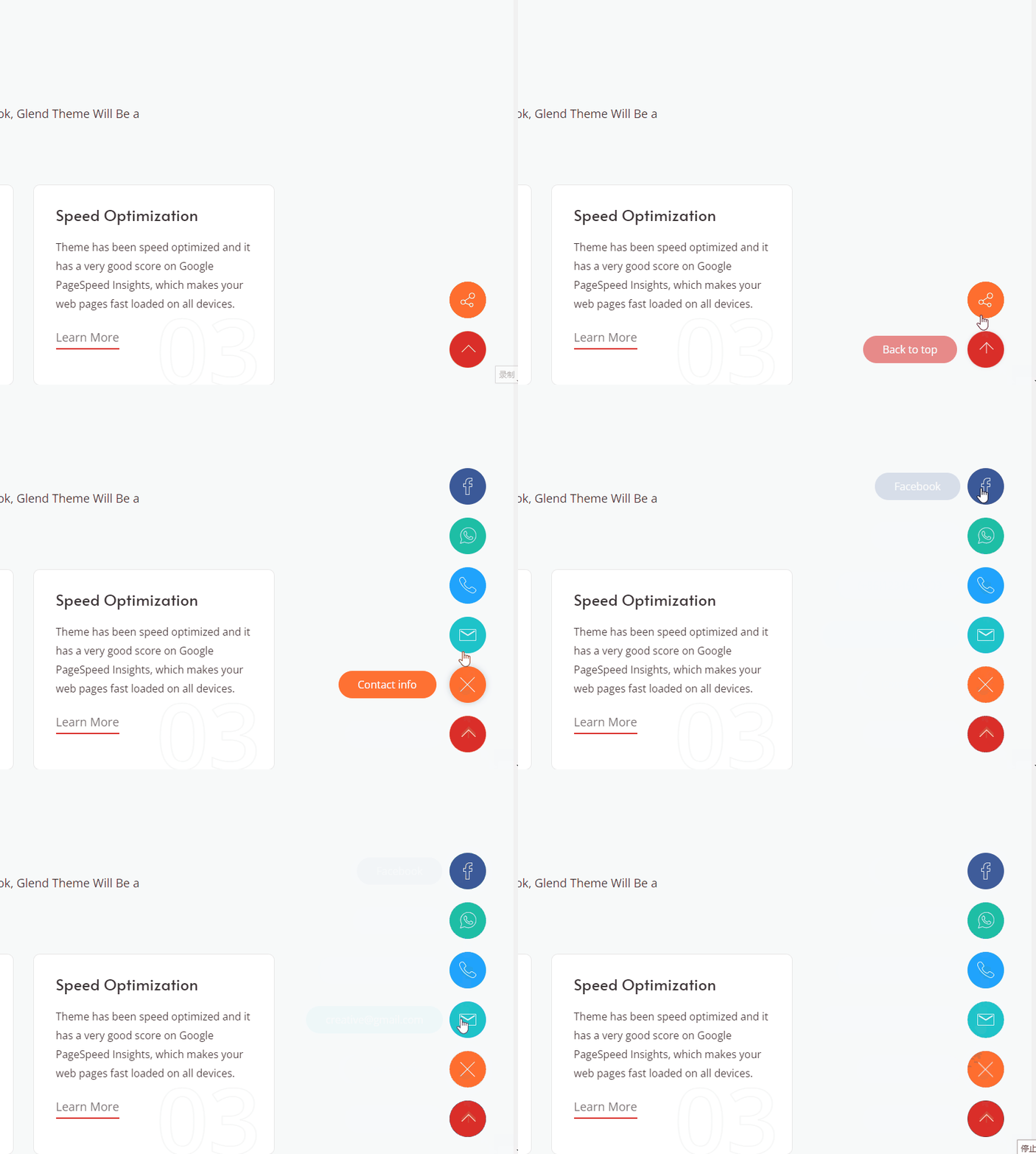
| Setting | Description |
|---|---|
| Enabled Fixed Widget | Show the widget |
| Social Media icon | Text and link for each social media icon |
| BackTop | Show the back-to-top icon |
| BackTop Text | Tooltip text of the back-to-top icon |
Page Title
| Setting | Description |
|---|---|
| Page Title Enabled | Enable the page title |
| Page Title Layout | One of two layouts (below) |
| Height | Height of the page title area |
| Display Arrow | Show a down arrow — clicking it scrolls to the content area |

| Setting | Description |
|---|---|
| Display Breadcrumbs | Show breadcrumbs |
| Scrolling Text Animation | Animate the text as the page scrolls |
| Background Color | Background color of the page title area |
| Background Image | Background image of the page title area |
| Color Overlay | Show a shade layer over the page title, with configurable color and opacity |
| Font Color | Text color of the page title area |
| Font Size | Text size of the page title area |
| Background Region | Whether the background extends over the header area |
Page Title Layout — two options:
- Vertical Layout — the title and breadcrumb occupy two separate rows.

- Horizontal Layout — the title and description share one row.

Breadcrumbs
| Setting | Description |
|---|---|
| Display Breadcrumbs | Show the breadcrumb area |
| Location | Place the breadcrumbs inside or outside the page title |
| Text Align | Left, center, or right alignment |
| Layout | Width of the breadcrumb area |
| Background Color | Background color of the breadcrumb area |
| Spacing | Spacing around the breadcrumb text |
| Display Border Line | Show a divider line at the bottom of the breadcrumb area |
Breadcrumbs Style — 3 styles to choose from:

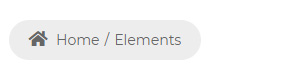

| Setting | Description |
|---|---|
| Breadcrumbs Accent Color | Accent color of the breadcrumbs |
| Breadcrumbs Color | Text color of the breadcrumbs |
| Breadcrumbs Font Size | Text size of the breadcrumbs |
| Breadcrumbs Line Height | Line height of the breadcrumb text |
Sidebar
| Setting | Description |
|---|---|
| Enabled | Enable the sidebar |
| Sidebar Position | Left or right side of the page |
| Sidebar Width | The theme uses the Bootstrap 12-column grid — set how many columns the sidebar occupies |
| Fixed Sidebar | Keep the sidebar fixed while the content scrolls |
| Sidebar Spacing | Space around the sidebar |
Sidebar Menu
| Setting | Description |
|---|---|
| Display Sidebar Menu | Enable the sidebar menu |
| Menu level | Which levels to display: ALL shows every level; 1 shows the sub-menus under first-level items (not the first-level items themselves); 2 shows sub-menus under second-level items, and so on |
| Menu Color | Text color of the main menu |
| Menu Font Family | Font of the main menu text |
| Menu Font Weight | Font weight of the main menu text |
| Menu Font Size | Font size of the main menu text |
| Menu Line Height | Line height of the main menu text |
| Sub Menu Font Family | Font of the sub-menu text |
| Sub Menu Font Weight | Font weight of the sub-menu text |
| Sub Menu Font Size | Font size of the sub-menu text |
| Sub Menu Line Height | Line height of the sub-menu text |
| Current Menu Color | Text color of the currently selected item |
Footer
| Setting | Description |
|---|---|
| Footer Mode | Scroll — the footer scrolls with the page; Fixed — the footer stays pinned to the bottom of the window |
Plugins
The theme bundles a number of jQuery and CSS plugins that you can enable or disable. Turning off the ones your site doesn't use speeds things up.
| Setting | Description |
|---|---|
| jQuery Library | Enable the jQuery plugin |
| CSS Library | Enable the CSS plugin |
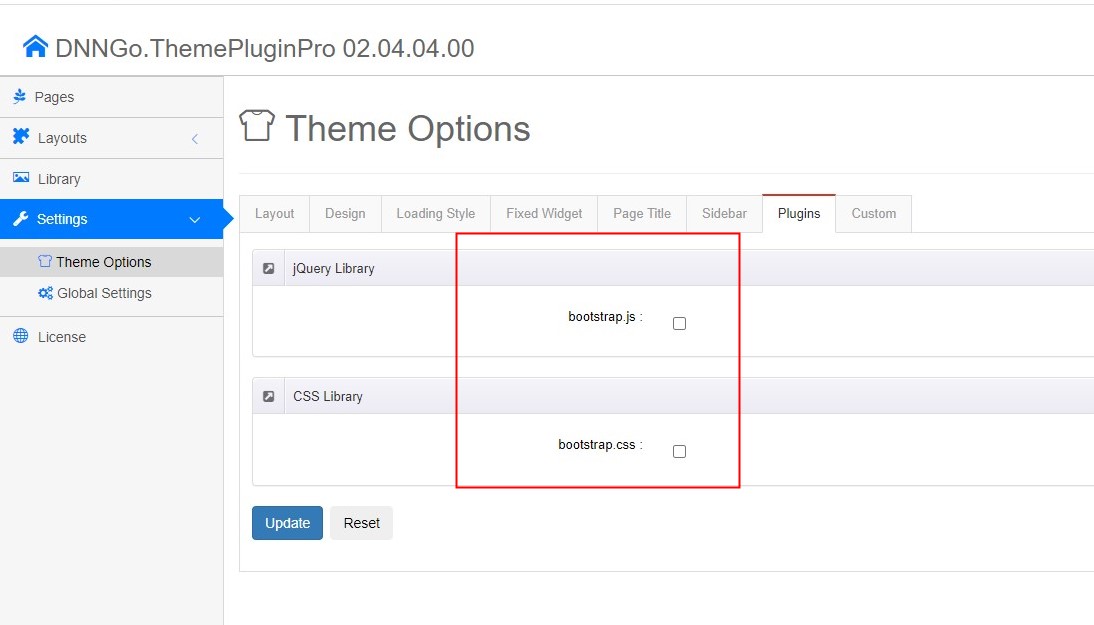
Custom Code
| Setting | Description |
|---|---|
| Custom CSS | Append custom CSS to the theme |
| Custom JS | Append custom JS to the theme |