
Preparations
After installing the theme, two preparation tasks are required before you start using it: theme initialization and uploading resource files.
Theme Initialization
When using the skin for a new site, you need to initialize the theme by following these steps:
- Log in to your site as super administrator
- Create a blank page
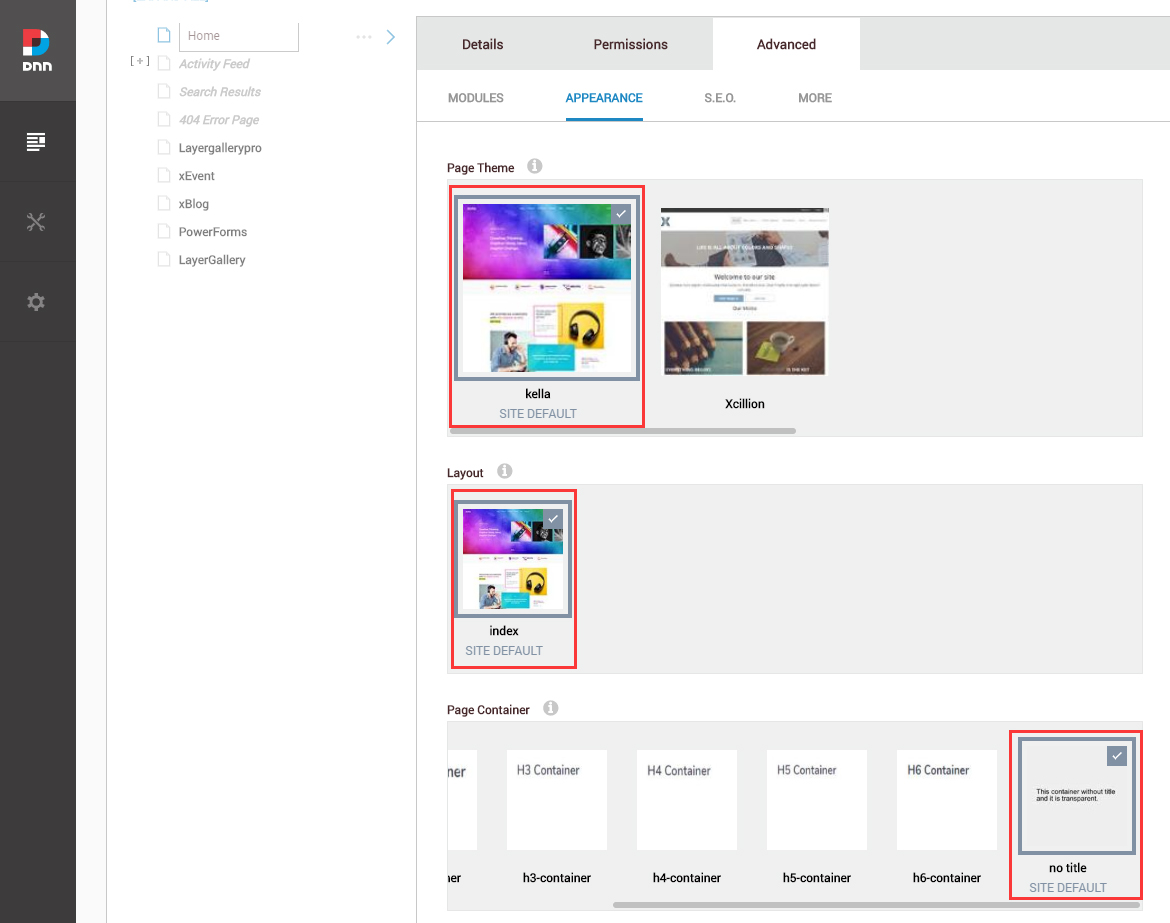
- Set the Theme of the page to kella, set the Layout to index, and set the Container to No Title
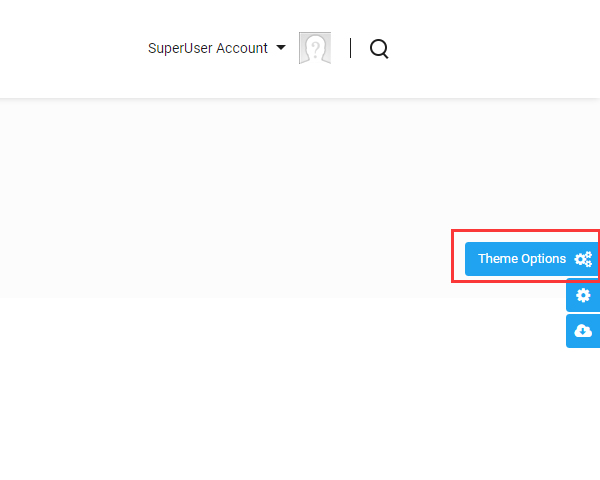
- Click the Theme Option button on the right of the screen
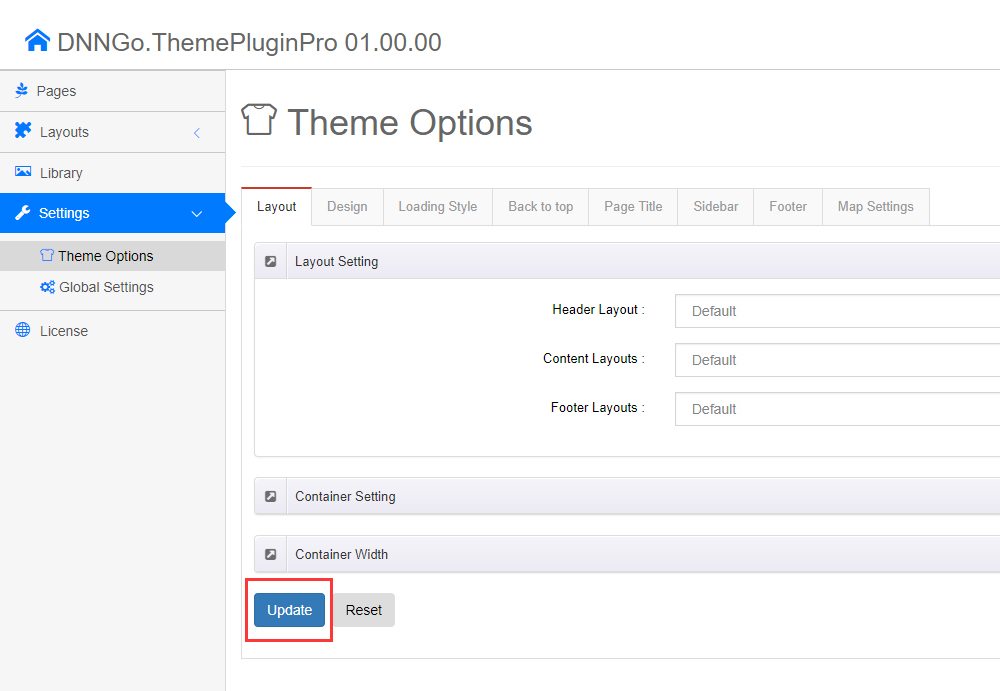
- Click the Update button once
Upload Resource Files
There are many resource files and templates included in the Content Builder module, so you need to upload the files via FTP manually.
You will find the ContentBuilder folder in the download package. Please upload it to the \Portals\_default\ directory of your site using an FTP client. There are many files to upload, so please be patient. Once the upload is done, you can start using the Content Builder module.
Upload location
The ContentBuilder folder goes under Portals/_default, so the final path is Portals/_default/ContentBuilder/....
Support
If you run into problems, please contact: [email protected]