
Quick Start
This page describes how to add the Content Builder module to a page and quickly build page content by selecting sections.
Add the Module to a Page
- Log in to your site with the administrator account, and go to the page you want to edit
- Add the DNNGo Content Builder module to a full-width pane
- Click the "+" symbol on the left of the control panel, or click Click to add content in the module
- In the pop-up box, select a section area to add to the page
TIP
Choose a full-width pane when adding the module, so that sections can stretch to the full page width.
Choose a Section Layout
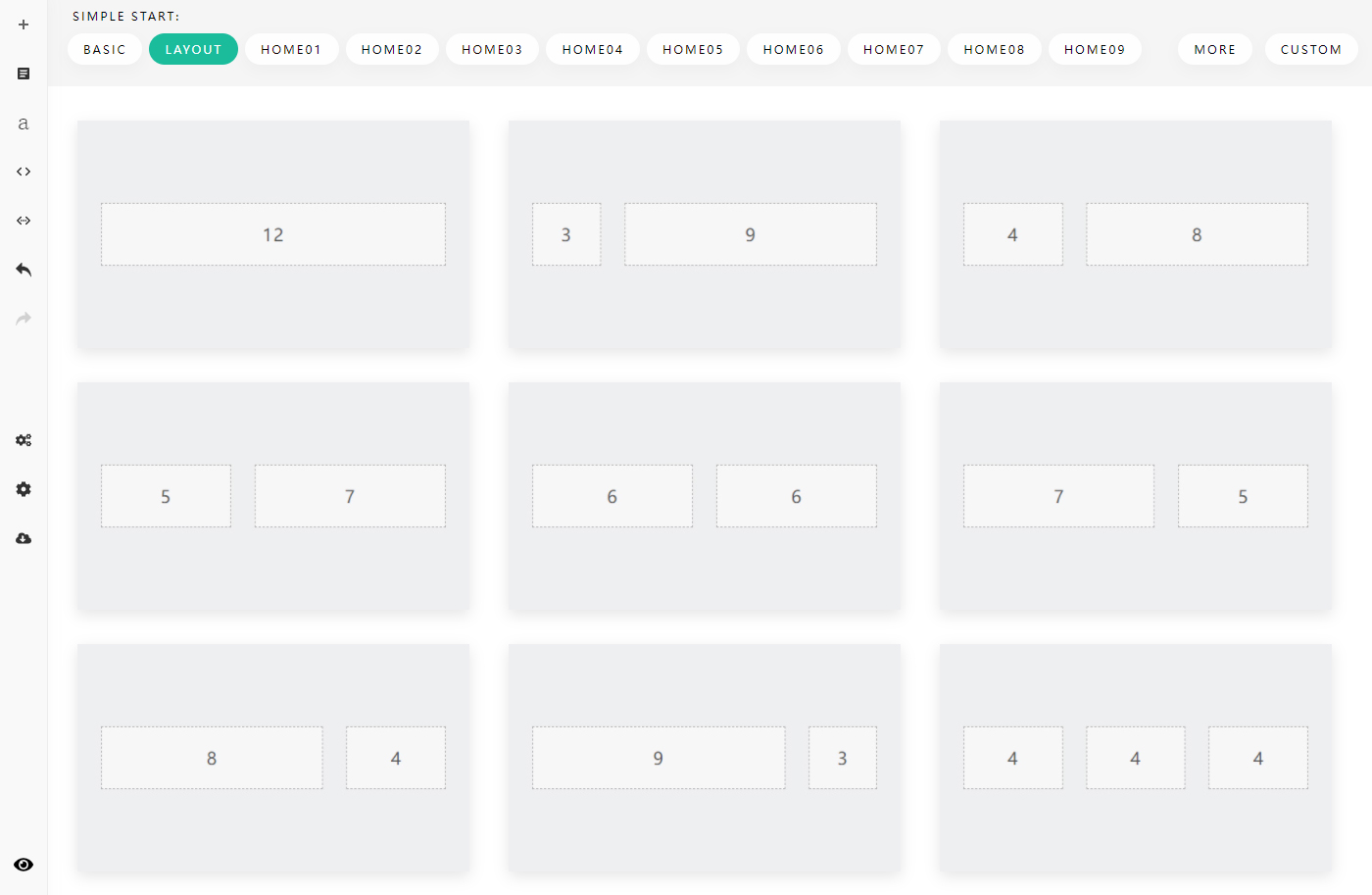
After clicking the Click to add section button, pick the column structure you need from the predefined layouts:
Add Content
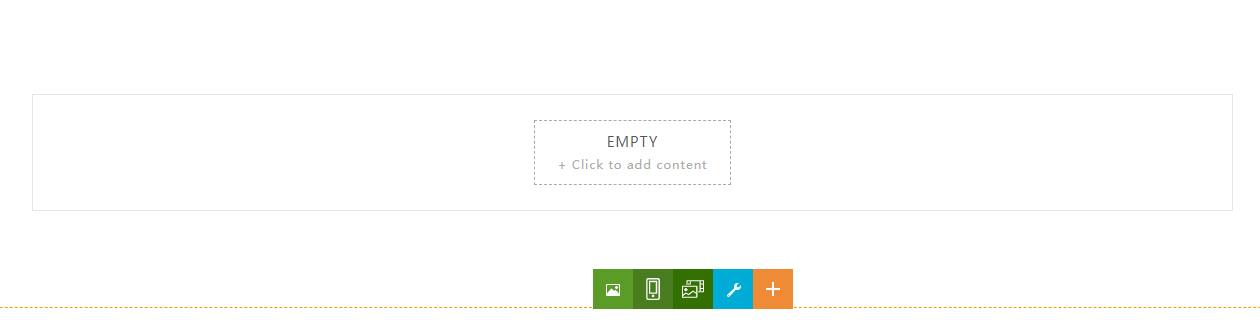
With a section selected, click Click to add content to add content to the area:
Use DNN Modules in Content Builder
Content Builder supports not only its own elements, but also embedding any DNN module into the page. See How to use a DNN module in Content Builder.
Next Steps
- Learn about the 120+ predefined content blocks: Add Content Block
- Learn about the text editor, quick icons and image cropping: Text Editor
- Learn about section, box and column layout settings: Section Settings