
Import Forms
The Obvio theme ships with a preset form file (located in the DNNGo_FormBuilder folder of the package, named Import.json). Import it to get every form style from the demo site.
Step 1
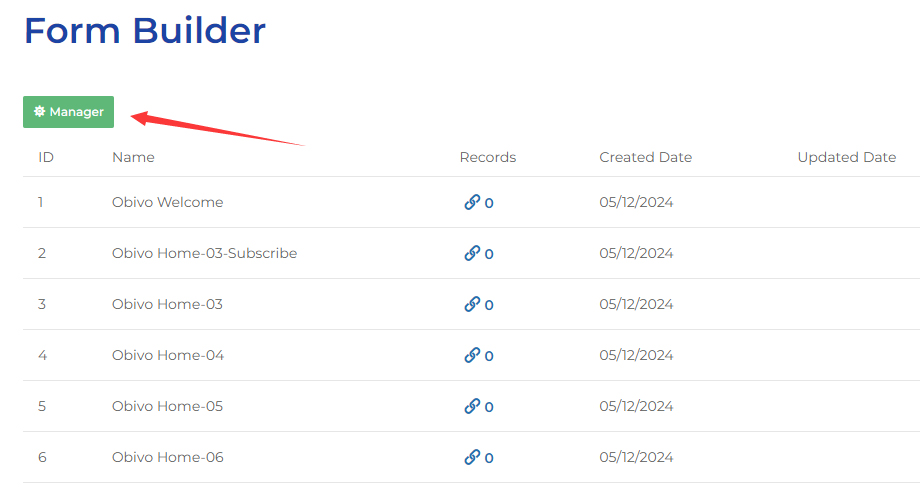
Click the Manager button on the Form Builder page.
Step 2
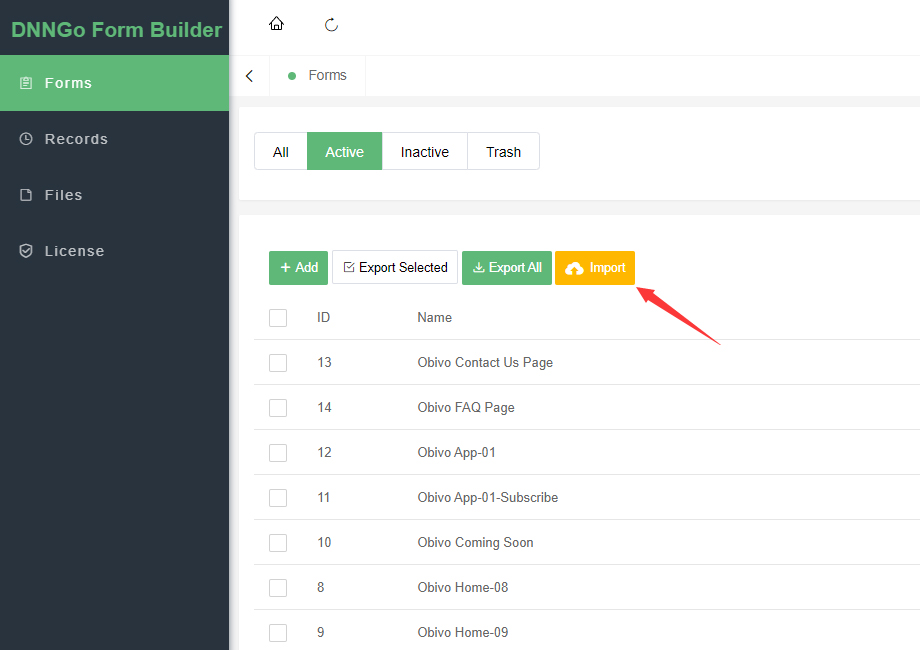
Click the Import button.
Step 3
Find the Import.json file in the DNNGo_FormBuilder folder and upload it to complete the import.
Next Steps
After the import is complete, continue with Add Form to Page.