
Install the Form Builder Module
The Form Builder module is installed from the DNN back end. Perform the following steps as a SuperUser (Host):
- Log in to your site, go to Settings > Extensions, and upload and install the module package
DNNGo_FormBuilder_x.x.x_Install.zip
Package Location
The module installation package is included in the DNNGo_FormBuilder folder of the download package; the actual file name depends on the version number. See What's Included.
- Create a page named Form Builder Admin and set its access permissions to administrators only. This page is used to centrally manage all forms on your site
- Add the DNNGo FormBuilder module to this page
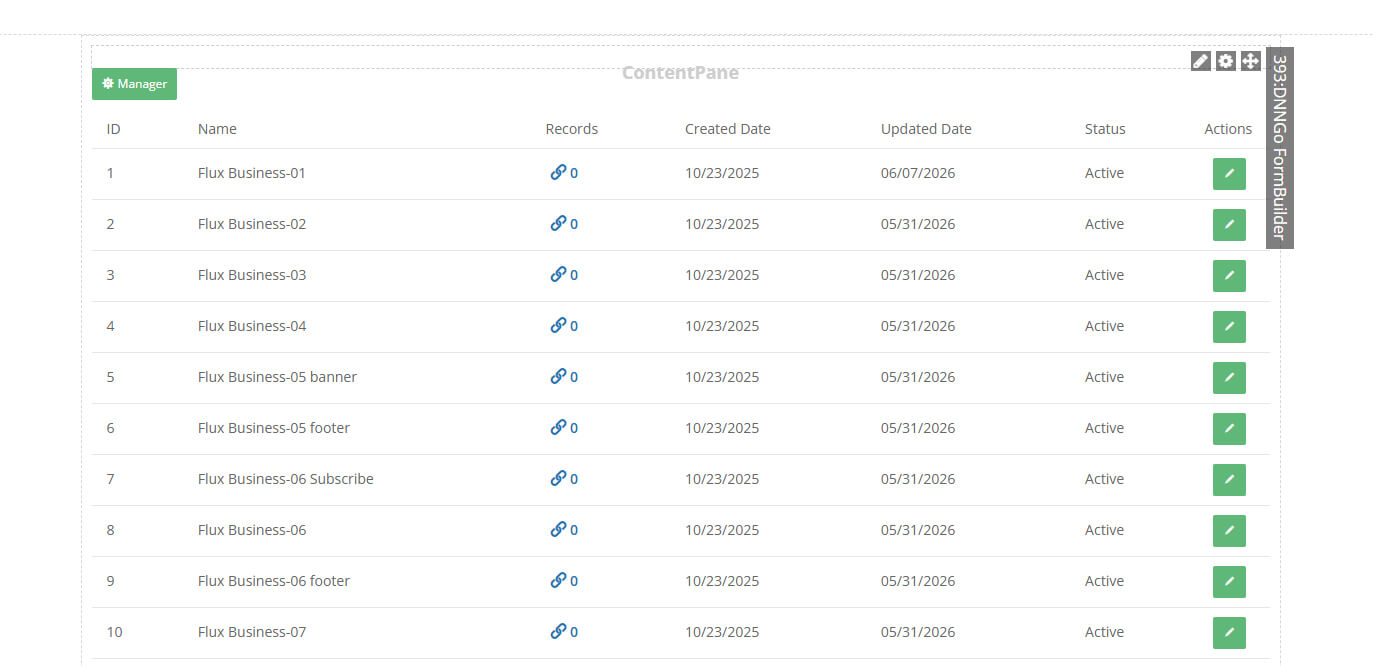
Once done, you can use the Form Builder management interface on this page.
Next Steps
After the installation is complete, continue with Import Forms.