
Multiple Display Skins
Ships with three list skins — Calendar, Timeline and Accordion — plus an event detail skin, each with rich display options.
Powerful, flexible and fast — calendar, timeline and accordion layouts, recurring events and registration in one module
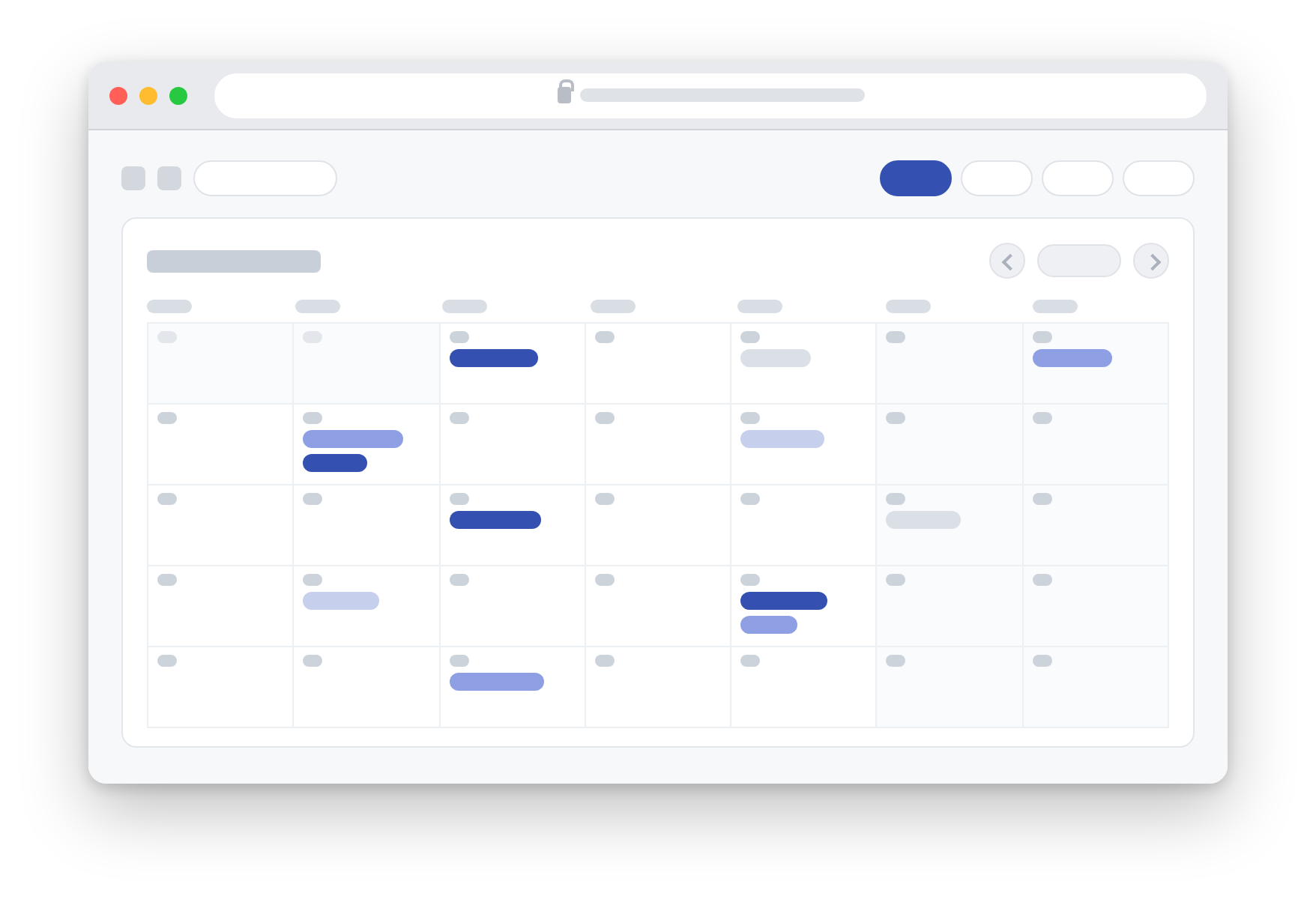
Ships with three list skins — Calendar, Timeline and Accordion — plus an event detail skin, each with rich display options.

Repeat daily, weekly, bi-weekly, monthly or yearly, with advanced rules such as "every April 1st" or "weekends of every May".

Users can register on the event detail page with attendance options, seat limits and anonymous signup; admins manage and export the register list.

Six built-in email templates with 30+ tokens covering registration, upcoming, started and review reminders, scheduled via DNN Schedule.

Manage venues in the address book with coordinates, zoom and custom markers; the detail page displays the map automatically.

Integrated jRating star rating and Disqus comments to review and discuss every event.

Export and import event data between xEvent instances; single events export to iCal (.ics) for Outlook, Google Calendar and more.

All skins adapt to desktop, tablet and mobile, with smooth AJAX-driven month navigation.

Multiple authors can publish events with role-based permissions and optional admin review, notified by email.

Friendly URLs, custom page titles, meta tags, Open Graph protocol, RSS feeds and sitemap output.

The xEvent Dashboard companion module provides archive, author, calendar, category and full list skin effects bound to the main module.

Role-based viewing and editing permissions, configurable per event for fine-grained access control.
xEvent requires DNN 9.8.0 or higher.
Log in to DNN as a superuser, go to Settings → Extensions and upload the DNNGo_xEvent_x.x.x_Install.zip package. See Installation.
List skins include Skin_01_Calendar, Skin_02_TimeLine and Skin_03_AccordionEvent; the event detail page uses the EventDetail_01 skin. See Skins Overview.
Yes. Repeat daily, weekly, bi-weekly, monthly or yearly, with advanced rules (e.g. the Nth weekday of a month, specific months), plus additional dates and excluded dates. See Recurring Events.
Not by default. The Registration Settings offer a "Need to Login" option; you can also disable registration entirely or hide the attendance option.
When a user registers, the admin (or event author) and the user both receive a reminder. Upcoming, started and review notifications are also supported. Templates can be customized in Email Templates.
Add the venue in the Address Book (with coordinates and marker), fill in the Google Map API Key in General Settings, then select the address when editing the event.
After installing the module and adding it to a page, open the License page in the admin area to obtain the Machine Key, then email your Invoice ID, Machine Key and username to [email protected]. See License Activation.
Three types: Standard (single portal), Professional (all portals in one DNN installation) and Enterprise (all portals and all DNN installations). See License Activation.
Contact us at [email protected] for a free trial, or visit the demo site.
Purchase xEvent in the official store — Standard, Professional and Enterprise licenses are available.
Buy Now ›Have questions about xEvent? Send us an email and we will be happy to help.
[email protected]