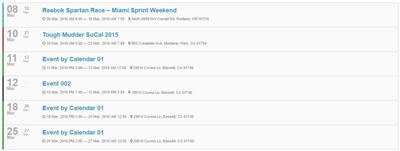
Skins Overview
xEvent controls the front-end presentation through "skins". There are two categories:
| Category | Admin location | Built-in skins |
|---|---|---|
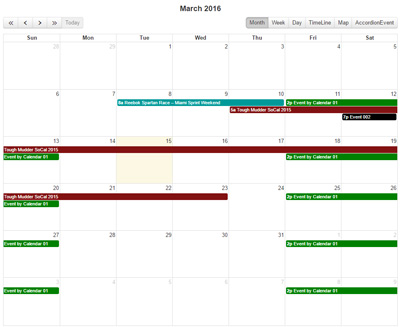
| Event list skins | Event List Skins | Skin_01_Calendar, Skin_02_TimeLine, Skin_03_AccordionEvent |
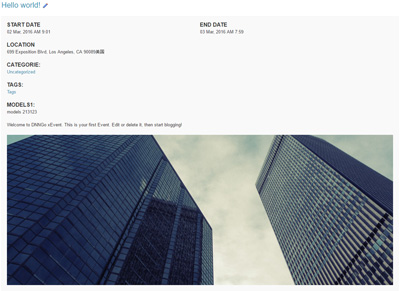
| Event detail skins | Event Detail Skins | EventDetail_01 |
Both categories share the same three-part management interface:
- Skin List: choose the skin in use.
- Options: show/hide elements, configure counts, date formats and more.
- Style: edit the skin stylesheet directly.
Skins and module instances
Skin settings are stored per module instance. Multiple xEvent instances on the same site can use different skins and options.
Skin Previews
Skin_01_Calendar — Live Demo
Skin_02_TimeLine — Live Demo
Skin_03_AccordionEvent — Live Demo