
Preparations Before Using the Skin
After installing and applying the theme, three things must be done before first use: initialize the theme, upload resource files and change the settings of the HTML editor.
Theme Initialization
When using the skin for a new site, you need to initialize the theme by following these steps:
- Log in to your site as super administrator
- Create a blank page
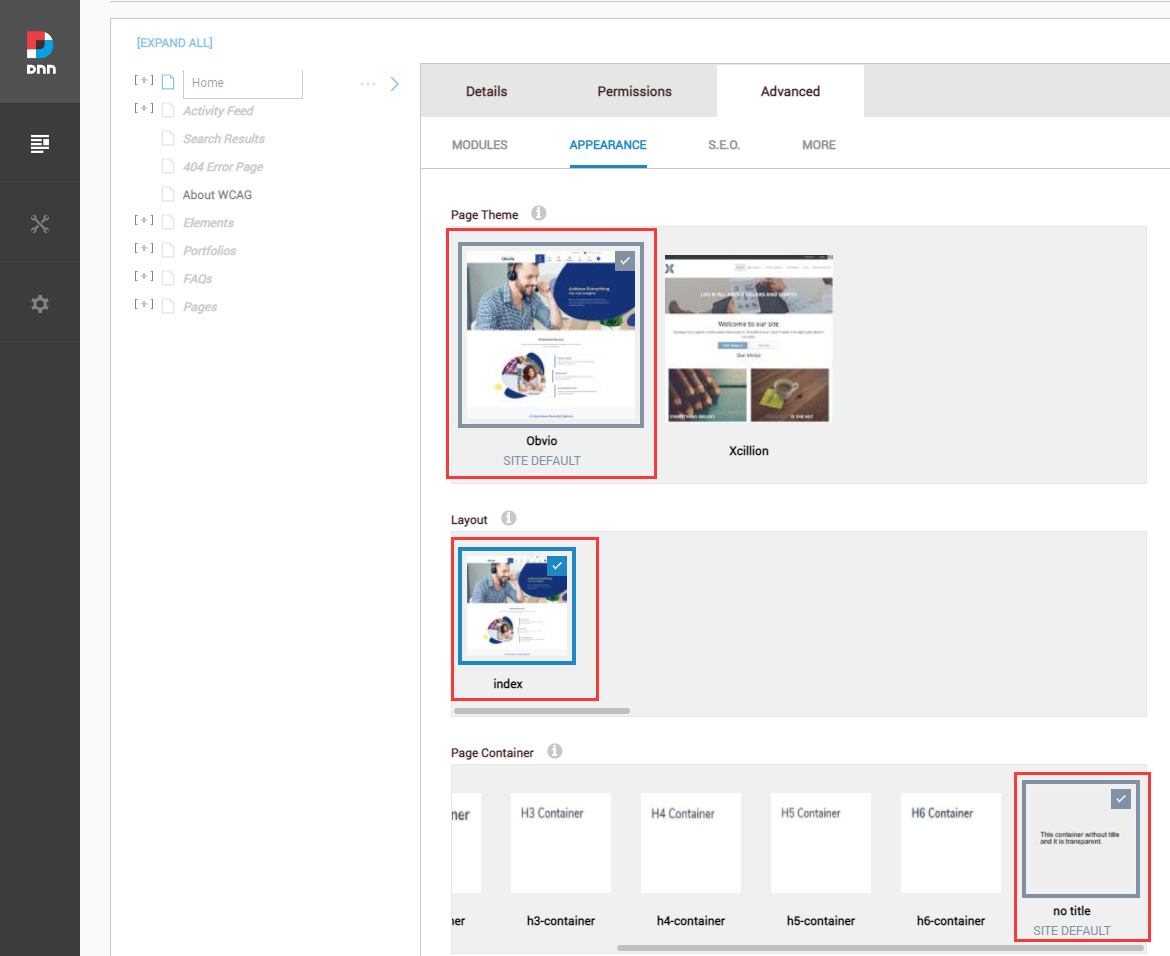
- Set the page Theme to obvio, the Layout to index, and the Container to No Title
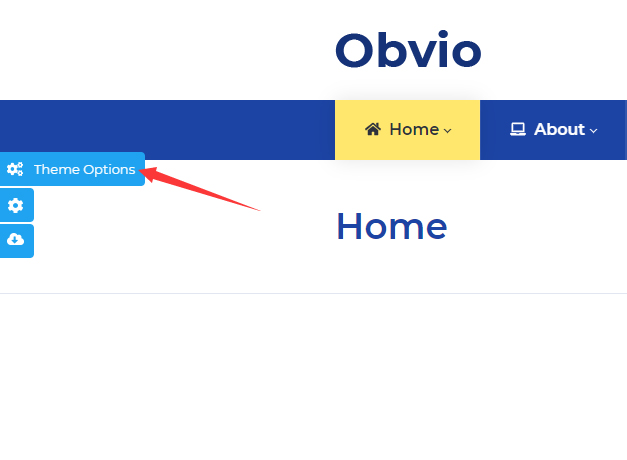
- Click the Theme Option button on the left of the screen
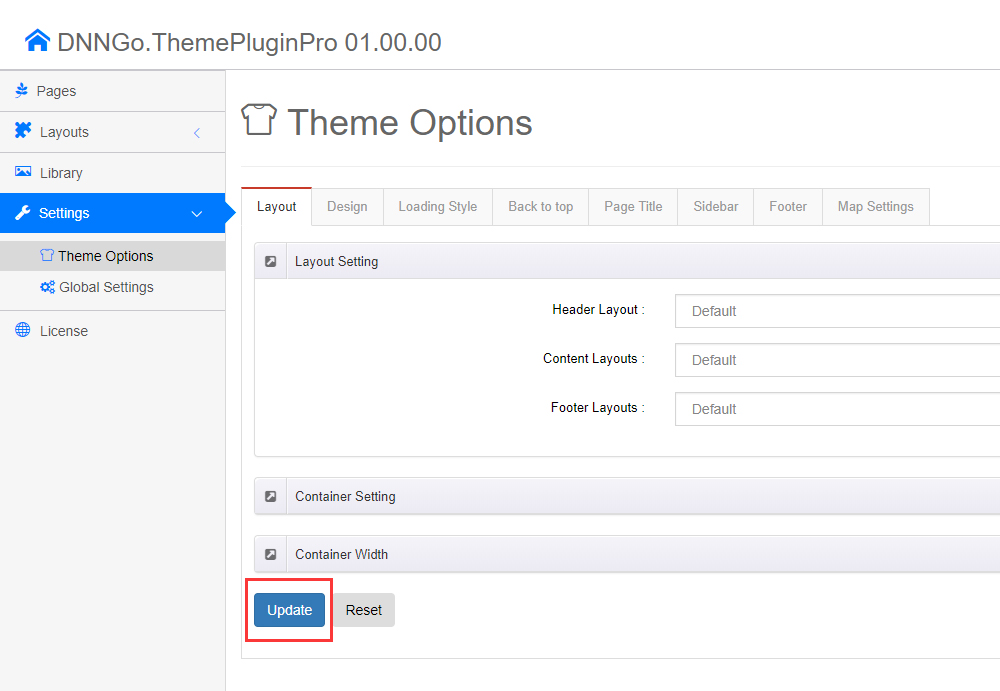
- Click the Update button once
Upload Resource Files
There are many resource files and templates included in the Content Builder module, so you need to upload the files via FTP manually:
- Find the ContentBuilder folder in the purchased product
- Upload it to the
Portals/_defaultdirectory of your site via FTP
There are many files to upload, so the upload may take a while. Once it is done, you can start using the Content Builder module.
Change the HTML Editor Settings
By default, the HTML editor will remove the div tags whose content is blank. For example: if we add the code <div class="pt-20"></div> in the HTML editor and click save, you will find the code is missing when you edit it afterwards. So we need to change the settings to prevent this from happening.
- Log in to your site as super administrator
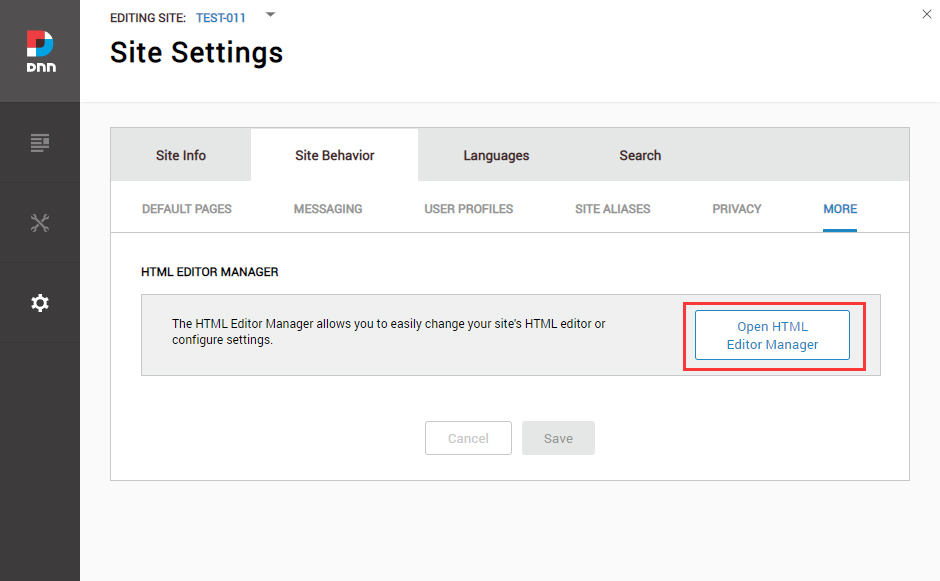
- Go to Settings > Site Settings > Site Behavior > More, and click Open HTML Editor Manager
- Click the Editor Config tab
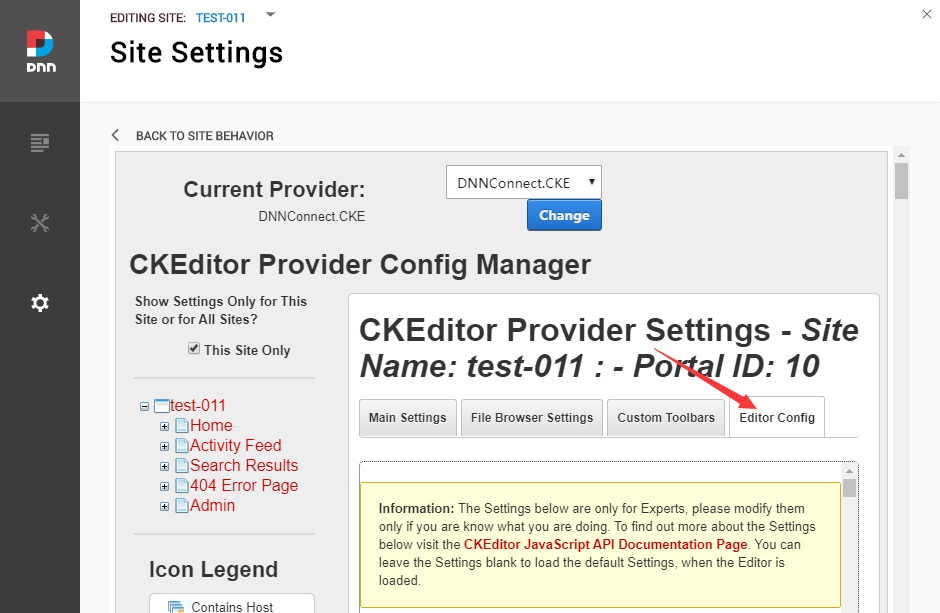
- Set AllowedContent to true
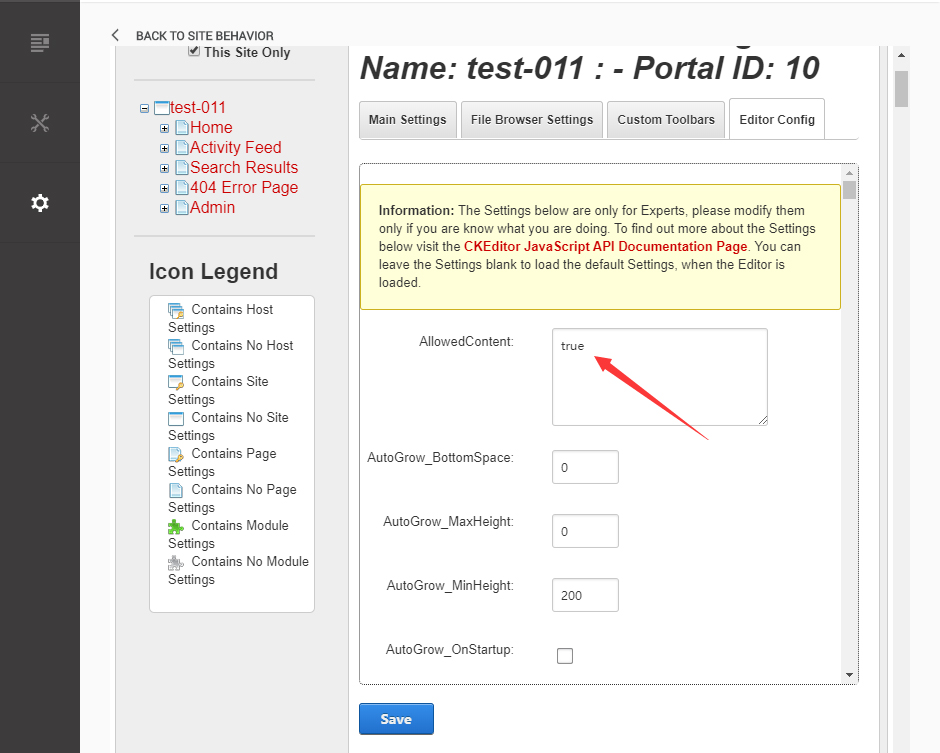
- Set FillEmptyBlocks to false
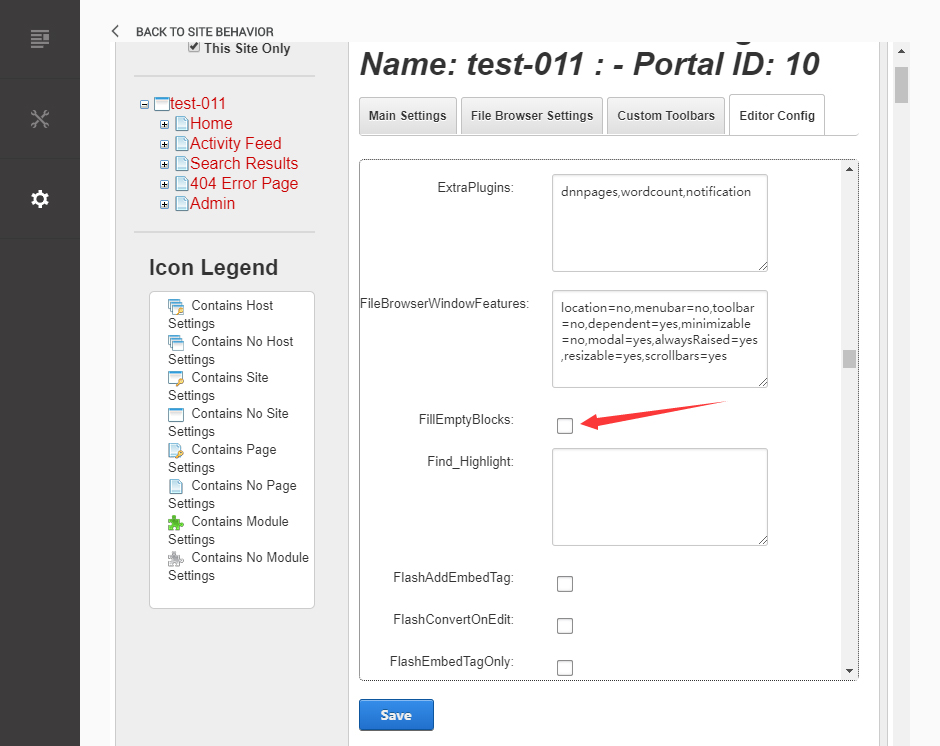
- Set ignoreEmptyParagraph to false
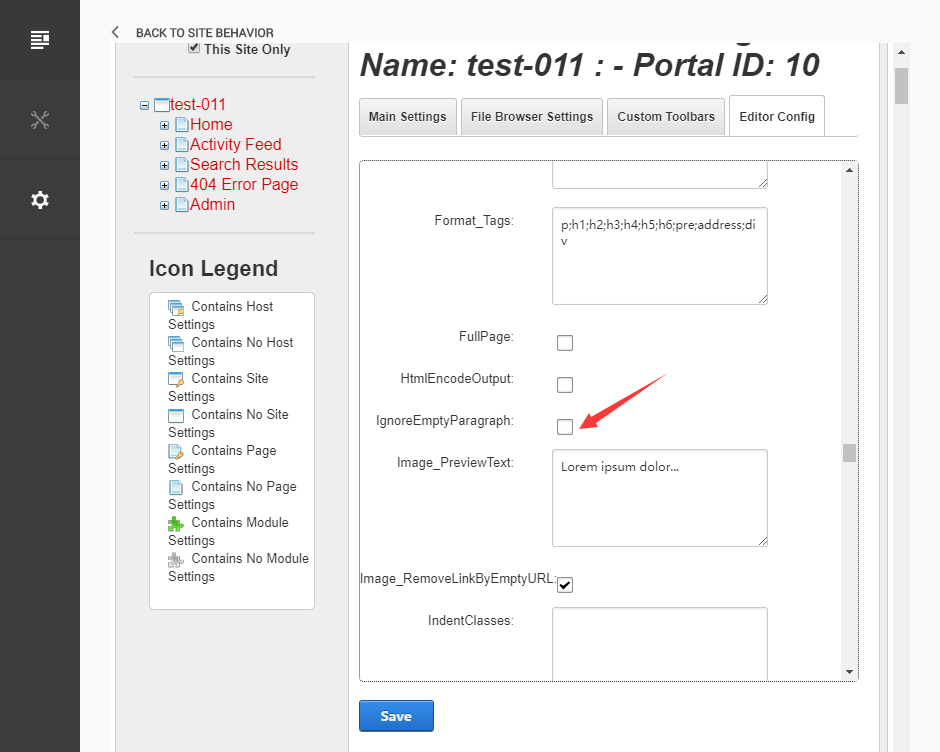
- Click the Save button