Import & Export
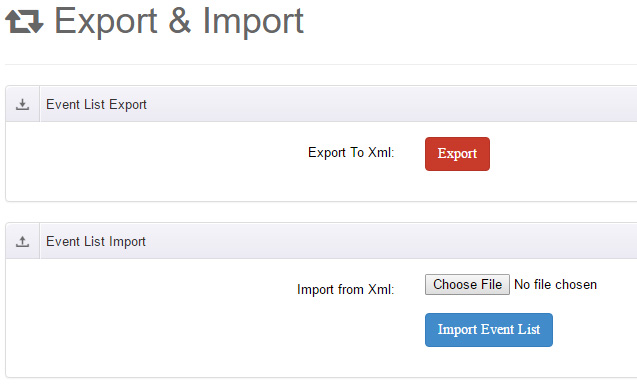
The Export & Import page handles backup and migration of event data, split into an export panel and an import panel.
Event List Export
Click the Export To Xml button to export all events of the current module instance into an XML data file for backup or migration.
Event List Import
Select the previously exported XML file under Import from Xml, then click the import button. A confirmation dialog ("Are you sure to import?") appears before the import starts.
Once finished, the events in the XML are written into the current module instance.
Format restriction
The import file must be an XML file exported by xEvent. The format works only between xEvent modules and cannot be exchanged with other systems. Back up your data before importing.
Related Features
- Single events can be exported as iCal (.ics) files for Outlook, Google Calendar and other apps — see Recurring Events.
- Registration lists can be exported — see Register List.