
Mega Menu
In the Mega Menu settings page, you can set the display type of the pop-up menu. Mega Menus allow you to add multi-column drop-down menus to your navigation with rich media such as images and videos.
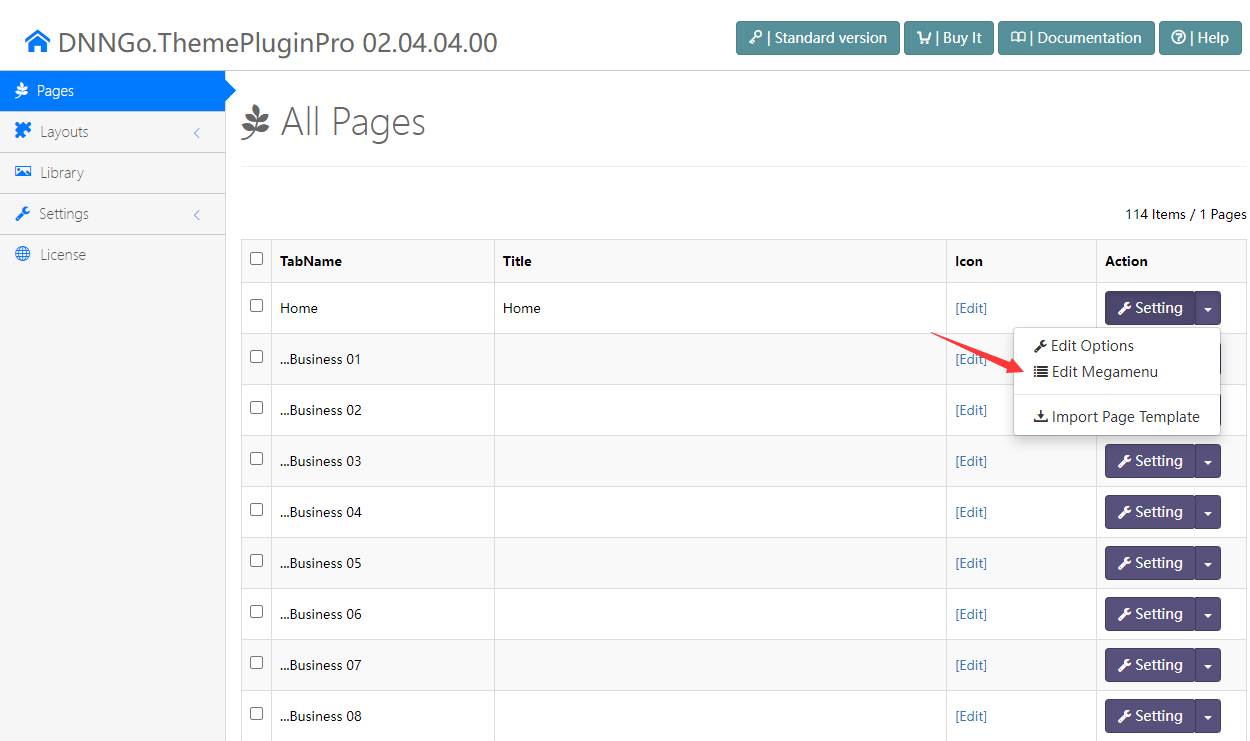
Steps
- Log in to your site as super administrator
- Go to ThemePluginPro > Pages
- Click the Edit Megamenu button
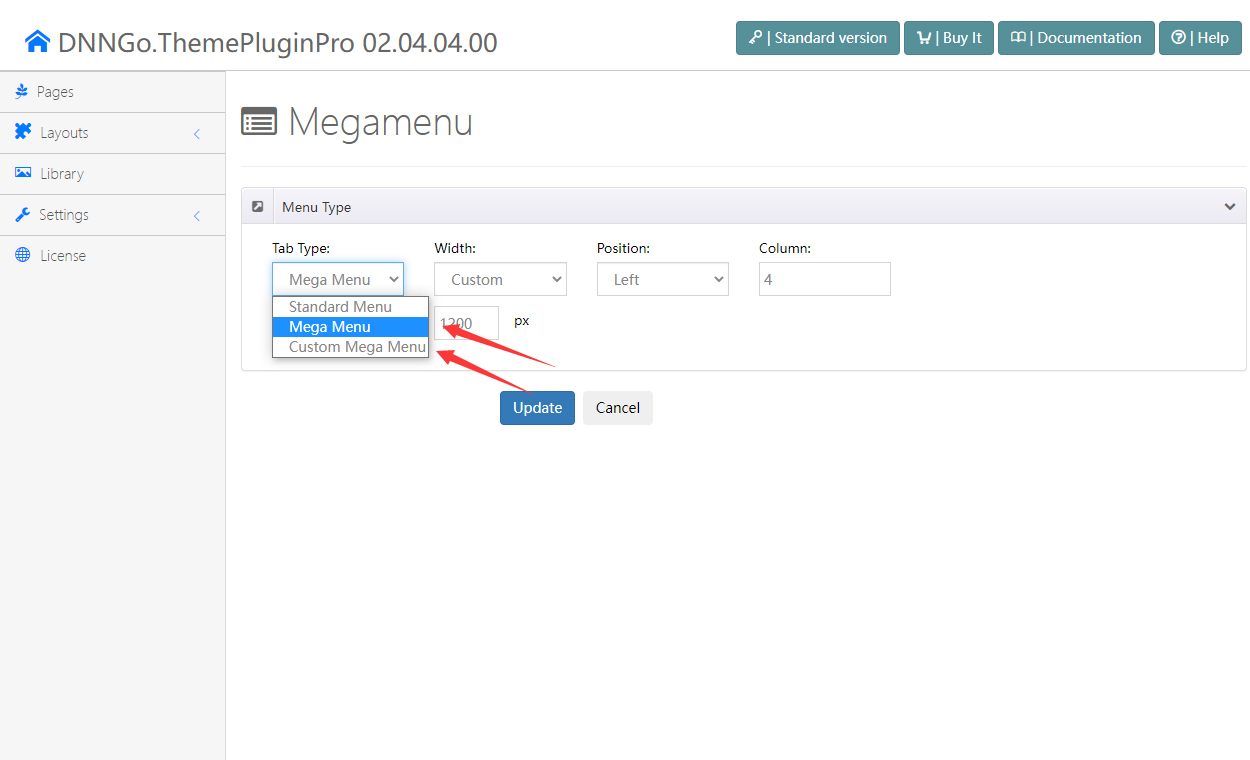
- There are 3 pop-up menu types:
- Standard Menu — a general pop-up menu
- Mega Menu — add a multi-column drop-down menu to your navigation
- Custom Mega Menu — insert extra HTML modules and 3rd-party modules into the drop-down menu
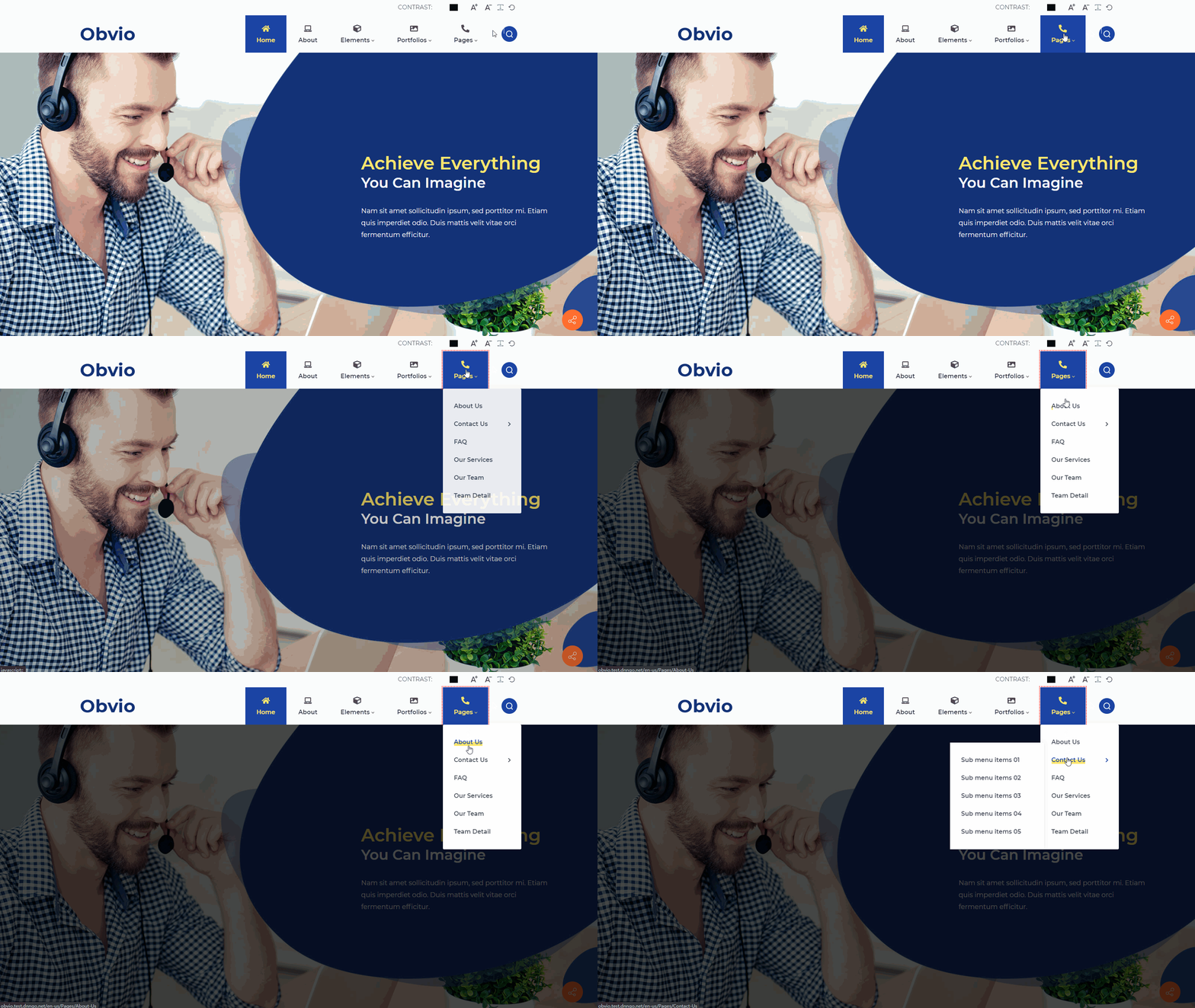
Standard Menu
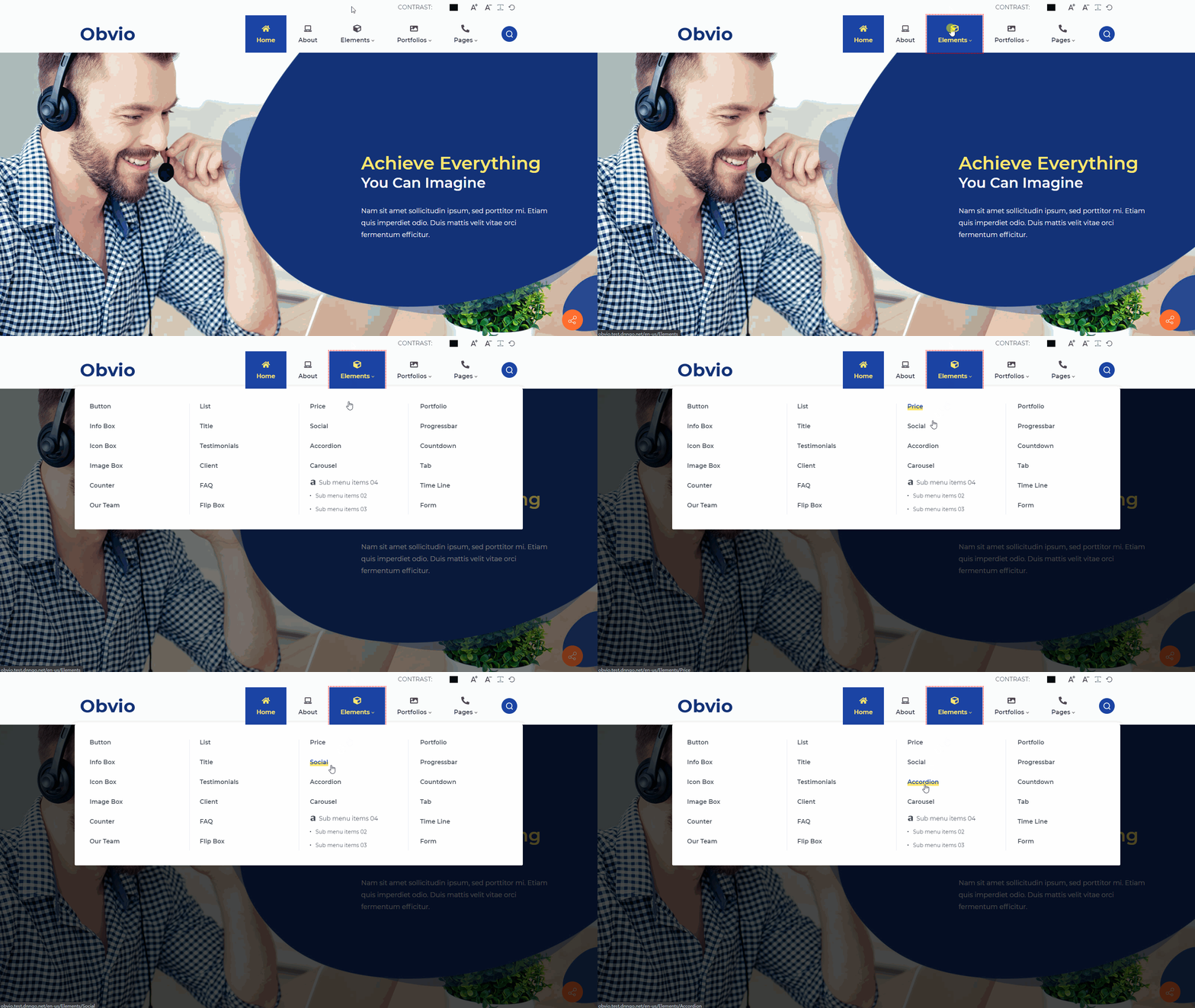
A general pop-up menu — sub menus are displayed as a drop-down list:
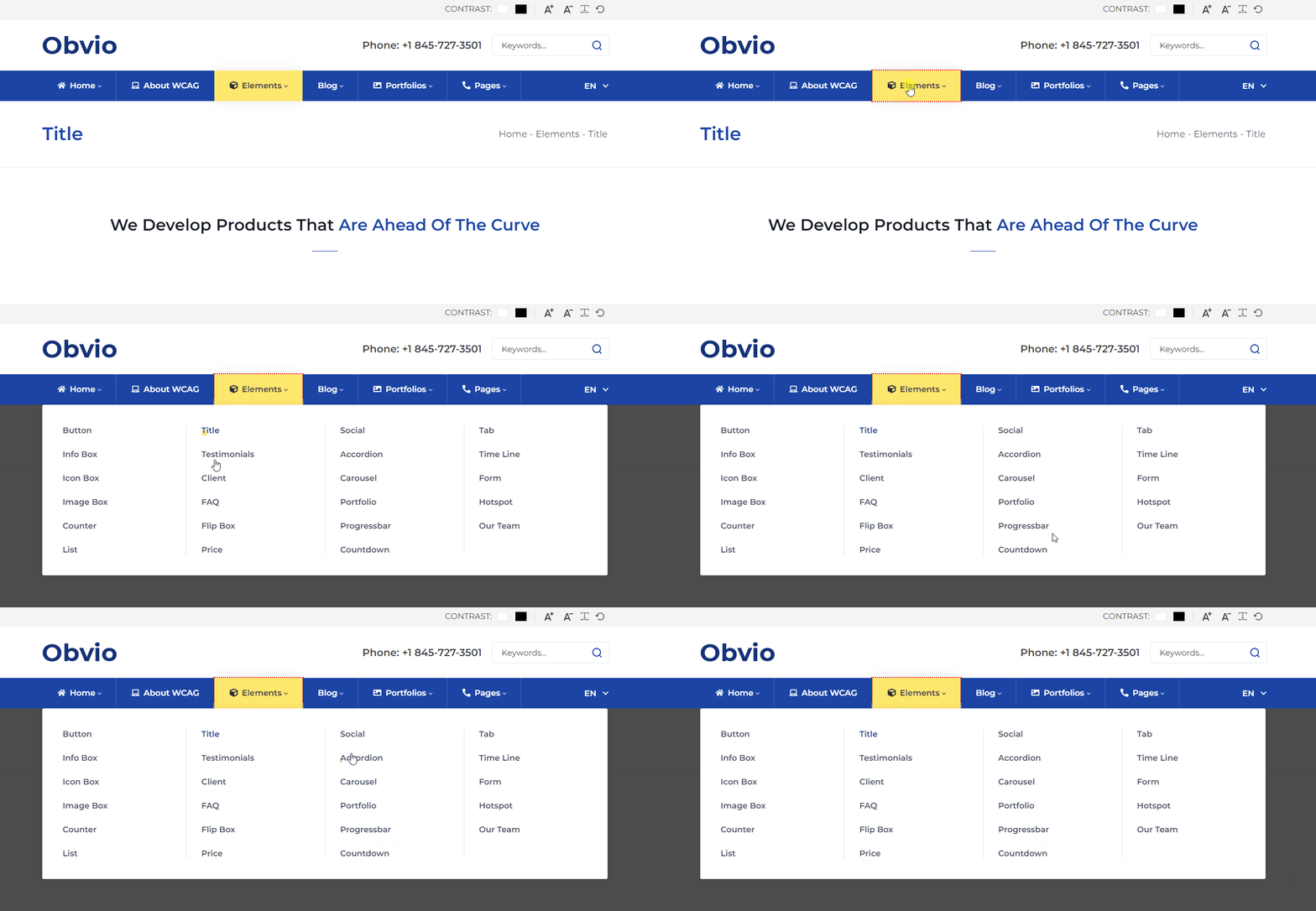
Mega Menu
Set to display sub menus in multiple columns:
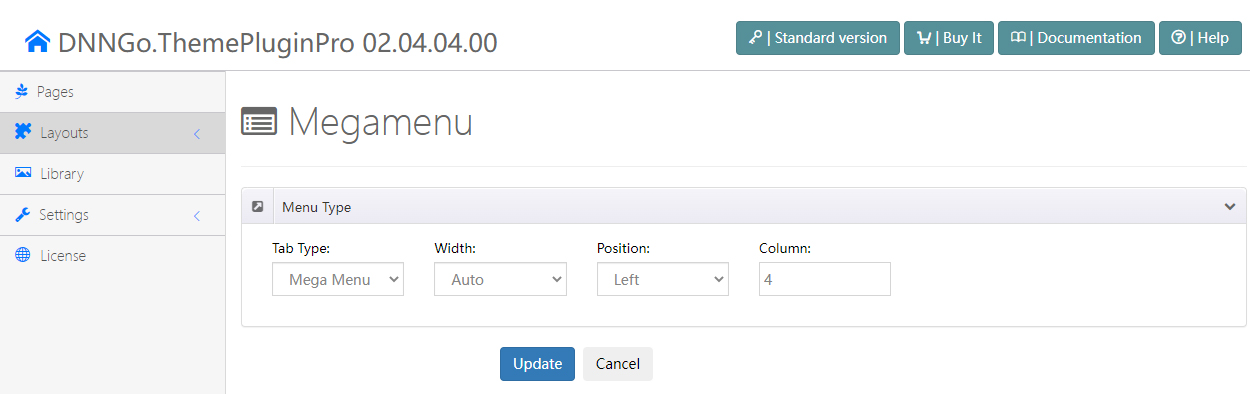
After selecting the Mega Menu type, you will find the options below.
Width
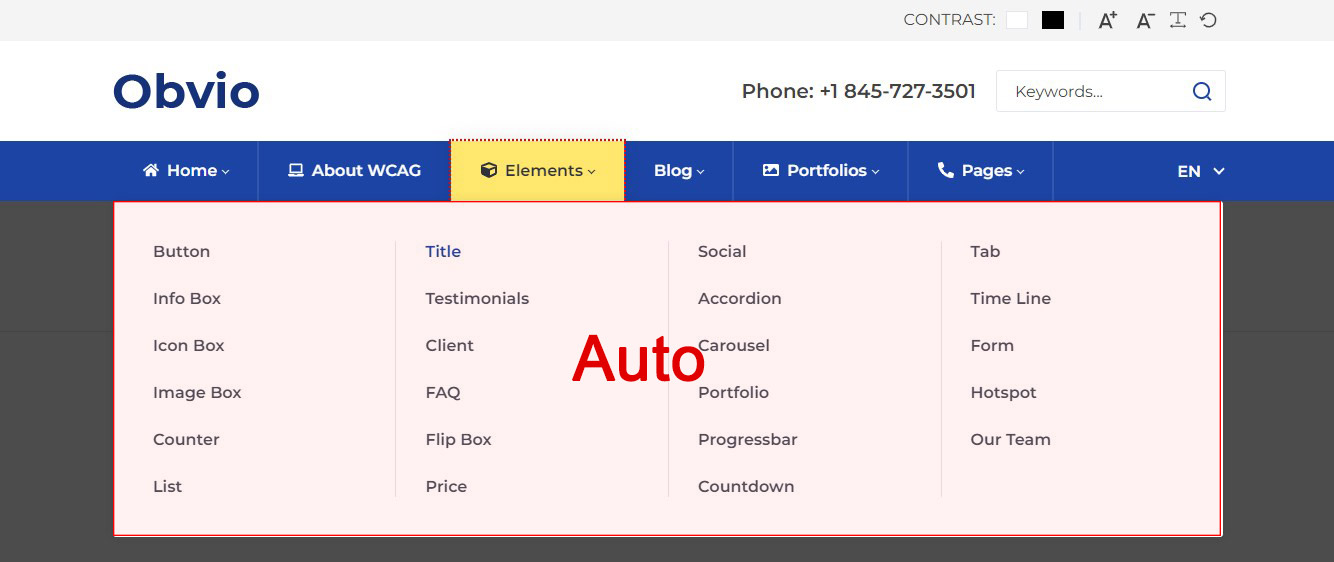
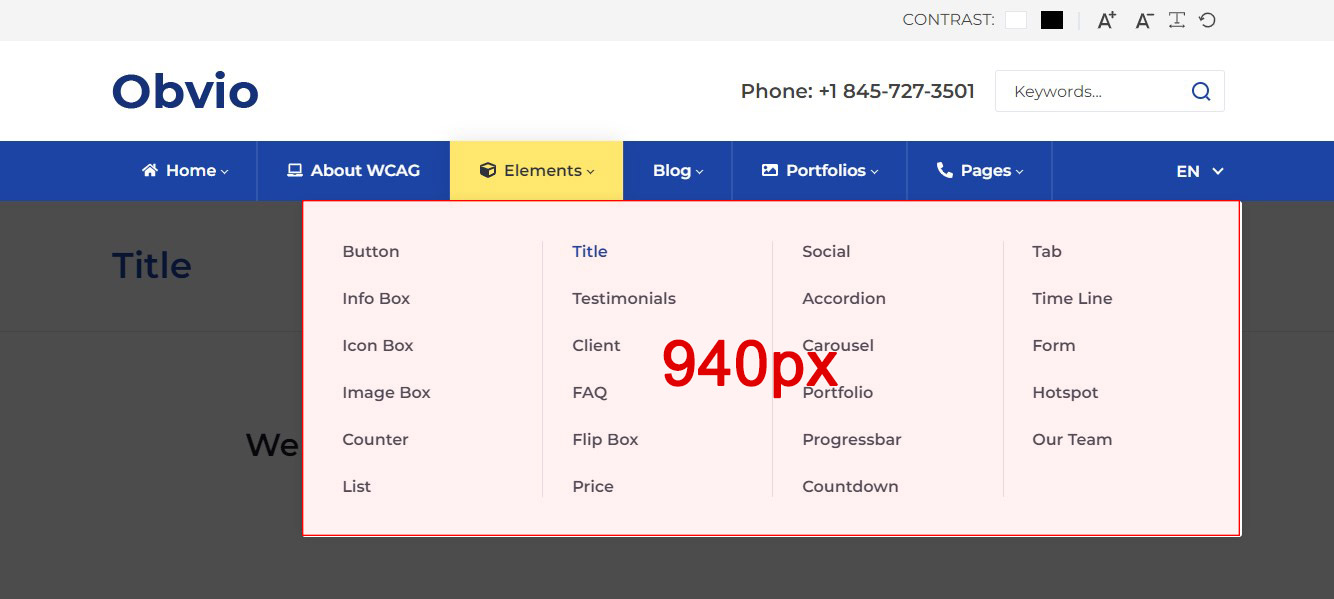
Set the width of the drop-down menu:
- Auto — the width of the sub menus is the same as the width of the theme's content area
- Custom — set the width of the sub menus to a specific value
Position
Set the display position of the drop-down menu:
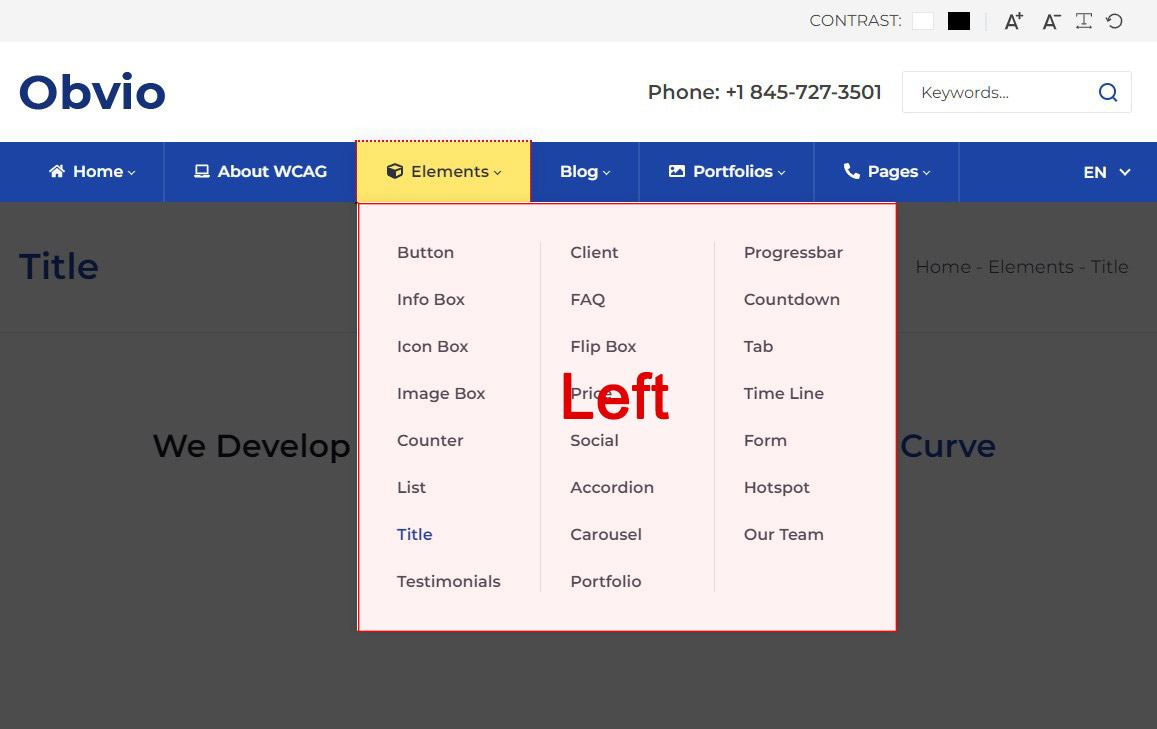
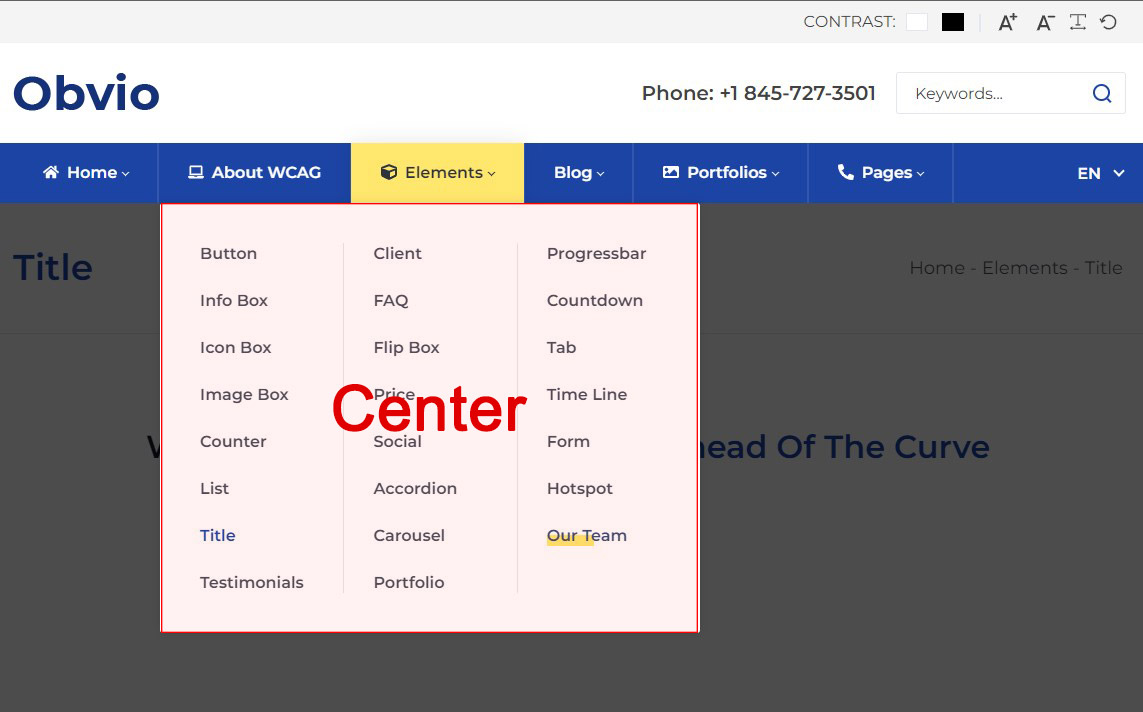
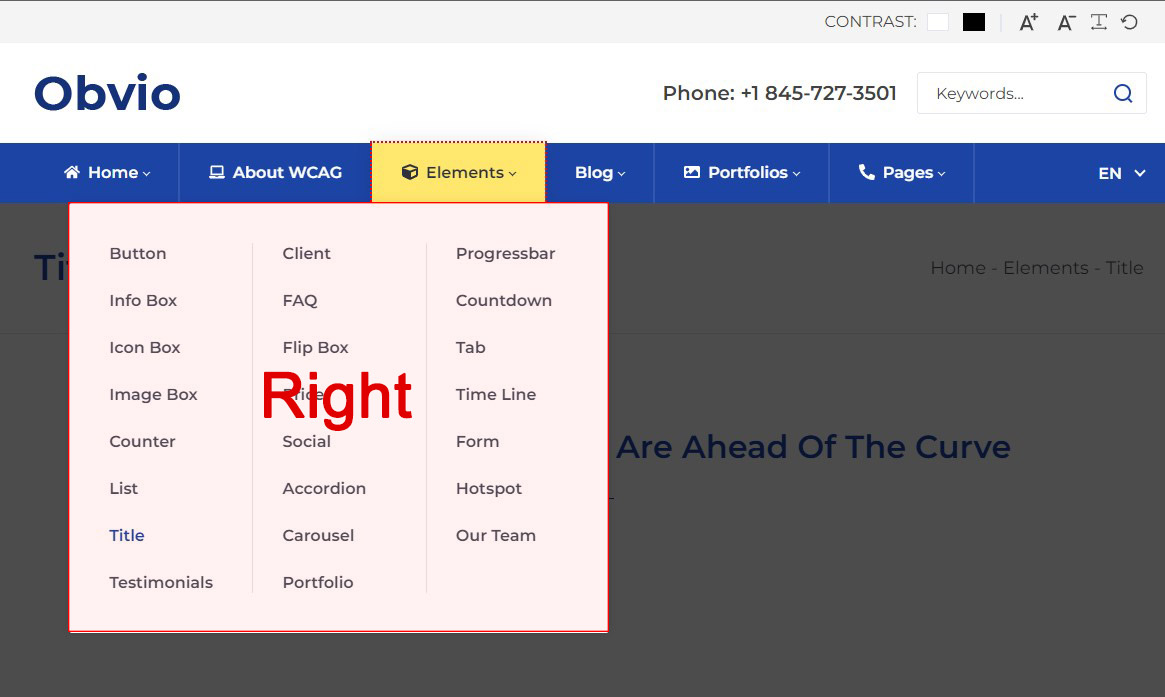
Column
Set how many columns the sub menu is displayed in:
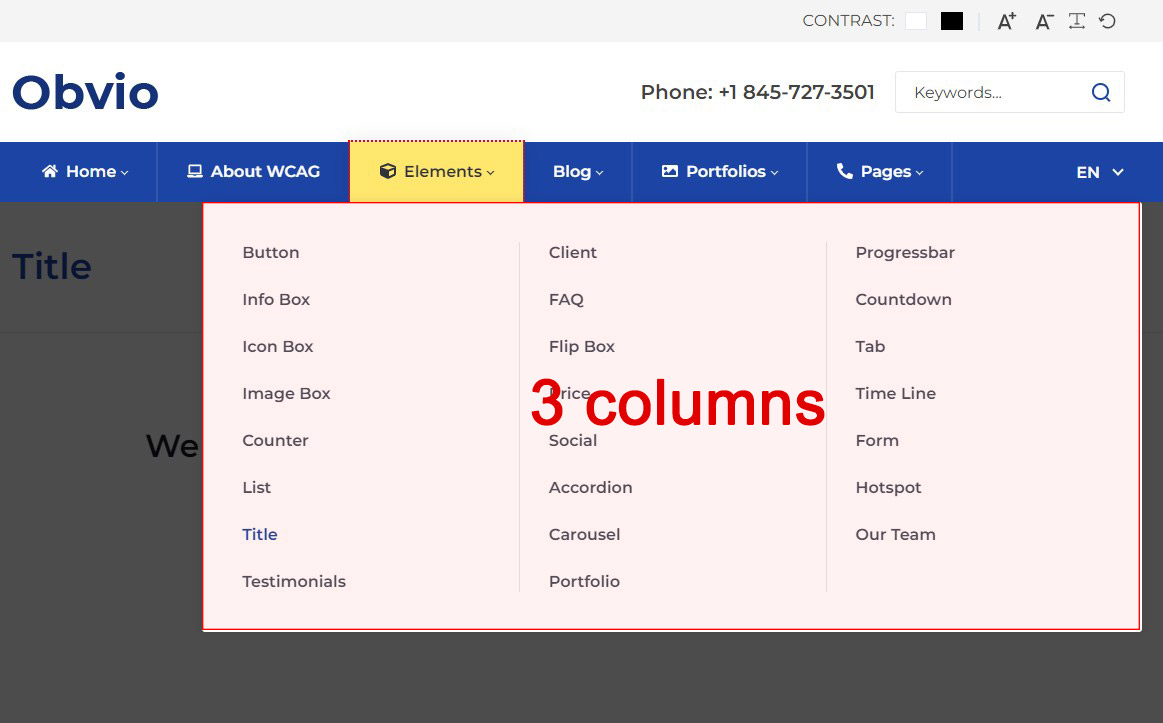
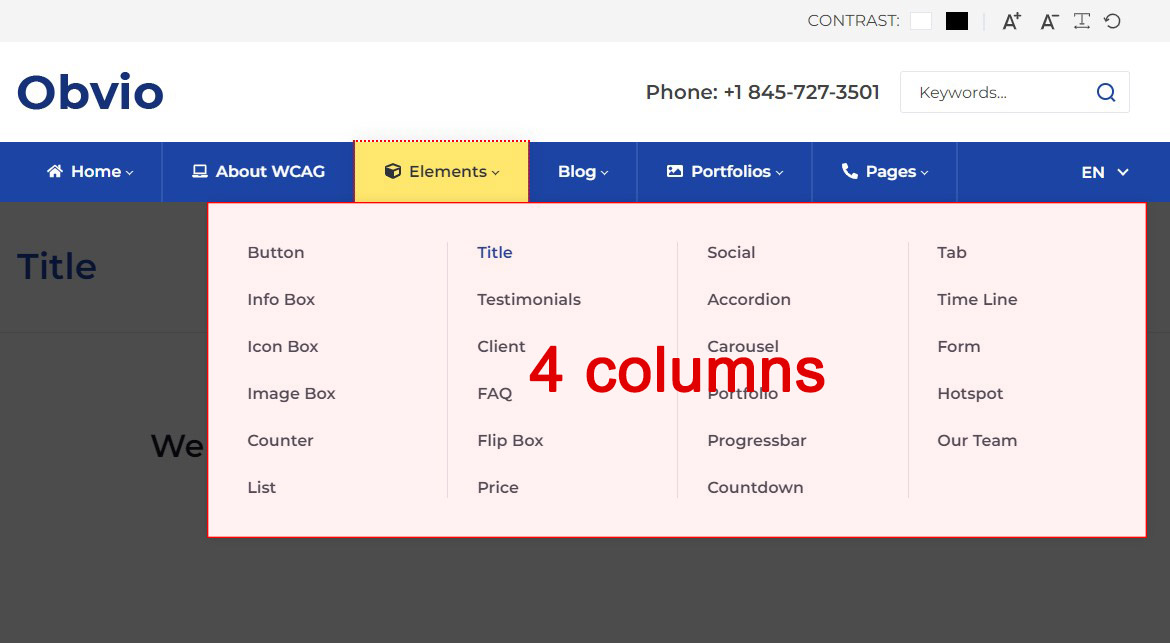
Custom Mega Menu
You can insert extra HTML modules and 3rd-party modules into the pop-up menu with this setting. The setting steps are as follows:
- Set Tab Type to Custom Mega Menu
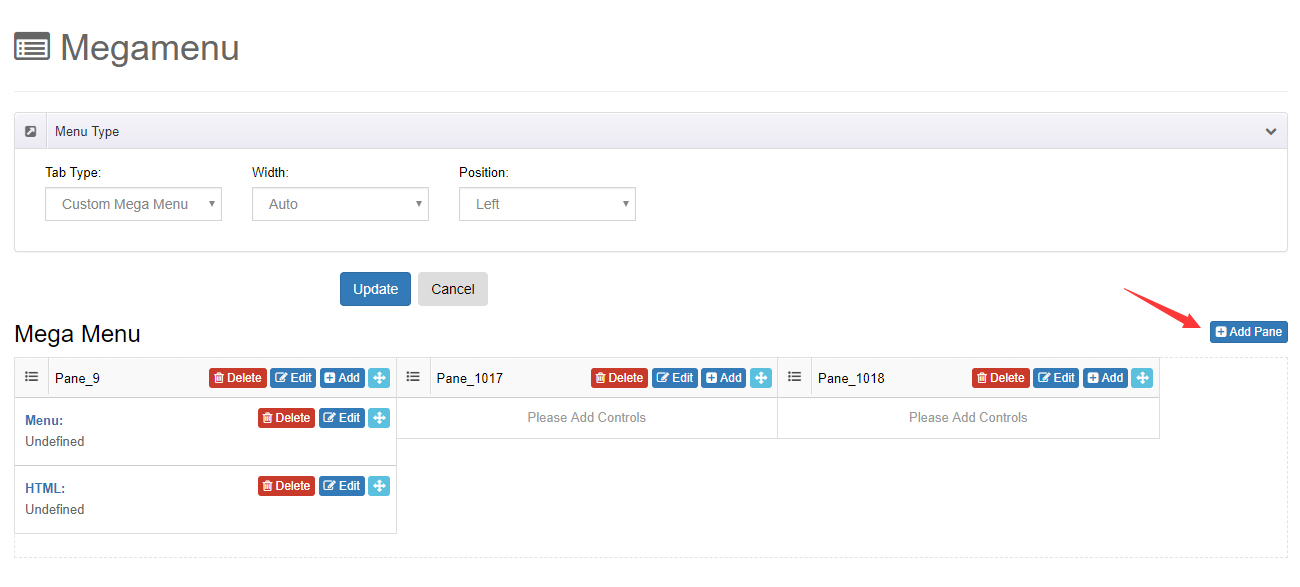
- Click the Add Pane button
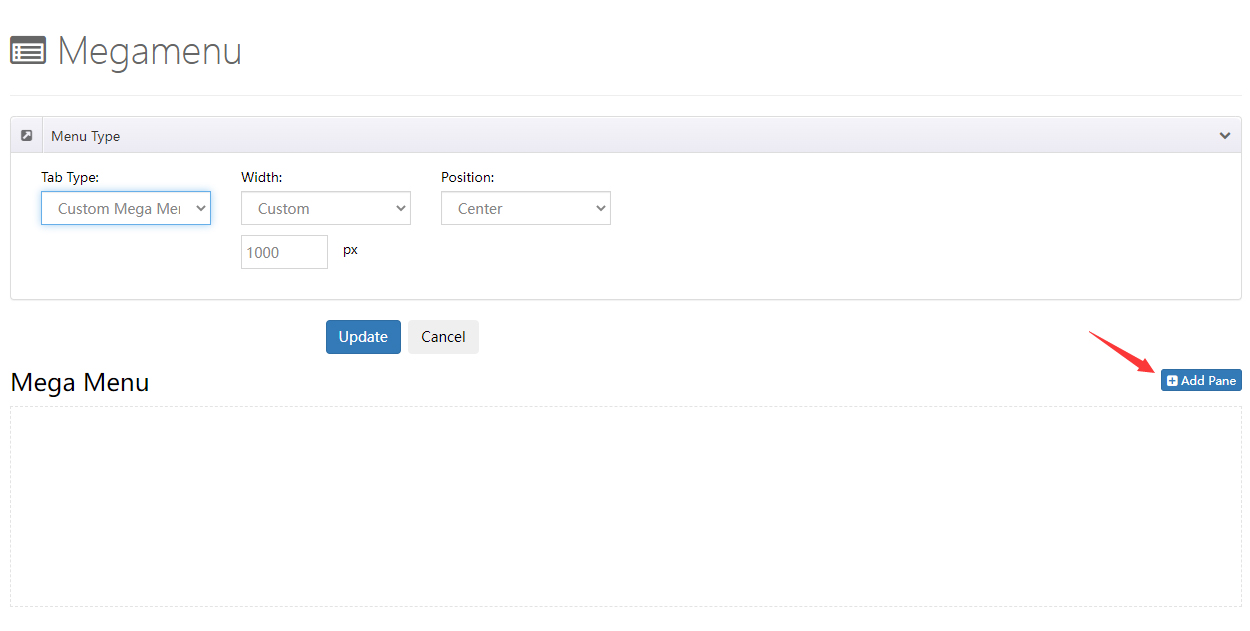
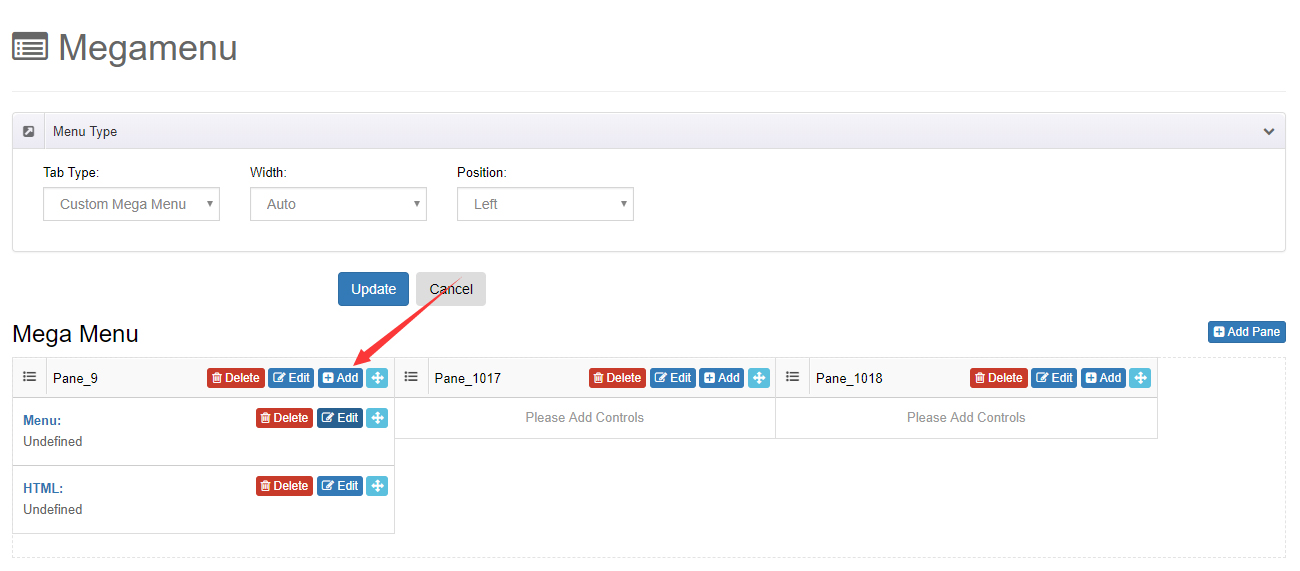
- Click the Add button to add a control to a pane. There is a total of 3 controls:
- Menu — display a certain menu and its sub menus
- HTML — add HTML code
- Module — apply the modules from a certain page to the pop-up menu
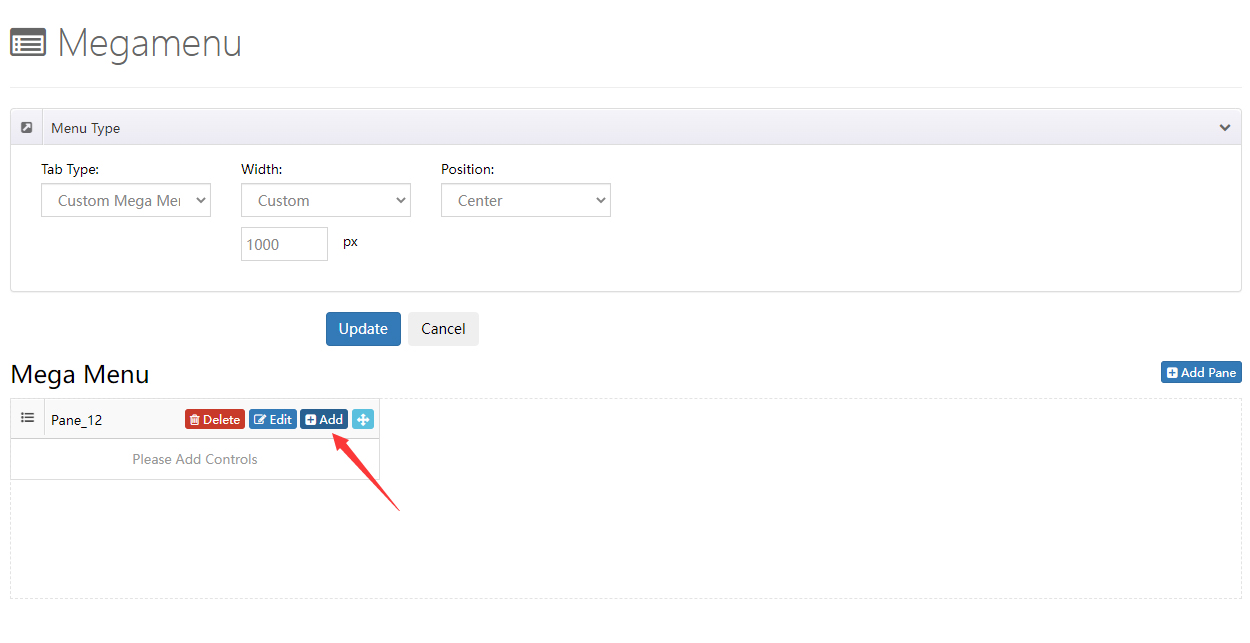
- You can add multiple panes to a drop-down menu
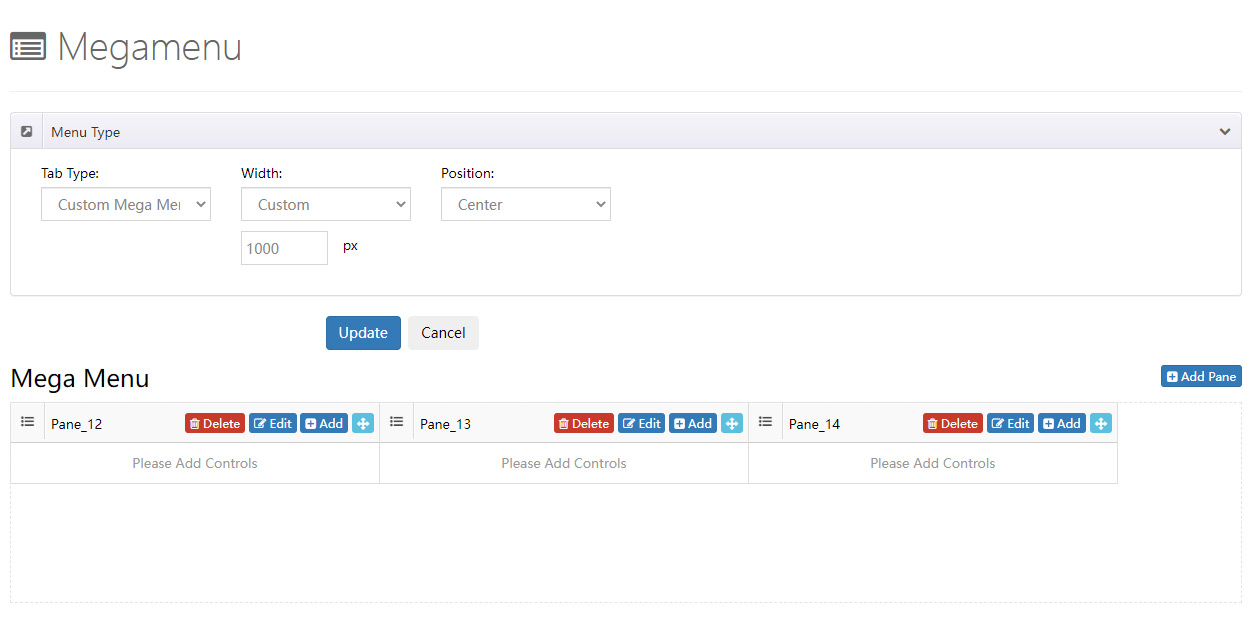
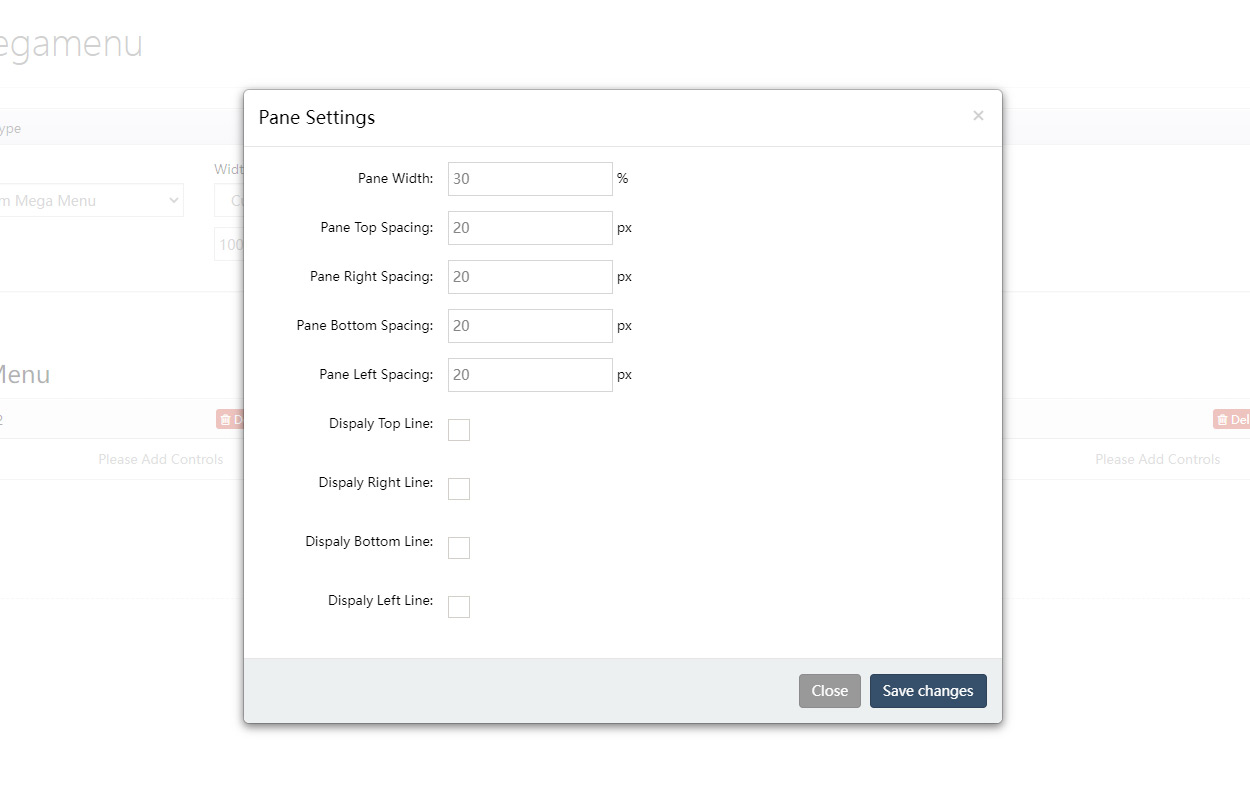
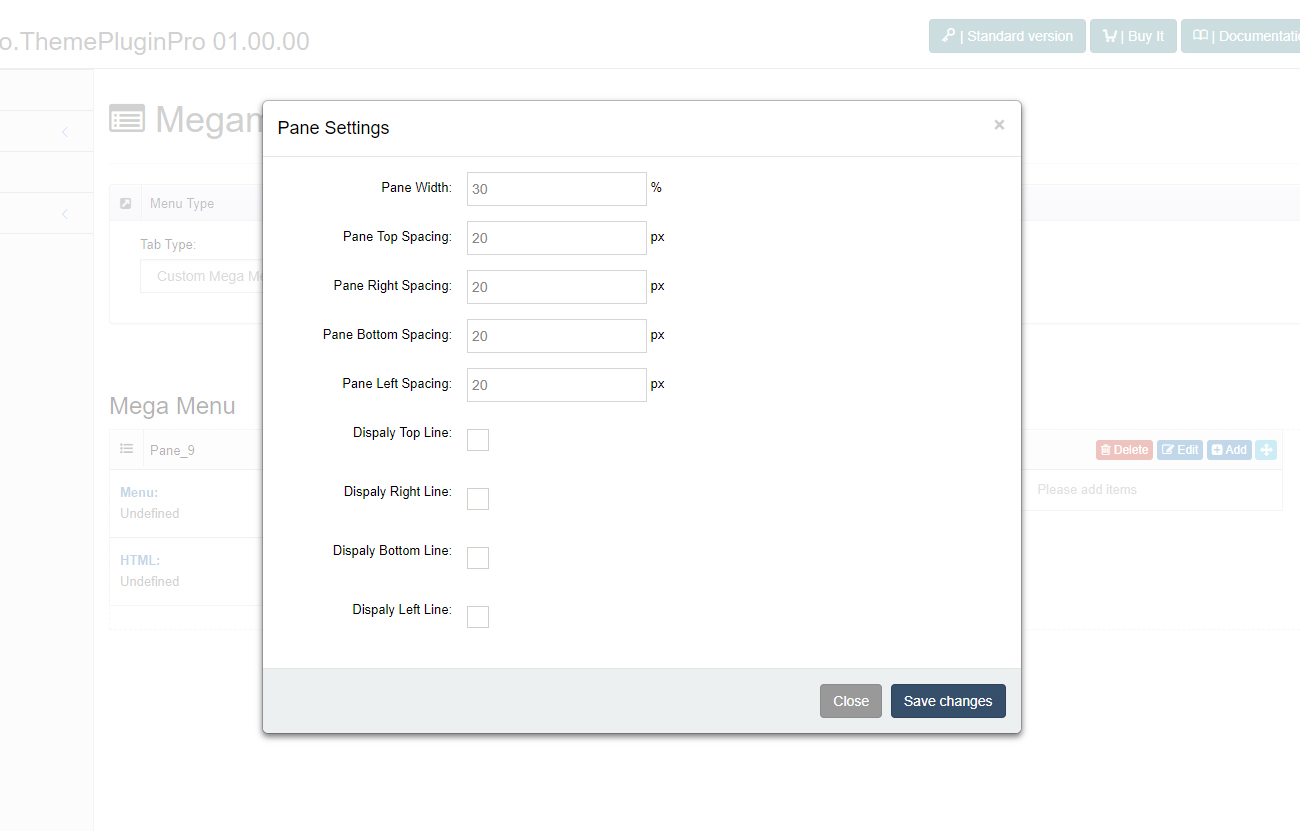
Click the edit icon to set the width of a pane and the spacing between panes:
Pane Control Panel
You can add panes in the Mega Menu control panel:
You can change the width of every pane, the space between panes and add borders:
Controls
You can add multiple controls to panes:
| Control | Description |
|---|---|
| Menu Control | Display a certain menu and its sub menus |
| HTML Control | Add HTML code |
| Module Control | Apply the modules from a certain page to the pop-up menu |