DropDownList (Country)
DropDownList (Country) provides a dropdown containing all countries/regions worldwide. The option data comes from DNN Lists (the Country list under Host → Lists) — no manual maintenance required.
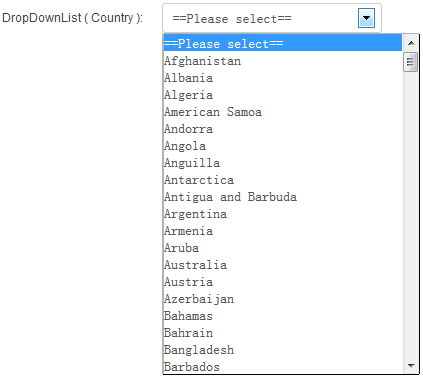
Data Source
The country options are read from the Country list in DNN's Admin → Lists (Host → Lists in some versions). Therefore:
- Options are provided automatically from DNN's built-in data, covering all countries.
- To add or remove countries, maintain the list on the DNN Lists page.
Version requirement
Available since PowerForms 07.00.00.
Specific Settings
Width
The dropdown width (pixels or percent).
Required
When checked, a country must be selected before submitting.
Pairing with Region
Usually paired with DropDownList (Region): the user picks a country first, and the region field's options update to show only that country's states/provinces.
Next Steps
- DropDownList (Region) — cascading regions
- Field Types Overview