HTML
The HTML control lets you insert arbitrary custom HTML content into the form — a display control more powerful than Label.
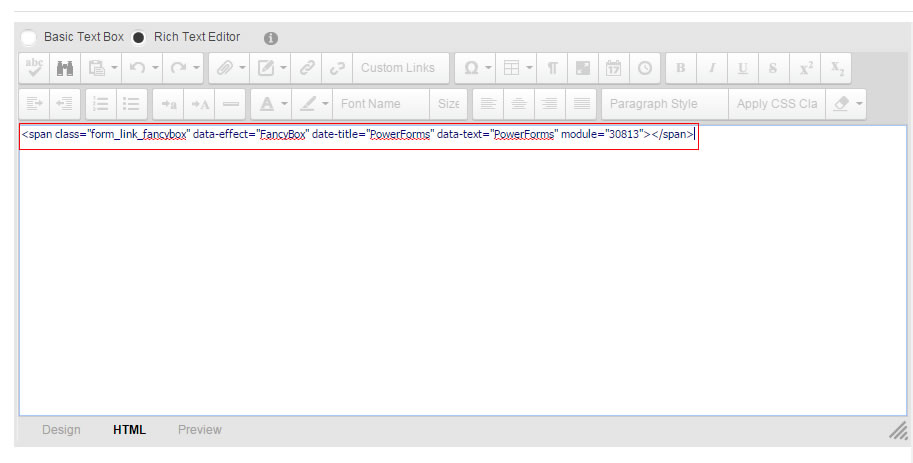
Specific Settings
Default Value (HTML content)
Compose content in the built-in rich text editor (TinyMCE) or paste HTML source directly. Supported:
- Formatted text paragraphs
- Images
- Links
- Tables
- Custom HTML fragments (video embeds, full agreement text)
Use cases
- Terms / privacy policy: display the full agreement in the form, combined with a CheckBox for consent.
- Visual guidance: place an illustrated how-to at the top of the form.
- Layout decoration: insert custom HTML fragments to refine the form layout.
Version Note
Added in PowerForms 04.01.00. Compared with Label's plain text, the HTML control displays much richer custom content.
Data Display
HTML content displays identically for all users and does not change with submissions; its value is not recorded in submissions.
Next Steps
- Label — simple text notes
- Field Types Overview