RichTextBox
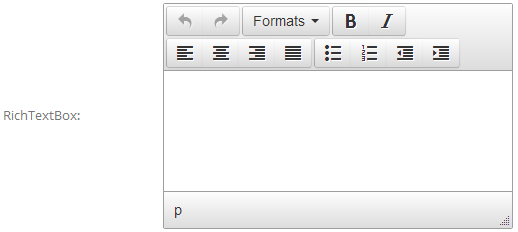
RichTextBox provides a WYSIWYG editor (TinyMCE) where users can enter formatted content such as links, images and tables.
Specific Settings
Width
The editor width (pixels or percent).
Rows
The editor height in rows.
Default Value
The default content, also entered through the rich text editor — it may contain formatting, links and other HTML content.
Use Cases
- Feedback: messages that need line breaks and lists.
- Content descriptions: collecting longer texts such as work intros or proposals.
- Rich submissions: allowing images and links inside the content.
TIP
For plain-text messages, use a TextBox with Rows set to 2 or more — it loads faster.
Data Display
Rich text content is rendered as HTML in the submission records and in email templates (via the [FieldName] placeholder).