Effect Overview
DNNGalleryPro ships with 24 display effects covering sliders, galleries, lists, charts, maps and more. Pick an effect in Effect List, then add data in All New to get started.
TIP
Effects can be switched anytime — existing data (title, description, images and other common fields) carries over automatically, no re-entry needed.
All Effects
Sliders & Carousels
| Effect | Description | Preview |
|---|---|---|
| Effect 01 SlideShow H | Horizontal slider with thumbnails, video and animated captions | 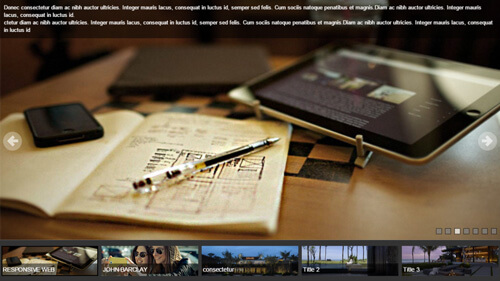 |
| Effect 02 SlideShow V | Vertical slider with side thumbnail list | 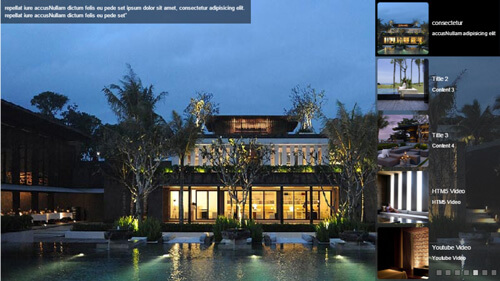 |
| Effect 03 Carousel | Multi-item carousel | 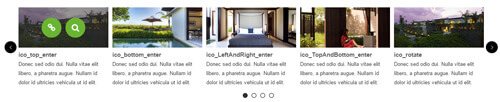 |
| Effect 09 ResponsiveSlide | Responsive slide show |  |
| Effect 11 TransBanner | Banner transition slider | 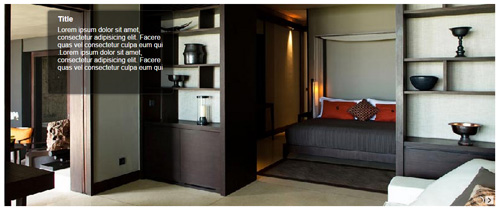 |
| Effect 12 UnoSlider | 40+ transitions, 12 themes | 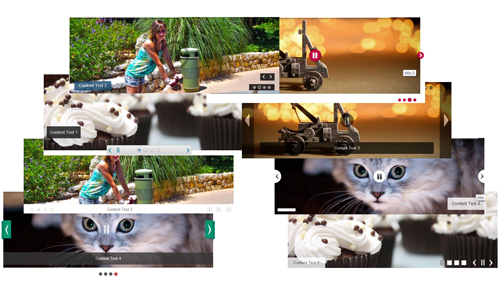 |
| Effect 15 ContentSlider | Rotating content showcase (large center image with surrounding images) | 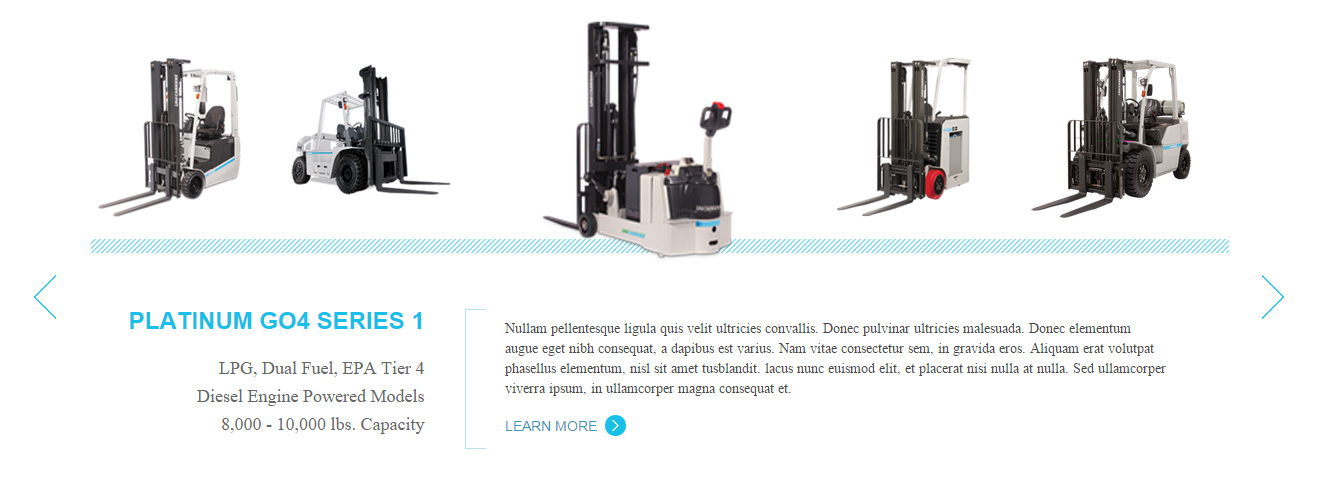 |
| Effect 23 ImageCarousel | 3D image carousel | 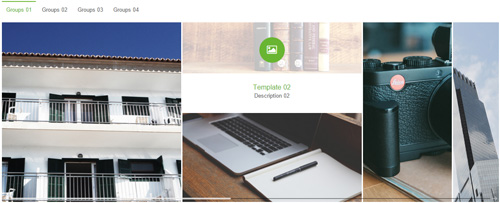 |
Galleries & Grids
| Effect | Description | Preview |
|---|---|---|
| Effect 04 Isotope | Isotope grid + group filter + load more | 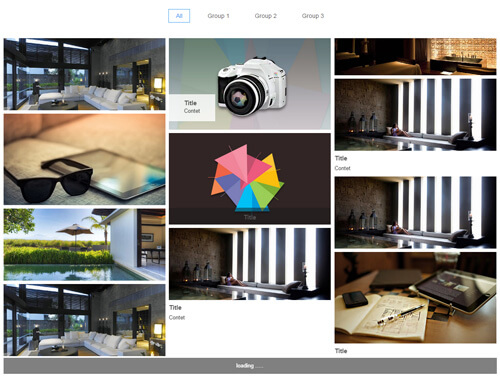 |
| Effect 08 PhotoGallery | Photo gallery + lightbox | 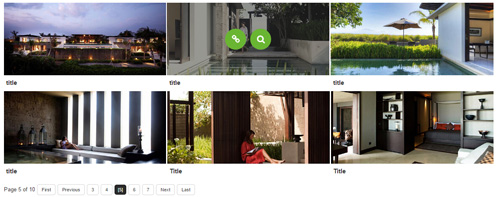 |
| Effect 07 FlipBox | 3D flip cards | 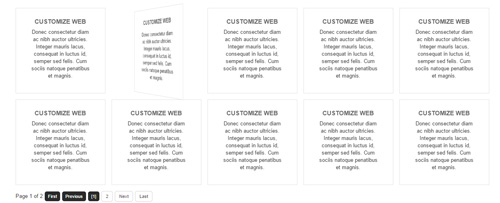 |
| Effect 20 Pricing | Responsive pricing tables | 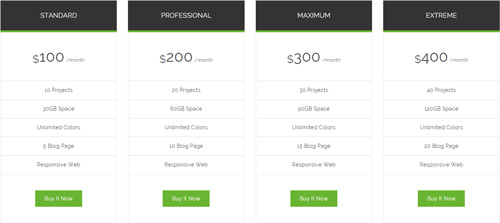 |
Tabs & Accordions
| Effect | Description | Preview |
|---|---|---|
| Effect 05 ResponsiveTabs | Responsive tabs | 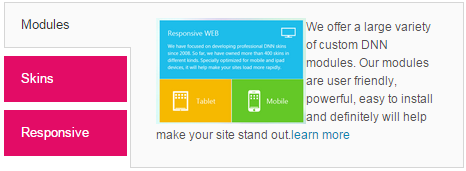 |
| Effect 06 Accordion | Accordion panels | 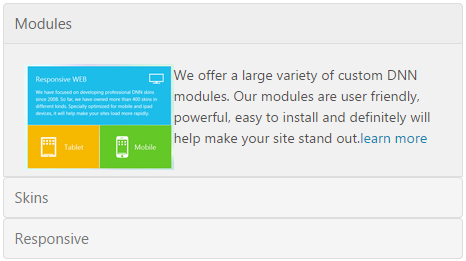 |
| Effect 14 FAQ | FAQ list with category filter | 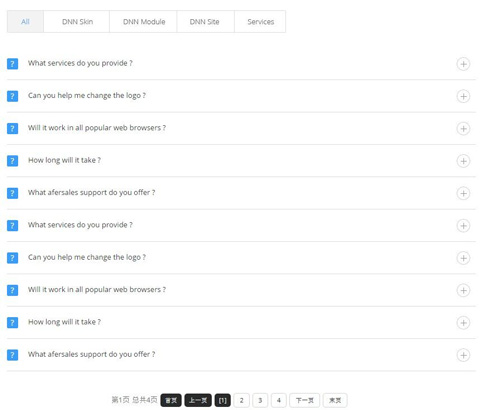 |
Scrolling & Lists
| Effect | Description | Preview |
|---|---|---|
| Effect 13 Scrolling | Horizontal marquee scrolling |  |
| Effect 16 VerticalScroll | Vertical scrolling list | 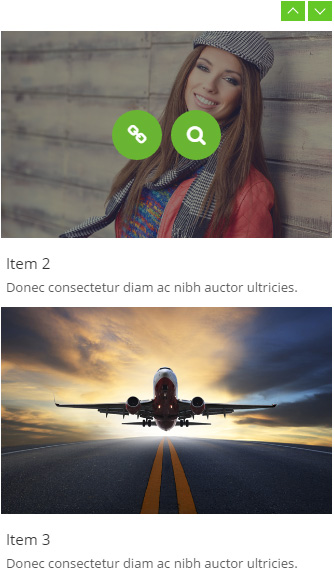 |
| Effect 17 Timeline | Timeline | 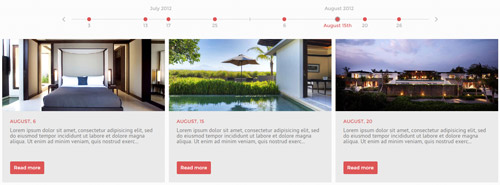 |
| Effect 24 History | History feed (load more) | 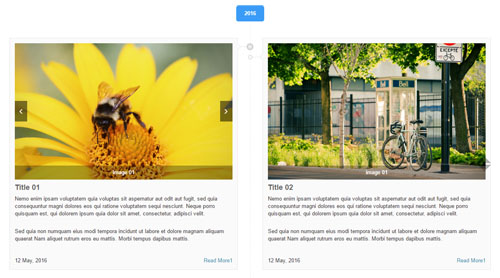 |
Featured
| Effect | Description | Preview |
|---|---|---|
| Effect 18 GoogleMap | Google map with markers (street view) | 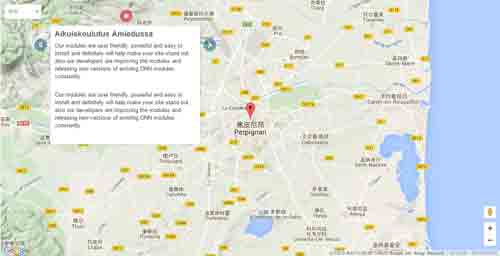 |
| Effect 19 Chart | Chart.js charts (bar/line/radar/pie) | 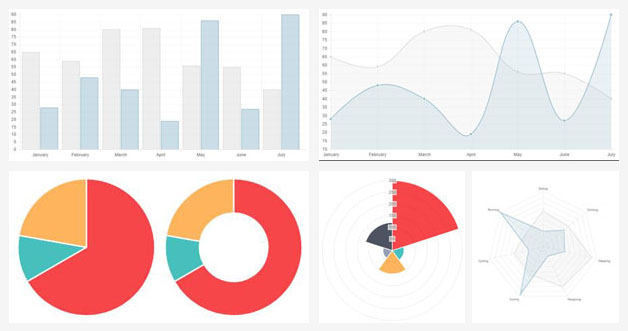 |
| Effect 21 Socialsider | Fixed social icon sidebar |  |
| Effect 22 ComingSoon | Countdown / maintenance page |  |
| Effect 25 CookieNotice | Cookie consent notice (GDPR) |  |
Choosing an Effect
- Content shape: pure image display favors sliders (01/02/09/11/12) or galleries (04/08); text-rich content suits tabs/accordions (05/06/14); date-ordered content fits Timeline/History.
- Interaction needs: group filtering — Isotope/FAQ; click-to-zoom — PhotoGallery; eye-catching — FlipBox/ImageCarousel.
- Scenarios: maps — GoogleMap; data visualization — Chart; product pricing — Pricing; event countdown — ComingSoon.
Workflow
- Pick an effect in Effect List (see the previews and demo links) — Effect List;
- Choose a theme and adjust parameters (size, animations, colors) in Effect Options — Effect Options;
- Add items in All New;
- Check the front end and fine-tune (or customize the theme CSS in Effect Style).
See the left sidebar for each effect's detailed parameters.