Effect 08 PhotoGallery
Responsive photo gallery — a grid with hover animations; clicking an image opens it in a lightbox. Ideal for albums, case galleries and product images.
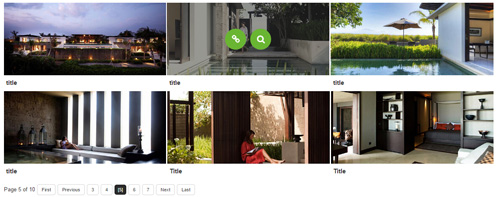
Live Demo
Visit the official demo page to see it in action.
Data Fields
| Field | Description |
|---|---|
| Title | Image title (under the image and in the lightbox) |
| Description | Image caption |
| Featured Image | Gallery image; URL or media library |
| Link | Optional link (hover icon) |
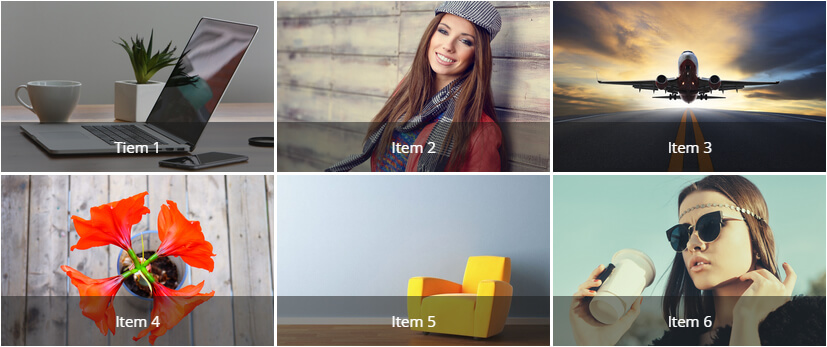
Item form (Field Manager) screenshot:
Effect Settings
Layout
| Parameter | Description |
|---|---|
| Page Size | Items per page (default 999) |
| Number of columns | Number of columns per breakpoint (default 5/4/3/1) |
| Item Spacing | Spacing between items in pixels (default 3) |
| Lightbox Animation | Easing of the lightbox open animation |
Title / Description Settings
| Parameter | Description |
|---|---|
| Display Title / Description | Show the title/description in the caption area |
| Font Size / Font Color | Font size and color |
Effect / Border / Other Settings
| Parameter | Description |
|---|---|
| Same as Carousel | Matches Effect 03 Carousel |
Related
- Effect Options — configure this effect's theme and parameters
- Effect Overview — all effects
- Adding Items — add items for this effect
- All Items — manage items