Effect 20 Pricing
Responsive pricing tables — one card per plan with an accent color for the recommended plan, plus an optional left-header comparison mode. Ideal for SaaS plans, memberships and service quotes.
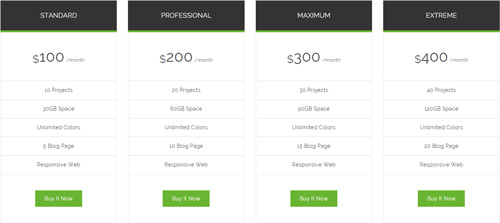
Live Demo
Visit the official demo page to see it in action.
Data Fields
| Field | Description |
|---|---|
| Title | Plan name (e.g. Basic / Pro / Enterprise) |
| Description | Feature list (rich text, one per line) |
| Price fields | Price, billing cycle, etc. |
| Link / button text | Buy button URL and label |
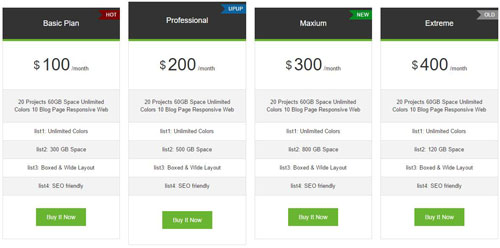
Item form (Field Manager) screenshot:

Effect Settings
Layout & colors
| Parameter | Description |
|---|---|
| Number of columns | Number of columns per breakpoint (default 4/4/3/1) |
| Item Spacing | Spacing between items in pixels (default 3) |
| Text alignment | Text alignment (default center) |
| Accent color | Accent color (buttons, highlighted elements) (default #69b532) for the recommended plan |
| Display Shadow | Show card shadows |
Left Header Settings
| Parameter | Description |
|---|---|
| Display Left Header | Enable the left comparison header |
| Header Title / Price Text / Description Text / Buy Button Text | Row labels of the header |
TIP
This effect ships 4 themes (Themes).
Related
- Effect Options — configure this effect's theme and parameters
- Effect Overview — all effects
- Adding Items — add items for this effect
- All Items — manage items