Effect 07 FlipBox
3D flip cards: the front shows an image/title, hovering flips to the back with details. Front and back colors, titles and content are configured separately. Ideal for service highlights, team members and feature cards.
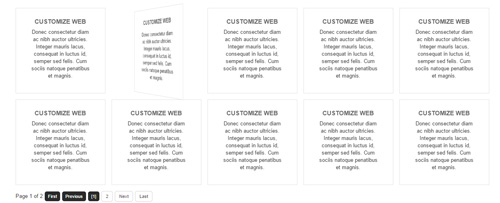
Live Demo
Visit the official demo page to see it in action.
Data Fields
| Field | Description |
|---|---|
| Title | Front title (also the back title after flip) |
| Description | Back content (rich text) |
| Featured Image | Front image |
| Link | Optional link |
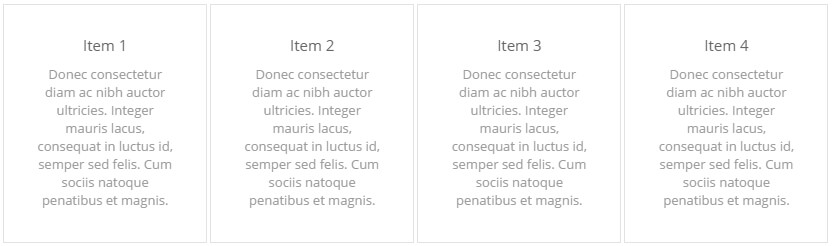
Item form (Field Manager) screenshot:
Effect Settings
Layout
| Parameter | Description |
|---|---|
| Page Size | Items per page (default 999, i.e. show all) |
| Number of columns | Number of columns per breakpoint (default 5/4/3/1) |
| Item Spacing | Spacing between items in pixels (default 3) |
Front Settings
| Parameter | Description |
|---|---|
| Front Border / Background Color | Front border and background |
| Display Front Title / Content | Show front title / content |
| Front Title / Content Color | Front title and content colors |
| Front Padding | Front padding (default 25) |
Back Settings
| Parameter | Description |
|---|---|
| Back Border / Background Color | Back border and background |
| Display Back Title / Content | Show back title / content |
| Back Title / Content Color | Back title and content colors |
| Back Padding | Back padding (default 25) |
Related
- Effect Options — configure this effect's theme and parameters
- Effect Overview — all effects
- Adding Items — add items for this effect
- All Items — manage items