Effect 01 SlideShow H
A full-featured horizontal slider built on the Jssor engine, with animated captions, thumbnail navigation, bullet/arrow navigators, plus HTML5 video and YouTube playback. Ideal for home banners and product showcases.
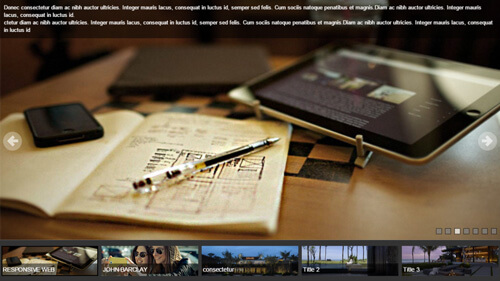
Live Demo
Visit the official demo page to see it in action.
Data Fields
| Field | Description |
|---|---|
| Title | Slide title, also used as the thumbnail title |
| Description | Rich text displayed as an animated caption over the image |
| Slider Type | Picture or HTML5 Video |
| Picture / Video Poster | Slide background image or video poster; URL or media library |
| Thumbnail | Small image for the bottom thumbnail navigator |
| Link | URL opened when the slide is clicked |
| Date / Group | For sorting and filtering |
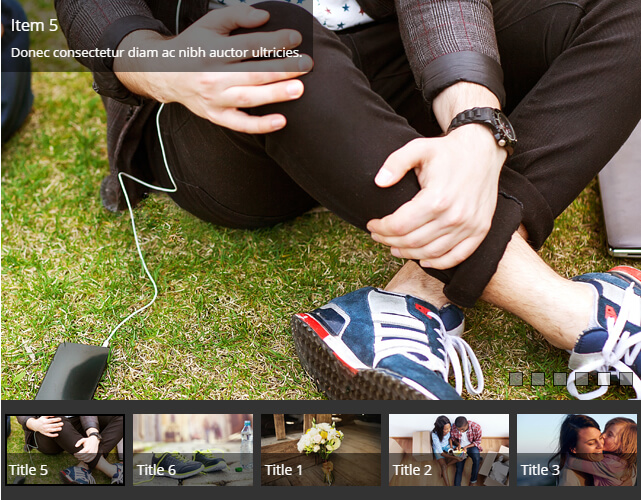
Item form (Field Manager) screenshot:
Effect Settings
Basic Options
| Parameter | Description |
|---|---|
| Slider Width / Height | Slider width (px) / Slider height (px) |
| Responsive | Enable responsive scaling — scales down proportionally on small screens |
| Auto Play / Auto Play Interval | Enable autoplay; Autoplay interval in milliseconds (default 3000) |
| Video Auto Play / Display Video Controls | Play the video automatically when its slide activates; Show the video control bar |
| Pause On Hover | Pause autoplay on hover |
| Play Orientation / Drag Orientation | Play/drag direction (1=horizontal, 2=vertical, 3=both) |
| Slide Duration | Transition duration in milliseconds |
| Slide Show Transitions | Transition collection (multi-select) |
Thumbnail Options
| Parameter | Description |
|---|---|
| Thumbnail Enable / Position | Enable the thumbnail navigator and its position (Top/Bottom) |
| Thumbnail Height / Item Height | Navigator area height / single thumbnail height |
| Thumbnail Bg / Opacity | Navigator background color and opacity |
| Thumbnail Display Pieces | Number of visible thumbnails |
| Thumbnail Image / Title Enable | Show the image / title inside thumbnails |
BulletNavigator Options
| Parameter | Description |
|---|---|
| BulletNavigator Enable / Style | Enable bullets and pick the skin |
| BulletNavigator Auto Center | Auto-center the bullet navigator |
| SpacingX / SpacingY / Orientation | Bullet spacing and orientation |
ArrowNavigator Options
| Parameter | Description |
|---|---|
| ArrowNavigator Enable / Style | Enable arrows and pick the skin |
| Chance To Show / Spacing | When to show (1=always, 2=on hover) / spacing |
Description Options
| Parameter | Description |
|---|---|
| Display Title / Description | Show the title/description in the caption area |
| PositionX / PositionY / Spacing | Caption alignment within the slide and offsets |
| Description Transitions | Caption entrance animation |
| Description Bg / Opacity / colors | Caption background, opacity and text colors |
Related
- Effect Options — configure this effect's theme and parameters
- Effect Overview — all effects
- Adding Items — add items for this effect
- All Items — manage items